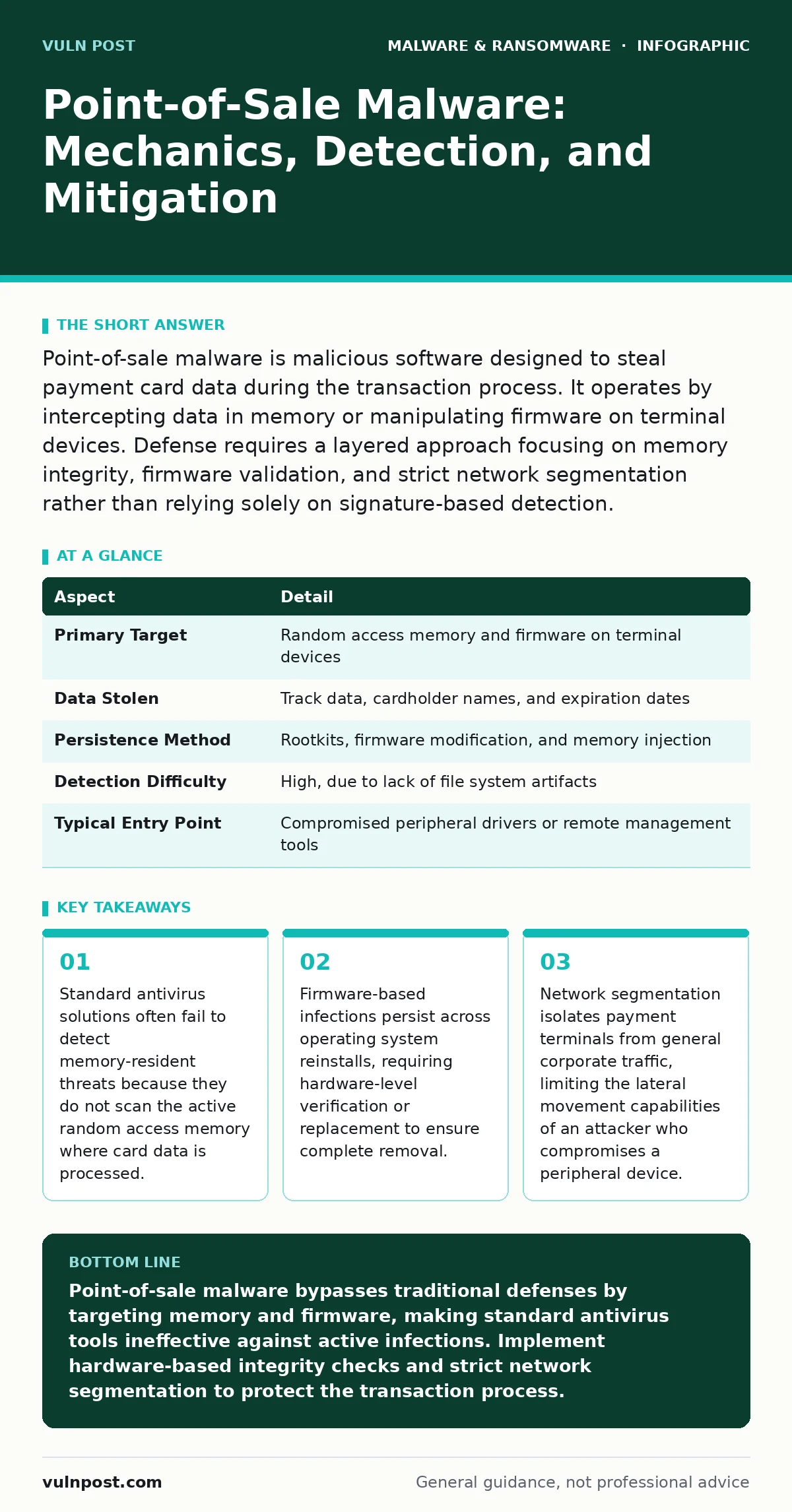
Point-of-sale malware is malicious software designed to steal payment card data during the transaction process. It operates by intercepting data in memory or manipulating firmware on terminal devices. Defense requires a layered approach focusing on memory integrity, firmware validation, and strict network segmentation rather than relying solely on signature-based detection.
The Cashier’s Blind Spot
Imagine a cashier scanning a grocery item. The barcode reader sends a signal to the register, which displays the price. Now imagine a hidden device intercepting that signal, copying the data, and forwarding it unchanged to the register. The cashier sees nothing wrong. The customer pays. But the data has already left the store. This is the fundamental mechanic of point-of-sale malware. It does not care about your files or your emails. It cares only about the brief moment when payment data exists in a readable state.
Unlike viruses that replicate or worms that spread across networks, this malware is often a specialized tool. Its goal is stealth and precision. It targets the specific hardware and software stack used to process transactions. Understanding this requires looking past the operating system and into the hardware layers that handle data before it is encrypted.
| Aspect | Detail |
|---|---|
| Primary Target | Random access memory and firmware on terminal devices |
| Data Stolen | Track data, cardholder names, and expiration dates |
| Persistence Method | Rootkits, firmware modification, and memory injection |
| Detection Difficulty | High, due to lack of file system artifacts |
| Typical Entry Point | Compromised peripheral drivers or remote management tools |
How the Interception Works
The attack usually begins long before the malware reaches the terminal. Attackers identify vulnerable points in the supply chain or the remote management infrastructure of the merchant. They may compromise a software update server or exploit weak credentials in a remote access tool. Once they have a foothold, they deploy the malicious code to the point-of-sale system.
The malware then waits for a transaction. When a card is swiped, dipped, or tapped, the data flows into the system’s memory. The malware hooks into this process. It reads the unencrypted data from the memory buffer. It then sends a copy of this data to a command and control server. The original transaction proceeds normally. The receipt prints. The customer leaves. The merchant remains unaware that the data has been exfiltrated.
This process relies on the malware operating at a privilege level high enough to read memory but low enough to avoid detection. It often masquerades as a legitimate driver or system process. This makes traditional behavioral analysis difficult. The system appears to be functioning correctly. The only anomaly is the data loss, which is invisible to the endpoint itself.
Common Forms and Vectors
Point-of-sale malware takes several forms, each exploiting different weaknesses in the terminal architecture. Memory scrapers are the most common. They reside in the random access memory and scan for patterns that match card data. They do not leave files on the disk. This makes them hard to find with traditional scanning tools.
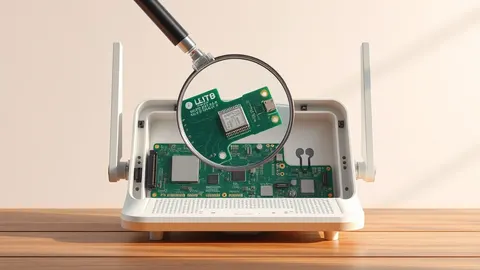
Firmware rootkits are more persistent. They infect the basic input/output system or the terminal’s embedded controller. This firmware runs before the operating system loads. If the firmware is infected, reinstalling the operating system does not remove the malware. The infection survives every reboot. This form of malware is closely related to firmware malware in general, which affects routers and servers. The principle is the same: compromise the lowest layer of trust.
Another vector involves peripheral devices. Keyloggers can be installed on the operating system level, but hardware keyloggers are physical devices inserted between the card reader and the terminal. These are not software, but they serve the same purpose. They capture the data at the hardware level. Software-based malware can also emulate these devices, creating virtual drivers that intercept data from the physical reader.
What People Usually Get Wrong
A common misconception is that antivirus software provides sufficient protection. Most antivirus quarantine procedures rely on scanning files on the disk. Point-of-sale malware often lives only in memory. It may never write a malicious file to the hard drive. If the security solution does not inspect memory, it will miss the threat entirely. This is why next-generation antivirus solutions, which include memory scanning and behavioral analysis, are often recommended for high-risk environments.
Another error is assuming that encryption solves the problem. Encryption protects data at rest and in transit. It does not protect data in use. When the terminal processes a transaction, the data must be decrypted to be read. This is the window of vulnerability. The malware targets this specific moment. Encrypting the database after the transaction is useless if the data was stolen before it was encrypted.
Many organizations also neglect the firmware layer. They focus on the operating system and the applications. They forget that the hardware itself can be compromised. If the firmware is not verified, the entire system is untrusted. This is a critical blind spot in many security operations. It requires a shift in mindset from software security to hardware integrity.
Reducing the Risk
Defense requires a layered approach. The first layer is hardware. Use terminals that support trusted platform modules. These modules can verify the integrity of the firmware and the operating system at boot time. If the hash of the firmware does not match the expected value, the system should not start. This prevents firmware malware from executing.
The second layer is network segmentation. Isolate payment terminals from the general corporate network. They should only communicate with necessary servers. This limits the ability of an attacker to move laterally. If a workstation is compromised, the attacker cannot reach the terminals. This also reduces the attack surface for remote exploitation.
The third layer is software integrity. Use software restriction policies to control which applications can run on the terminal. Whitelist known good processes. Block unknown executables. This prevents the malware from launching if it manages to land on the system. It also helps in dynamic malware analysis by providing a controlled environment to test suspicious files.
Regularly update the firmware and the operating system. But do not just install updates. Verify them. Ensure they come from trusted sources. Use golden images for deployment. These are known-good configurations that can be used to rebuild systems quickly. If a terminal is suspected of being compromised, wipe it and restore from the golden image. This ensures a clean state.
See also: Real-Time Protection: Definition, Mechanisms, and Operational Limits · Detecting Malicious npm Packages in Your Build Pipeline
The Hidden Costs of Compliance
Compliance frameworks often focus on encryption and access controls. They do not always address memory security or firmware integrity. Organizations may believe they are compliant because they encrypt their databases. They may not realize that their terminals are vulnerable to memory scraping. This creates a false sense of security.
The cost of a breach extends beyond financial losses. It includes reputational damage and loss of customer trust. Rebuilding this trust takes years. The technical debt of remediating a firmware infection is high. It may require replacing hardware. This is a significant operational disruption.
Prevention is cheaper than remediation. Investing in hardware security and memory protection reduces the likelihood of a breach. It also simplifies compliance audits. Auditors look for evidence of security controls. Demonstrating that you monitor memory and verify firmware shows a mature security posture.
Conclusion of the Analysis
Point-of-sale malware is a persistent threat because it targets the weakest link in the payment chain: the moment data is processed. Traditional defenses are insufficient. You must look beyond the file system. You must secure the memory, the firmware, and the network. This requires a shift in strategy. It requires vigilance and technical depth. The cost of inaction is high. The cost of action is manageable. Choose wisely.
Key takeaways
- Standard antivirus solutions often fail to detect memory-resident threats because they do not scan the active random access memory where card data is processed.
- Firmware-based infections persist across operating system reinstalls, requiring hardware-level verification or replacement to ensure complete removal.
- Network segmentation isolates payment terminals from general corporate traffic, limiting the lateral movement capabilities of an attacker who compromises a peripheral device.
Point-of-sale malware bypasses traditional defenses by targeting memory and firmware, making standard antivirus tools ineffective against active infections. Implement hardware-based integrity checks and strict network segmentation to protect the transaction process.
Frequently asked questions
Can I detect point-of-sale malware with a standard antivirus scan?
No, standard antivirus scans typically check files on the disk. Point-of-sale malware often resides only in memory or firmware, leaving no traceable files for the scanner to find.
Does encrypting payment data prevent this type of attack?
Encryption protects data at rest and in transit, but not while it is being processed in memory. The malware steals the data during the brief moment it is unencrypted for transaction processing.
How do I know if my firmware is compromised?
Use trusted platform modules to verify firmware hashes at boot. If the hash does not match the known good value, the firmware may be altered. Regular integrity checks are necessary for detection.
What is the role of network segmentation in this context?
Segmentation isolates payment terminals from other networks, preventing attackers who compromise a workstation from moving laterally to the terminals. It limits the attack surface and contains potential breaches.
How this guide was produced: written by the Vuln Post editorial team with AI assistance, checked against the public references listed below, and reviewed when the facts change. See our editorial policy or report an error.