Monitor firmware integrity hashes, watch for unexpected MAC address swaps, and analyze baseline traffic patterns. Use passive network scanning and configuration backups to catch drift. Focus on the device itself, not just the traffic passing through it.
Firmware Integrity and Hash Verification
The router firmware is the first line of defense, yet it is often the last place teams look for compromise. Attackers frequently modify the binary code to insert backdoors or disable logging. You must verify the integrity of the firmware image itself, not just the running process. Calculate a cryptographic hash, such as SHA-256, of the firmware file stored on the device. Compare this hash against the known good value from the manufacturer or your previous backup. If the hash differs, the firmware has been altered. This method detects rootkits that hide from standard process lists.
Configuration Drift and Baseline Comparison
Routers change state constantly, but unauthorized changes are rare. Configuration drift occurs when the live configuration deviates from the approved baseline. This drift often signals an attacker modifying firewall rules, adding new administrative accounts, or changing DNS settings. You should automate the extraction of the running configuration at regular intervals. Compare each new export against the last known good state. Look specifically for new lines, changed values, or removed access control lists. Even small changes, like a modified syslog server address, can indicate data exfiltration.
Network Interface and MAC Address Anomalies
Routers maintain a stable identity through their Media Access Control, or MAC, addresses. These hardware identifiers should not change unless you replace the physical interface or the device itself. Attackers often clone MAC addresses to bypass MAC address filtering or to impersonate the router on the local network. Monitor the ARP tables on connected switches and hosts. If the router’s MAC address changes unexpectedly, or if multiple devices claim the same MAC address, investigate immediately. This behavior often precedes a man-in-the-middle attack.
DHCP Lease and ARP Table Inspection
The Dynamic Host Configuration Protocol, or DHCP, server on a router hands out IP addresses to clients. An attacker may compromise the router to issue malicious IP configurations, such as pointing clients to a rogue DNS server. Inspect the DHCP lease table for unexpected entries. Look for leases assigned to MAC addresses that do not belong to known devices. Similarly, examine the Address Resolution Protocol, or ARP, cache for duplicate entries. A sudden spike in DHCP requests or ARP replies can indicate a DHCP starve attack or ARP poisoning attempt.
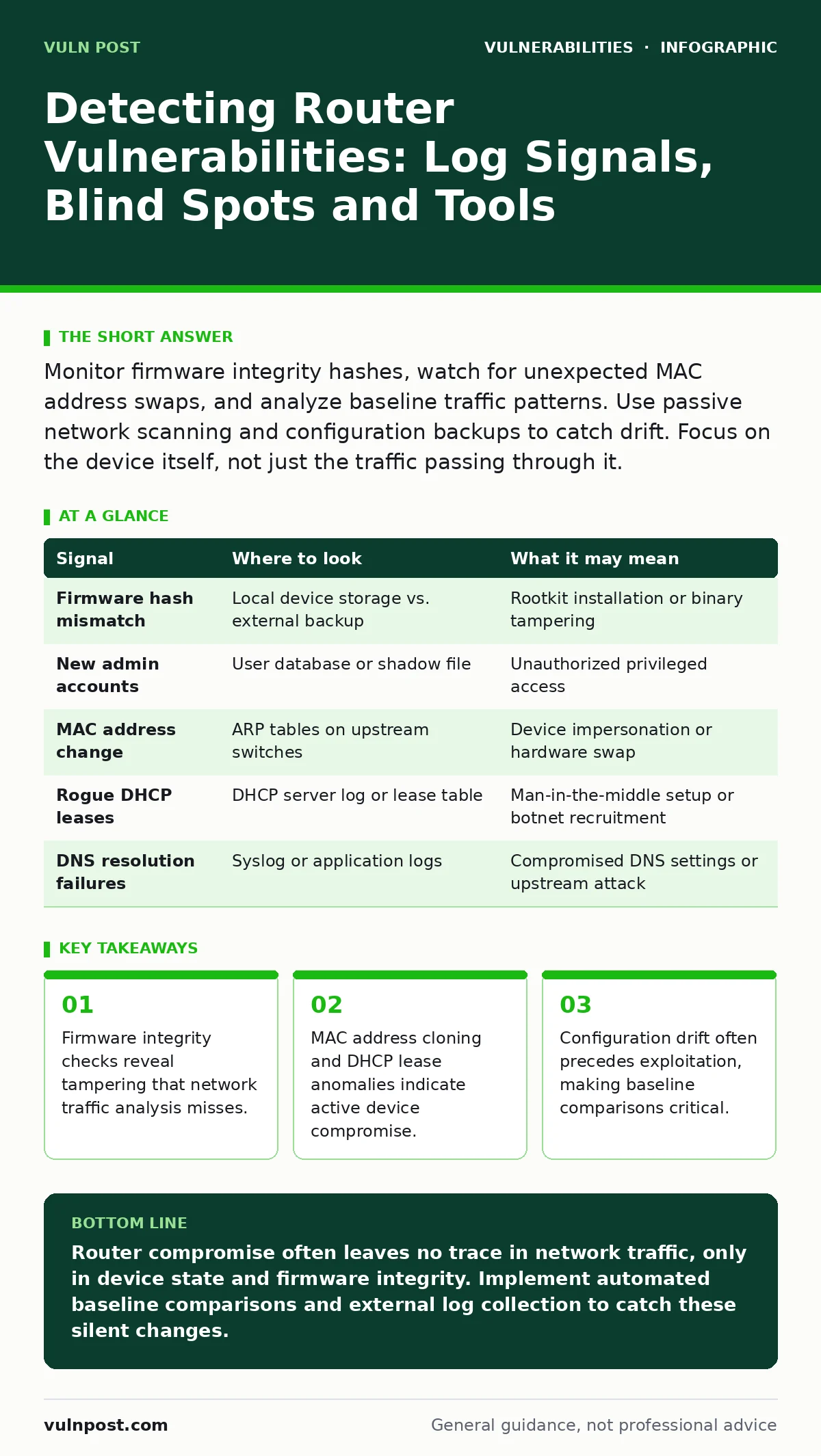
| Signal | Where to look | What it may mean |
|---|---|---|
| Firmware hash mismatch | Local device storage vs. external backup | Rootkit installation or binary tampering |
| New admin accounts | User database or shadow file | Unauthorized privileged access |
| MAC address change | ARP tables on upstream switches | Device impersonation or hardware swap |
| Rogue DHCP leases | DHCP server log or lease table | Man-in-the-middle setup or botnet recruitment |
| DNS resolution failures | Syslog or application logs | Compromised DNS settings or upstream attack |
Passive Network Scanning and Port Discovery
Active scanning can alert an attacker, but passive listening reveals what is already exposed. Use passive network scanning tools to monitor traffic passing through the router. These tools detect open ports and services by observing the responses to existing connections, without sending probes. Look for services that should not be running, such as telnet, FTP, or unauthorized web interfaces. An open port that was previously closed indicates a configuration change or a new service installation. This method helps identify lateral movement where an attacker has opened a port for command and control.
Log Analysis and Syslog Inspection
Router logs contain a wealth of information about system events, authentication attempts, and connection states. However, attackers often disable logging or redirect it to a server they control. Verify that syslog forwarding is enabled and pointing to a secure, centralized server. Look for patterns in authentication failures, such as multiple failed logins from a single source IP. These patterns often indicate brute-force attacks. Also, monitor for log gaps. If the timestamp jumps by hours or days, the device may have been rebooted or the logs cleared.
Common Blind Spots in Router Monitoring
Many security teams focus heavily on the traffic passing through the router, neglecting the device itself. This creates a blind spot where the router is compromised but the traffic appears normal. Another blind spot is the management interface. If the web interface or SSH access is not monitored separately, an attacker can gain control without triggering network-based alerts. Additionally, firmware update mechanisms are often overlooked. An attacker may exploit the update process to install a malicious version. Ensure that update servers are authenticated and that the update process verifies signatures.
Related topics such as configuration hardening provide the baseline for these checks, while CVE identifiers help you track known flaws in your specific firmware version. Understanding input validation weaknesses in the management interface can also reveal how an attacker gained initial access. For deeper context on how these vulnerabilities are exploited in web contexts, see our guides on clickjacking and session fixation.
Key takeaways
- Firmware integrity checks reveal tampering that network traffic analysis misses.
- MAC address cloning and DHCP lease anomalies indicate active device compromise.
- Configuration drift often precedes exploitation, making baseline comparisons critical.
Router compromise often leaves no trace in network traffic, only in device state and firmware integrity. Implement automated baseline comparisons and external log collection to catch these silent changes.
Frequently asked questions
How often should I check router firmware hashes?
Check hashes after every configuration change and at least daily for critical devices. Automated tools can perform this check continuously.
Can passive scanning detect encrypted traffic anomalies?
Passive scanning cannot decrypt traffic, but it can detect changes in traffic volume, timing, and destination IPs that suggest exfiltration or command and control activity.
What is the first sign of a compromised router?
Often, the first sign is subtle, such as a change in the MAC address, a new open port, or a deviation in the configuration baseline.
Do I need to monitor the router’s internal clock?
Yes. Sudden clock changes can indicate an attacker manipulating timestamps to hide their activity or to bypass time-based security controls.
How this guide was produced: written by the Vuln Post editorial team with AI assistance, checked against the public references listed below, and reviewed when the facts change. See our editorial policy or report an error.