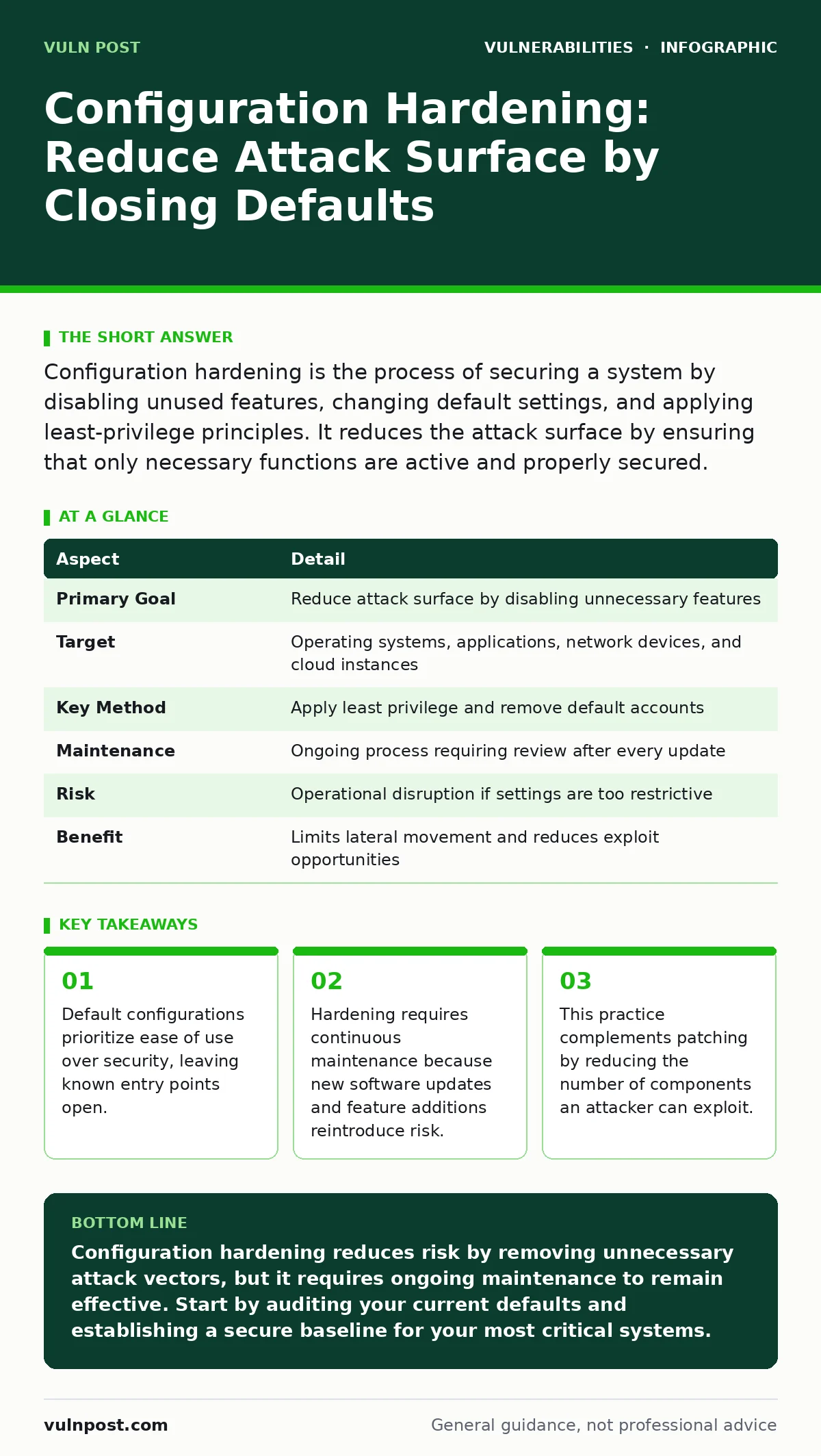
Configuration hardening is the process of securing a system by disabling unused features, changing default settings, and applying least-privilege principles. It reduces the attack surface by ensuring that only necessary functions are active and properly secured.
Why Defaults Are Dangerous
Imagine buying a high-security safe. The manufacturer ships it with the combination set to 0-0-0-0 so you can open it immediately. You change the code, but you leave the emergency override key in the box. An attacker does not need to crack the lock; they only need to find the key.
Software vendors operate on the same principle. They ship products with default settings that prioritize functionality and ease of installation. These defaults often include open ports, generic administrator accounts, and enabled services that most users do not need.
Configuration hardening is the process of modifying these defaults to align with security requirements. It involves removing unnecessary components, changing default credentials, and restricting permissions. This practice solves the problem of "security through obscurity" failing because attackers already know the default state of your systems.
The goal is not to make the system impossible to use, but to make it difficult to compromise. By reducing the number of active services and users, you shrink the attack surface. This is the total sum of points where an unauthorized user can try to enter or extract data from a system.
| Aspect | Detail |
|---|---|
| Primary Goal | Reduce attack surface by disabling unnecessary features |
| Target | Operating systems, applications, network devices, and cloud instances |
| Key Method | Apply least privilege and remove default accounts |
| Maintenance | Ongoing process requiring review after every update |
| Risk | Operational disruption if settings are too restrictive |
| Benefit | Limits lateral movement and reduces exploit opportunities |
The Anatomy of a Secure Setup
Hardening is not a single action. It is a collection of specific changes applied to different layers of your infrastructure. Each layer has its own mechanisms for control and its own trade-offs.
At the operating system level, you disable unused services. Services are background processes that provide specific functions, such as printing or file sharing. If you do not need file sharing, turning it off removes the code path an attacker might exploit. You also restrict user privileges. The principle of least privilege means giving users only the access they need to do their job, nothing more.
At the application level, you configure logging and error handling. Verbose error messages can reveal database structures or server paths. You disable these details in production environments. You also ensure that dependencies, which are external libraries or modules the application uses, are up to date and configured securely.
Network devices require strict access controls. You disable remote management interfaces that do not use encryption. You configure firewalls to deny all traffic by default and only allow specific, necessary connections. This approach is known as a default-deny policy.
Where Hardening Fits in Defense
Many teams treat configuration hardening as a one-time task performed during deployment. This is a mistake. Hardening is a baseline, not a finish line. It sits alongside vulnerability management and patching, but it serves a different purpose.
Patching fixes known flaws in code. Hardening reduces the number of components that can have flaws. If you patch a web server, you fix the bugs in that server. If you harden the server by disabling unused modules, you remove entire categories of potential bugs from the equation.
Hardening also supports incident response. When a breach occurs, a hardened system limits what the attacker can do. If a user account is compromised, but that account has no administrative rights, the attacker cannot install malware or change settings. This containment buys time for your team to detect and remediate the issue.
However, hardening does not replace other defenses. It does not stop a phishing email from tricking a user into revealing credentials. It does not prevent a zero-day exploit in a core component that must remain active. It simply ensures that if an attack succeeds, the impact is minimized.
Common Misconceptions and Pitfalls
The most common error in configuration hardening is assuming that "secure" means "locked down completely." This leads to operational friction. If a system is too restrictive, users will find ways around the controls. They might disable security features to get their work done, or they might use shadow IT tools that are not monitored.
Another misconception is that hardening is only for external-facing systems. Internal systems are often less protected because they are behind a firewall. However, if an attacker gains access to one internal system, they can move laterally to others. Hardening internal systems ensures that a single breach does not become a total compromise.
Teams also often neglect the human element. Hardening changes can break workflows if not communicated clearly. If a security team disables a service that a department relies on, without warning, it causes downtime and erodes trust. This trust is necessary for security teams to implement further controls in the future.
The Hidden Cost of Complexity
There is a trade-off between security and usability. Every additional security control adds complexity. Complexity increases the chance of human error. When you have hundreds of servers with slightly different configurations, it becomes difficult to track which ones are hardened and which are not.
This complexity also increases the time required for incident response. If every system is configured differently, troubleshooting a security event takes longer. You cannot apply a single fix to all systems. You must investigate each one individually.
To manage this cost, use infrastructure as code. This approach allows you to define your security configurations in code files. You can version control these files, review them for changes, and apply them consistently across all systems. This reduces the risk of configuration drift, which is when systems gradually diverge from their secure baseline over time.
Maintaining the Baseline
Hardening is not static. Software updates introduce new features, which often come with new default settings. These defaults may be less secure than the previous version. You must review your hardening procedures after every major update.
Automated tools can help monitor configuration changes. These tools alert you when a setting deviates from the approved baseline. This allows you to detect and correct unauthorized changes quickly.
Regular audits are also necessary. Periodically review your configurations to ensure they still align with your security policies. As your business needs change, your security requirements may change as well. A configuration that was secure last year may no longer be appropriate today.
Integrating Hardening into the Lifecycle
Configuration hardening must be integrated into your development and deployment lifecycle. It should not be an afterthought. Start with secure defaults in your development environment. Use tools that scan for insecure configurations during the build process.
In the staging environment, test your hardened configurations to ensure they do not break functionality. This testing is critical. It identifies conflicts between security controls and application requirements before they reach production.
In production, monitor for configuration changes. Use change management processes to approve any deviations from the baseline. This ensures that every change is intentional and reviewed. By embedding hardening into every stage of the lifecycle, you create a culture of security that is sustainable and effective.
Key takeaways
- Default configurations prioritize ease of use over security, leaving known entry points open.
- Hardening requires continuous maintenance because new software updates and feature additions reintroduce risk.
- This practice complements patching by reducing the number of components an attacker can exploit.
Configuration hardening reduces risk by removing unnecessary attack vectors, but it requires ongoing maintenance to remain effective. Start by auditing your current defaults and establishing a secure baseline for your most critical systems.
Frequently asked questions
Does configuration hardening replace the need for antivirus software?
No, hardening reduces the attack surface, while antivirus detects and removes malware. They serve different purposes and should be used together.
How often should I review my hardened configurations?
Review configurations after every major software update and at least annually to ensure they align with current security policies and business needs.
Can hardening slow down my systems?
Improperly applied hardening can impact performance, but correct implementation focuses on disabling unused features, which often improves efficiency by reducing resource usage.
What is the first step in hardening a new server?
The first step is to change all default passwords and disable any unnecessary services or ports that are not required for the server's intended function.
How this guide was produced: written by the Vuln Post editorial team with AI assistance, checked against the public references listed below, and reviewed when the facts change. See our editorial policy or report an error.