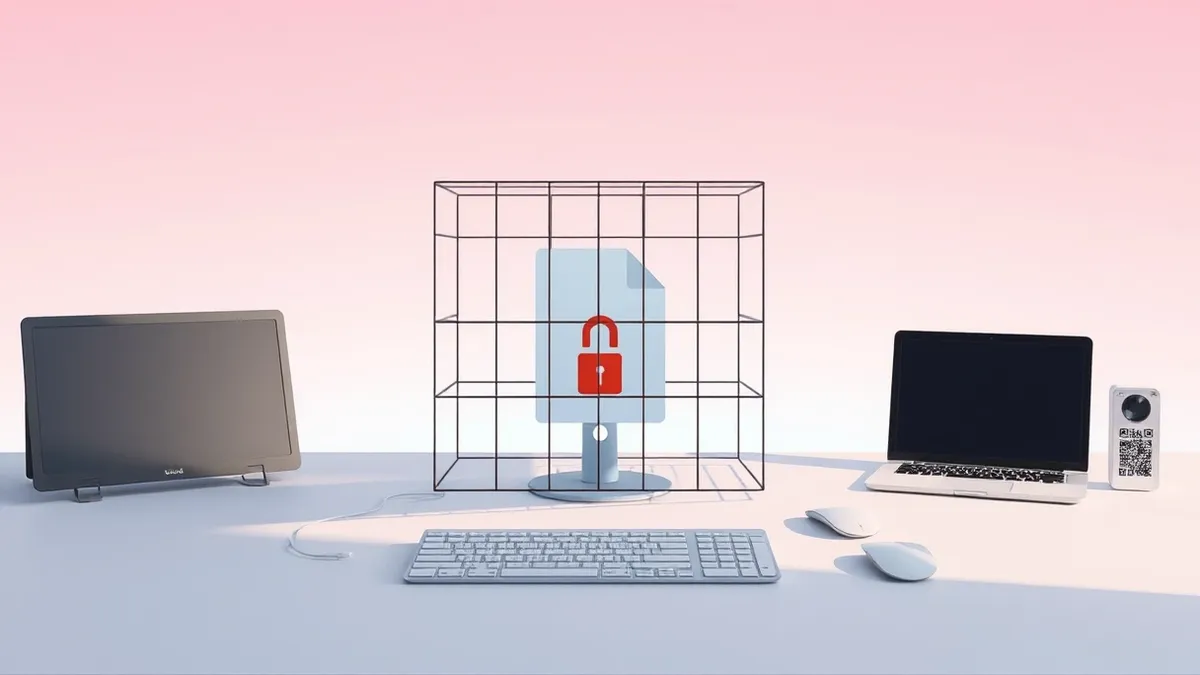
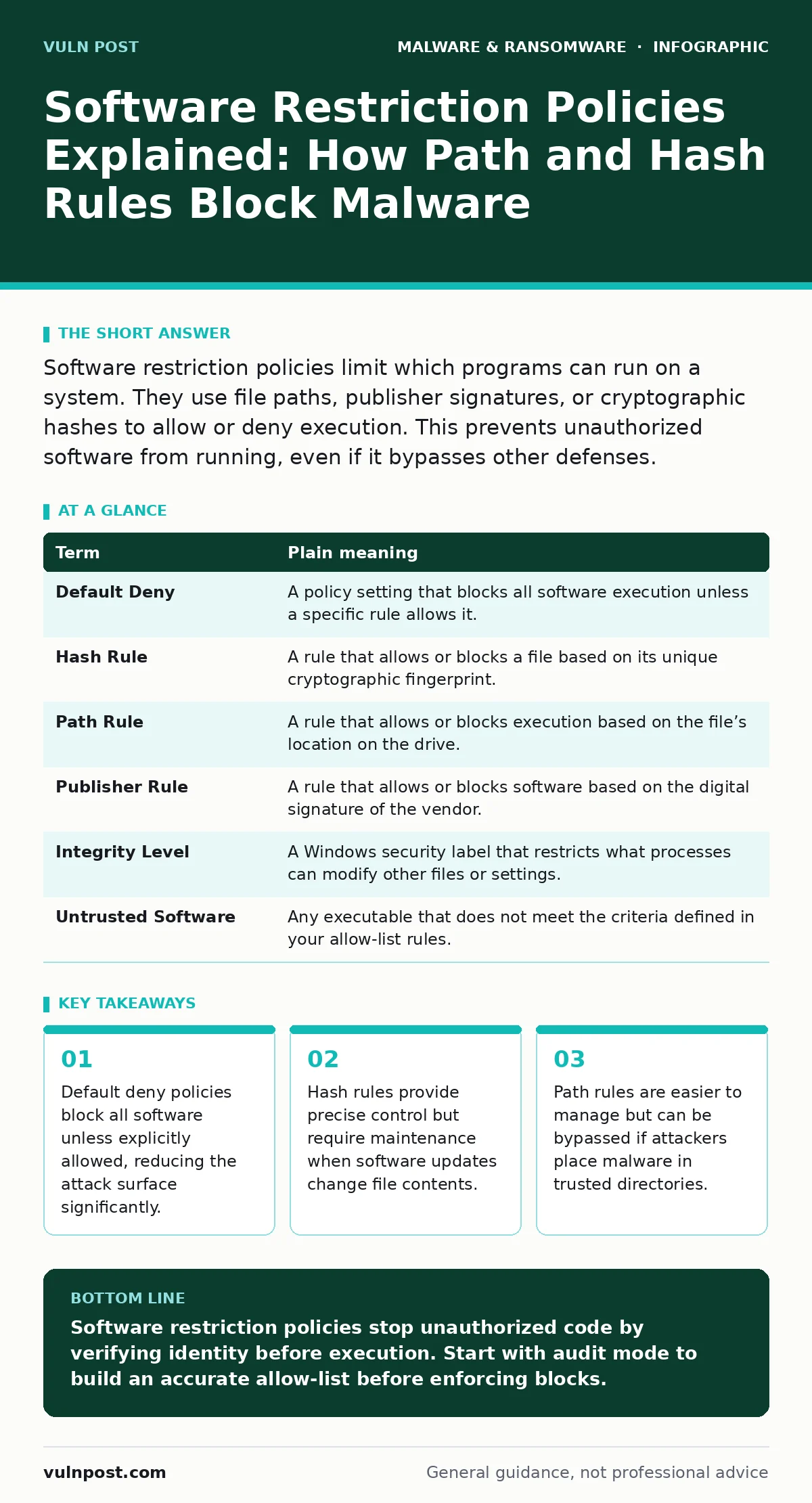
Software restriction policies limit which programs can run on a system. They use file paths, publisher signatures, or cryptographic hashes to allow or deny execution. This prevents unauthorized software from running, even if it bypasses other defenses.
The Library Security Guard Analogy
Imagine a library that only allows books checked out by registered patrons. The guard at the door does not read every book. Instead, they check a list of approved titles and the identity of the person holding the book. If a book is not on the list, or if the person cannot prove they checked it out, the guard stops them. This is how software restriction policies work on your computer. They do not analyze the code inside the program. They verify the program’s identity and origin before allowing it to execute.
This approach shifts the security burden from detection to prevention. Instead of waiting for a scanner to find a threat, the system refuses to run anything it does not recognize. This is particularly effective against malware families that rely on executing new, unseen code. By blocking execution, you stop the infection chain at the very first step.
Core Mechanisms of Execution Control
Software restriction policies operate through specific rule types. Each type has trade-offs in security and manageability. Understanding these mechanisms helps you choose the right balance for your environment.
| Term | Plain meaning |
|---|---|
| Default Deny | A policy setting that blocks all software execution unless a specific rule allows it. |
| Hash Rule | A rule that allows or blocks a file based on its unique cryptographic fingerprint. |
| Path Rule | A rule that allows or blocks execution based on the file’s location on the drive. |
| Publisher Rule | A rule that allows or blocks software based on the digital signature of the vendor. |
| Integrity Level | A Windows security label that restricts what processes can modify other files or settings. |
| Untrusted Software | Any executable that does not meet the criteria defined in your allow-list rules. |
The default deny setting is the foundation of this strategy. Without it, the policy is merely a suggestion. With it, the system becomes a gatekeeper. You must explicitly permit every legitimate application. This creates a clean baseline where any execution attempt outside the known good set is immediately halted.
The Cost of Precision: Hash Rules
Hash rules offer the highest level of precision. A hash is a unique string of characters generated from the file’s contents. If even one byte changes, the hash changes. This means a specific version of a word processor is allowed, but a modified version containing malware is not.
However, this precision comes with a high maintenance cost. Every time software updates, the hash changes. You must update your rules to reflect the new hash, or the legitimate software will stop working. This creates a continuous cycle of monitoring and updating. For large environments with frequent updates, this can overwhelm security teams.
The Convenience Trap: Path Rules
Path rules are easier to manage. You can allow all files in the C:\Program Files directory to run. This covers most legitimate software without needing to track individual hashes. It is a broad brush that saves time.
But this convenience creates a significant vulnerability. Attackers know that security teams often trust standard directories. If an attacker gains write access to a trusted path, they can place a malicious executable there. Because the path is allowed, the malware runs successfully. This is why malicious documents that drop payloads into temporary or trusted folders can bypass path-based restrictions.
Path rules also fail to protect against portable executables. If a user downloads a tool and runs it from their desktop or downloads folder, the path rule may block it. But if they move it to a trusted directory, it runs. This encourages users to subvert the policy rather than follow it.
Publisher Rules and Code Signing
Publisher rules rely on digital signatures. A software vendor signs their code with a private key. Your system verifies this signature against a public certificate. If the signature is valid, the software is allowed. This ties trust to the vendor, not the file location or version.
This method is more resilient to updates. When a vendor releases a new version, they sign it with the same certificate. Your rule remains valid. However, this trust model has a weak link. If a vendor’s private key is compromised, attackers can sign malware with that key. Your policy will allow the malware to run because it appears to come from a trusted source.
This is why next-generation antivirus solutions often combine signature verification with behavioral analysis. They do not trust the signature blindly. They watch what the signed code does after it starts running.
See also: Detecting Malicious npm Packages in Your Build Pipeline · Removing Windows Malware: 6 Common Misunderstandings and Fixes
Implementing a Baseline Policy
You do not need to lock down every machine perfectly on day one. Start with a discovery mode. This allows you to see what software is currently running without blocking anything. This helps you build an accurate allow-list.
- Enable audit mode on a small group of machines.
- Review the logs to identify legitimate applications and their locations.
- Create hash or publisher rules for the most critical systems.
This gradual approach prevents accidental lockouts. It also helps you understand the software landscape of your organization. You will discover legacy applications and shadow IT that you did not know existed.
Integrating with Other Defenses
Software restriction policies are not a standalone solution. They work best when combined with other security measures. For example, immutable backups ensure that even if malware bypasses execution controls, you can restore data without paying ransom. Golden images provide a clean, known-good state for deploying new systems, reducing the chance of pre-existing vulnerabilities.
When malware does slip through, dynamic malware analysis can help you understand its behavior. This involves running the suspicious file in a sandboxed environment to observe its actions. This information can then be used to update your restriction rules or block similar behaviors in the future.
Common Missteps in Policy Design
One common mistake is relying solely on path rules for sensitive systems. This gives attackers a clear path to bypass controls. Another mistake is failing to update hash rules after software patches. This leads to operational failures that users blame on security, reducing trust in the policy.
Also, avoid creating overly broad allow rules. Allowing entire drives or large directories defeats the purpose of the policy. Be specific. Allow only what is necessary. This minimizes the risk of accidental or malicious execution.
Key takeaways
- Default deny policies block all software unless explicitly allowed, reducing the attack surface significantly.
- Hash rules provide precise control but require maintenance when software updates change file contents.
- Path rules are easier to manage but can be bypassed if attackers place malware in trusted directories.
Software restriction policies stop unauthorized code by verifying identity before execution. Start with audit mode to build an accurate allow-list before enforcing blocks.
Frequently asked questions
Do software restriction policies protect against zero-day exploits?
They can block the execution of unknown malicious files if a default deny policy is in place. They do not protect against vulnerabilities in already-allowed software.
Will these policies slow down my computer?
The performance impact is minimal. The system checks a small database of rules before execution. This adds negligible overhead compared to full system scans.
How do I handle software updates that break my rules?
Use automation tools to detect new hashes and update your policies. Maintain a change management process to approve and integrate new software versions quickly.
Can users bypass software restriction policies?
Users with administrative privileges can disable the policy. Standard users cannot. This is why least privilege access is a critical companion to restriction policies.
How this guide was produced: written by the Vuln Post editorial team with AI assistance, checked against the public references listed below, and reviewed when the facts change. See our editorial policy or report an error.