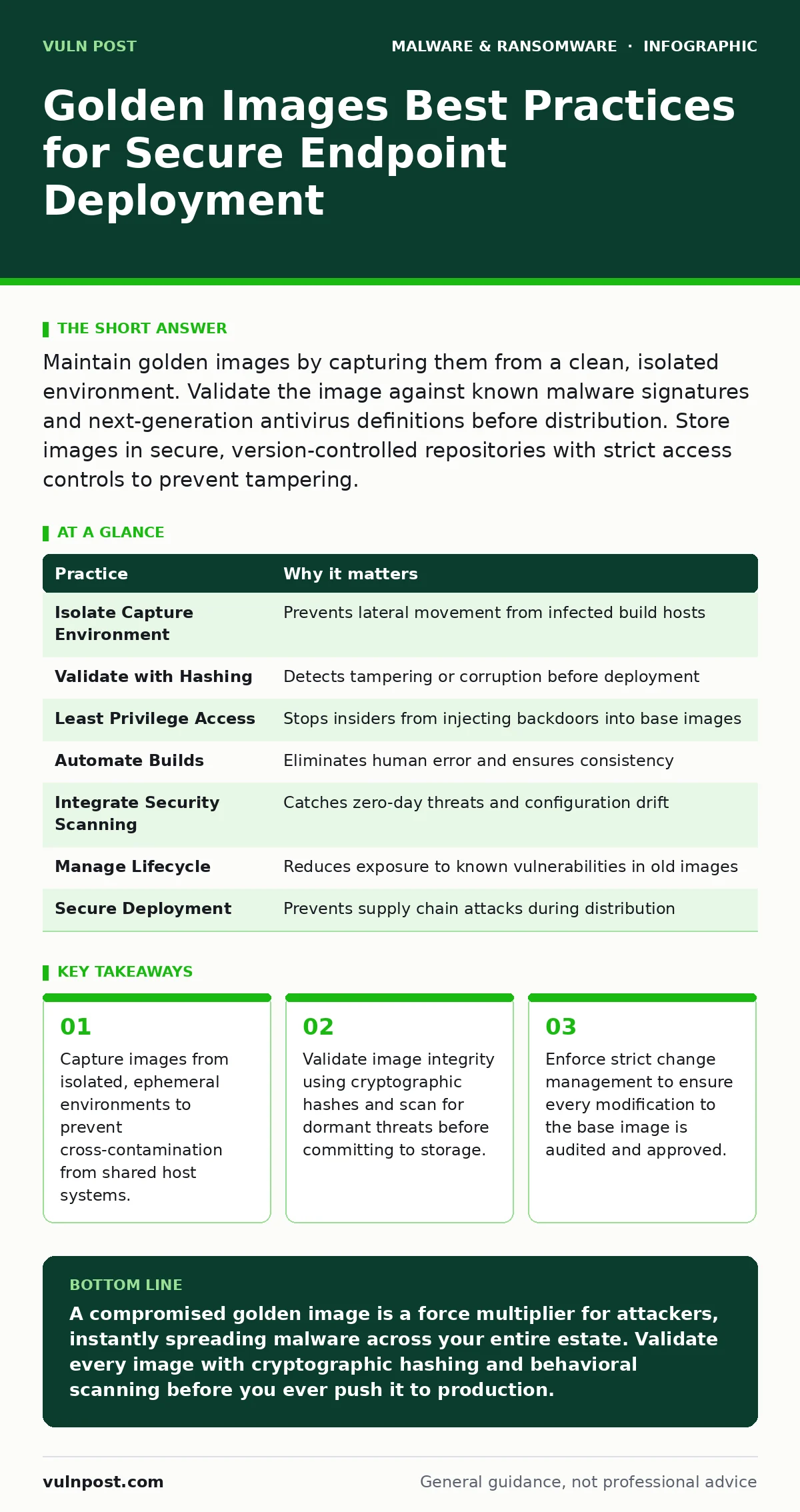
Maintain golden images by capturing them from a clean, isolated environment. Validate the image against known malware signatures and next-generation antivirus definitions before distribution. Store images in secure, version-controlled repositories with strict access controls to prevent tampering.
Isolate the Capture Environment
The first line of defense against a compromised golden image is physical and logical isolation. When you capture an image, you are taking a snapshot of the entire system state, including hidden sectors and temporary files. If the source machine shares a network with other endpoints, it can silently contract malware before you even begin the capture process.
Imagine a scenario where a single endpoint on the build network is infected with firmware malware. This type of threat resides in the hardware firmware, often bypassing standard operating system checks. If you capture an image from a machine on the same network segment, lateral movement tools could have already infected your build agent. The resulting golden image carries this infection to every new device you provision.
To prevent this, you must build and capture images in a dedicated, air-gapped network segment. This segment should have no outbound internet access and limited inbound connections. Use ephemeral virtual machines for the build process. Destroy the virtual machine immediately after capturing the image. This ensures that no persistent threats can survive in the build environment to infect future images.
Validate Before Distribution
Capturing a clean image is not enough. You must verify that the image remains clean during storage and before deployment. A golden image is a static file that can be modified by an attacker with sufficient privileges. If you distribute a modified image, you are essentially deploying a backdoor to hundreds or thousands of endpoints simultaneously.
You should treat the golden image as a software artifact. Apply the same validation rigor you would use for application code. Calculate a cryptographic hash of the image file after capture. Store this hash in a secure, read-only location. Before deploying the image to any endpoint, recalculate the hash and compare it to the stored value. Any discrepancy indicates tampering or corruption.
Enforce Least Privilege Access
Access to the golden image repository must be strictly controlled. The principle of least privilege dictates that only authorized personnel should be able to view, modify, or deploy images. Unauthorized access allows an insider threat or a compromised account to inject malware into the base image.
Implement role-based access control for your image management system. Separate the roles of image creation, image validation, and image deployment. The person who creates the image should not be the same person who approves it for production. This separation of duties creates a check against accidental or malicious changes.
Audit all access to the image repository. Log every read, write, and delete operation. Review these logs regularly for unusual activity, such as access attempts outside of business hours or from unexpected locations. This helps you detect compromise early, before the bad image reaches production endpoints.
Automate the Build Process
Manual steps in the image creation process introduce human error. A technician might forget to disable a test service or leave behind a debug tool. These oversights create unnecessary attack surfaces. Automation ensures consistency and repeatability across all image builds.
Use configuration management tools to script the entire build process. Define the operating system installation, patching, and software deployment in code. This allows you to version control your build scripts. You can review changes to the scripts just as you would review application code. This makes it easier to identify when a change introduced a vulnerability.
Automated builds also allow you to rebuild images frequently. By rebuilding often, you reduce the time window during which a known vulnerability exists in your base image. You can integrate security scans into the build pipeline. If a scan fails, the build process stops automatically. This prevents vulnerable images from ever entering your repository.
Integrate Security Scanning
Security scanning must be part of the image lifecycle, not an afterthought. You need to scan for multiple types of threats, including traditional malware, vulnerabilities, and configuration errors. A comprehensive scan checks the file system, registry, and installed applications for anomalies.
Include next-generation antivirus scanning in your validation step. These tools use behavioral analysis and machine learning to detect threats that signature-based tools might miss. They can identify suspicious patterns in the image that suggest the presence of malware families or other malicious code.
Also scan for configuration drift. Compare the image’s configuration against your security baseline. Ensure that all services are running with the minimum required privileges. Disable unnecessary ports and protocols. This reduces the attack surface of every endpoint deployed from the image.
See also: Trojan vs Virus: Which Malware Type Fits Your Threat Model · Next-Generation Antivirus: Definition, Mechanics, and Operational Limits
Manage Image Lifecycle
Golden images degrade over time. As software updates and security patches are released, the image becomes outdated. An outdated image contains known vulnerabilities that attackers can exploit. You must have a process for regularly updating and retiring old images.
Define a retention policy for your golden images. Keep only the latest few versions. Archive older versions in a secure, offline location for compliance or forensic purposes. Delete versions that are no longer needed. This reduces the risk of accidentally deploying an old, vulnerable image.
Track the usage of each image version. Know which endpoints are running which image. This helps you plan updates and manage risk. If a vulnerability is discovered in a specific image version, you can quickly identify and patch all affected endpoints.
Secure the Deployment Pipeline
The process of deploying the golden image to endpoints must also be secure. If an attacker can intercept the deployment process, they can swap the clean image with a malicious one. This is known as a supply chain attack.
Use encrypted connections for all image transfers. Verify the identity of the deployment servers. Ensure that the deployment tools themselves are secure and up to date. Monitor the deployment logs for errors or anomalies. Any failure in the deployment process could indicate an attempt to interfere with the image distribution.
Consider using software restriction policies to limit what code can run during the deployment process. This prevents unauthorized scripts or applications from executing on the endpoint during the imaging phase. This adds an extra layer of protection against drive-by attacks or compromised deployment agents.
| Practice | Why it matters |
|---|---|
| Isolate Capture Environment | Prevents lateral movement from infected build hosts |
| Validate with Hashing | Detects tampering or corruption before deployment |
| Least Privilege Access | Stops insiders from injecting backdoors into base images |
| Automate Builds | Eliminates human error and ensures consistency |
| Integrate Security Scanning | Catches zero-day threats and configuration drift |
| Manage Lifecycle | Reduces exposure to known vulnerabilities in old images |
| Secure Deployment | Prevents supply chain attacks during distribution |
Monitor for Anomalies
Even with strict controls, mistakes happen. You must monitor your endpoints for signs of compromise after deployment. Look for unusual behavior that might indicate a compromised golden image.
Set up alerts for unexpected processes or network connections. If multiple endpoints start communicating with a known command-and-control server, it may indicate that the golden image was infected. Investigate these alerts immediately.
Compare the configuration of deployed endpoints against the golden image. Any drift could indicate that an attacker has modified the system after deployment. This helps you detect breaches early and contain the damage.
Key takeaways
- Capture images from isolated, ephemeral environments to prevent cross-contamination from shared host systems.
- Validate image integrity using cryptographic hashes and scan for dormant threats before committing to storage.
- Enforce strict change management to ensure every modification to the base image is audited and approved.
A compromised golden image is a force multiplier for attackers, instantly spreading malware across your entire estate. Validate every image with cryptographic hashing and behavioral scanning before you ever push it to production.
Frequently asked questions
How often should I rebuild my golden images?
Rebuild at least quarterly or whenever critical security patches are released. Frequent rebuilds reduce the window of exposure to known vulnerabilities.
Can I use cloud-based image services?
Yes, but ensure the provider meets your security standards. Verify that images are stored securely and that access controls are enforced.
What if I suspect an image is compromised?
Stop all deployments immediately. Identify all endpoints using that image. Isolate them from the network and investigate. Rebuild the image from a clean source.
Do I need to scan for firmware malware in golden images?
Standard image scans may not catch firmware threats. Use specialized tools or hardware-level validation if firmware integrity is a concern.
How this guide was produced: written by the Vuln Post editorial team with AI assistance, checked against the public references listed below, and reviewed when the facts change. See our editorial policy or report an error.