
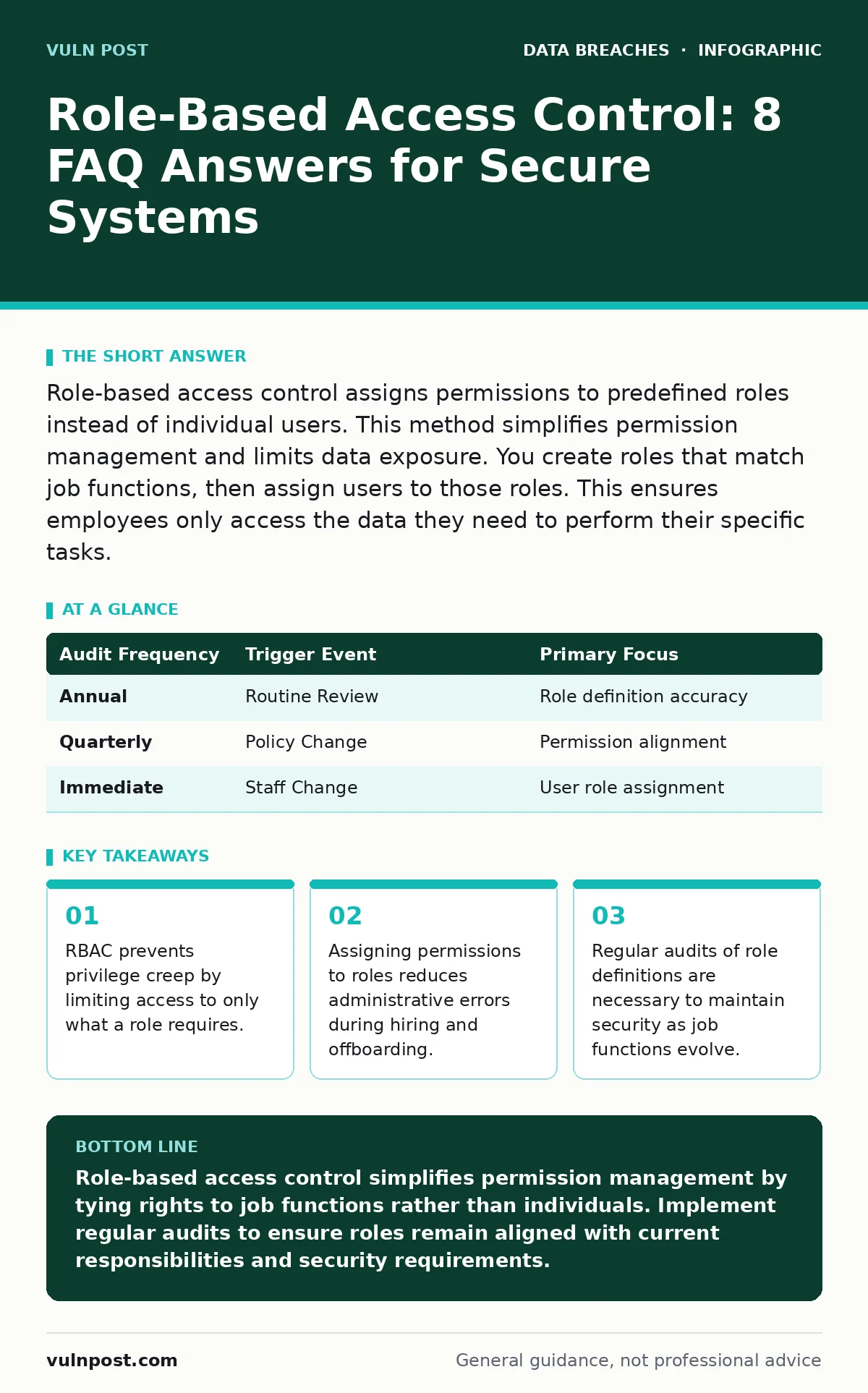
Role-based access control assigns permissions to predefined roles instead of individual users. This method simplifies permission management and limits data exposure. You create roles that match job functions, then assign users to those roles. This ensures employees only access the data they need to perform their specific tasks.
What is role-based access control?
Role-based access control is a security model that restricts system access to authorized users by assigning permissions to specific job roles. Instead of granting rights to individual accounts, you define a set of privileges for a role, such as "Financial Analyst," and assign users to that role. This approach ensures that access rights align with job responsibilities rather than personal preferences or historical access patterns.
How does RBAC differ from user-based access control?
Role-based access control differs from user-based access control by decoupling permissions from individual identities. In a user-based model, you must manually assign every permission to each user account, which becomes unmanageable at scale. RBAC groups permissions into roles, allowing you to grant or revoke access by changing a user's role assignment. This reduces the risk of accidental permission errors during onboarding or offboarding.
Why do organizations implement role-based access control?
Organizations implement role-based access control to enforce the principle of least privilege and reduce administrative complexity. By limiting access to only the data necessary for a specific job function, you minimize the attack surface available to malicious actors. This model also simplifies compliance audits, as you can demonstrate that access controls are tied to defined business roles rather than arbitrary user assignments. It supports consistent security policies across large user bases.
What are the core components of an RBAC model?
An RBAC model consists of users, roles, permissions, and sessions. Users are the individuals or systems requesting access. Roles are collections of permissions that define what actions can be performed. Permissions are the specific rights to execute operations on objects. Sessions are the active associations between a user and one or more roles. Understanding these components helps you design a structure that balances security with operational efficiency.
How do you define effective security roles?
You define effective security roles by analyzing job functions and mapping them to required data access. Start by identifying distinct responsibilities within your organization, then group similar tasks into roles. Avoid creating roles based on individual quirks or temporary projects. Each role should have a clear purpose and a documented set of permissions. This process requires collaboration between security teams and business unit leaders to ensure accuracy.
See also: Insider Threats Examples: How Trusted Access Becomes a Security Risk
What is privilege creep and how does RBAC prevent it?
Privilege creep is the gradual accumulation of unnecessary permissions as users change roles or take on additional responsibilities. RBAC prevents this by requiring explicit role assignments for each job function. When a user changes jobs, you remove old roles and assign new ones, rather than adding new permissions to an existing account. This ensures that access rights always reflect current duties, reducing the risk of unauthorized data access.
How often should you audit role-based access controls?
You should audit role-based access controls regularly, at least annually, and whenever significant organizational changes occur. Audits verify that role definitions remain aligned with current job functions and that users are assigned to the correct roles. Look for roles with excessive permissions or users assigned to multiple conflicting roles. Regular audits help identify and correct drift in access policies, maintaining the integrity of your security posture.
| Audit Frequency | Trigger Event | Primary Focus |
|---|---|---|
| Annual | Routine Review | Role definition accuracy |
| Quarterly | Policy Change | Permission alignment |
| Immediate | Staff Change | User role assignment |
What are the limitations of role-based access control?
Role-based access control struggles with fine-grained, context-aware access requirements. It cannot easily handle dynamic conditions such as time of day, location, or device security status. For these scenarios, you may need to combine RBAC with attribute-based access control. Additionally, RBAC can become complex in organizations with highly unique or cross-functional roles, requiring careful design to avoid role explosion.
How does RBAC support compliance frameworks?
RBAC supports compliance frameworks by providing clear evidence of access control policies and their enforcement. Many standards, such as SOC 2, require organizations to demonstrate that access to sensitive data is restricted to authorized personnel. RBAC simplifies this by linking permissions to defined roles, making it easier to generate reports and prove adherence during audits. This structured approach reduces the burden of manual verification.
What is the difference between RBAC and ABAC?
Role-based access control assigns permissions based on job roles, while attribute-based access control uses attributes of the user, resource, or environment to make decisions. RBAC is simpler to manage for static roles, whereas ABAC offers greater flexibility for dynamic conditions. Organizations often use a hybrid approach, leveraging RBAC for broad access and ABAC for specific, context-sensitive restrictions. This combination balances manageability with granular control.
Key takeaways
- RBAC prevents privilege creep by limiting access to only what a role requires.
- Assigning permissions to roles reduces administrative errors during hiring and offboarding.
- Regular audits of role definitions are necessary to maintain security as job functions evolve.
Role-based access control simplifies permission management by tying rights to job functions rather than individuals. Implement regular audits to ensure roles remain aligned with current responsibilities and security requirements.
Frequently asked questions
Can role-based access control prevent insider threats?
RBAC limits the data an insider can access by enforcing least privilege, but it does not stop malicious intent. You must combine RBAC with monitoring and anomaly detection to identify suspicious behavior within authorized access.
How does RBAC handle users with multiple job functions?
Users with multiple functions are assigned to multiple roles. This requires careful design to ensure that the combined permissions do not exceed necessary access levels or create conflicts.
Is role-based access control suitable for small businesses?
Yes, RBAC is suitable for organizations of all sizes. It reduces administrative overhead and ensures consistent security policies, which is beneficial even for small teams with limited IT resources.
What happens if a role is misconfigured?
A misconfigured role can grant excessive permissions to all users assigned to it. Regular audits and automated testing help detect and correct misconfigurations before they lead to security incidents.
How this guide was produced: written by the Vuln Post editorial team with AI assistance, checked against the public references listed below, and reviewed when the facts change. See our editorial policy or report an error.