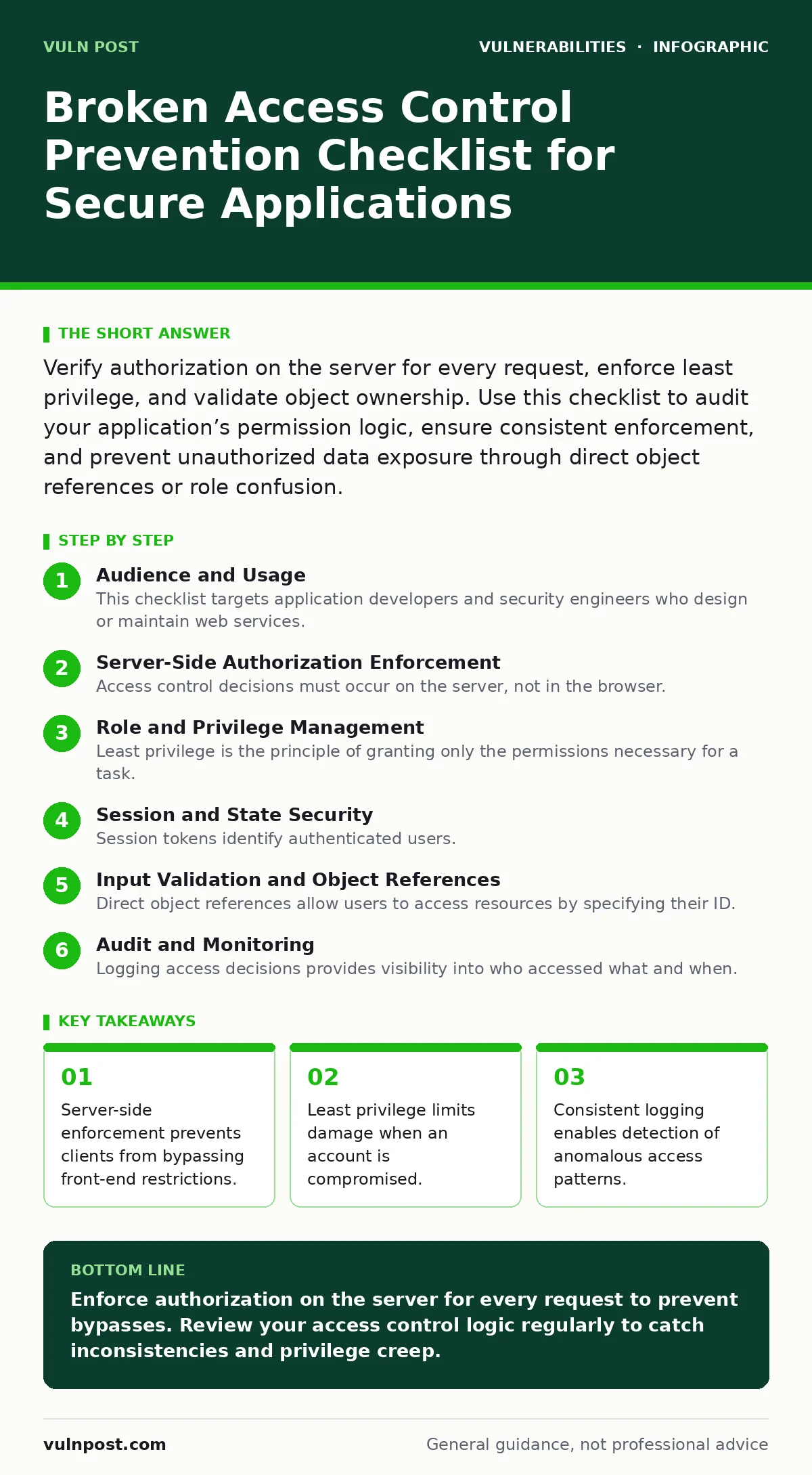
Verify authorization on the server for every request, enforce least privilege, and validate object ownership. Use this checklist to audit your application’s permission logic, ensure consistent enforcement, and prevent unauthorized data exposure through direct object references or role confusion.
Audience and Usage
This checklist targets application developers and security engineers who design or maintain web services. You use these items to audit your permission logic before deployment and during routine reviews. The list covers server-side enforcement, session management, and audit trails. Each item addresses a specific failure mode in broken access control. You check off items as you verify their implementation in your codebase.
Server-Side Authorization Enforcement
Access control decisions must occur on the server, not in the browser. Client-side controls are visible to users and can be removed. You must verify that every API endpoint checks the user’s permissions before processing the request. This prevents attackers from crafting raw HTTP requests that bypass front-end restrictions.
- Enforce authorization on the server for every request: Client-side checks are cosmetic and easily bypassed.
- Deny access by default: Explicit allow rules prevent accidental exposure of sensitive data.
- Validate object ownership: Ensure users can only access resources they own or are explicitly granted.
- Check permissions before processing: Early validation reduces resource consumption from malicious requests.
Imagine an application that hides the "Admin" button for regular users. An attacker can still send a POST request to the admin endpoint if the server does not verify the user’s role. This is a common failure in applications that rely on UI hiding for security.
Role and Privilege Management
Least privilege is the principle of granting only the permissions necessary for a task. Overly broad roles increase the impact of a compromised account. You must define granular roles and assign them carefully. Regular reviews ensure that permissions align with current job functions. This reduces the attack surface available to insider threats and external attackers.
- Define granular roles: Fine-grained permissions limit the scope of potential misuse.
- Review permissions regularly: Stale access accumulates over time and increases risk.
- Separate administrative duties: Splitting duties prevents single users from performing conflicting actions.
- Implement just-in-time access: Temporary elevation reduces the window for privilege abuse.
Suppose a developer retains administrative access after moving to a support role. If their account is compromised, the attacker gains full system control. Regular reviews catch these discrepancies and remove unnecessary privileges.
Session and State Security
Session tokens identify authenticated users. If these tokens are stolen or predictable, attackers can impersonate legitimate users. You must secure session cookies with appropriate attributes and rotate tokens after privilege changes. This prevents session fixation and hijacking attacks. Proper configuration ensures that tokens are not leaked through logs or referrer headers.
- Secure session cookies with HttpOnly and Secure flags: These flags prevent JavaScript access and ensure HTTPS transmission.
- Rotate tokens after authentication: New tokens invalidate old ones, preventing replay attacks.
- Set short expiration times: Short-lived tokens reduce the window for stolen session abuse.
- Invalidate sessions on logout: Proper cleanup prevents orphaned sessions from being reused.
Imagine a user logs out on a shared computer. If the session token remains valid, the next person can access the account. Proper invalidation ensures that logout terminates the session on the server side.
Input Validation and Object References
Direct object references allow users to access resources by specifying their ID. If the application does not verify ownership, attackers can iterate through IDs to access other users’ data. You must validate that the user requesting a resource has the right to view it. This prevents horizontal privilege escalation.
- Validate object ownership: Ensure users can only access their own resources.
- Use indirect references: Map internal IDs to opaque tokens to prevent enumeration.
- Sanitize input parameters: Prevent injection attacks that could bypass access checks.
- Log access attempts: Monitoring helps detect scanning for valid object IDs.
Suppose an application uses sequential IDs for user profiles. An attacker changes the ID in the URL to view other profiles. Using opaque tokens breaks this pattern and makes enumeration difficult.
See also: Insider Threats Examples: How Trusted Access Becomes a Security Risk
Audit and Monitoring
Logging access decisions provides visibility into who accessed what and when. You must log both successful and failed access attempts. This enables detection of anomalous patterns, such as repeated failed attempts or access outside normal hours. Logs should be stored securely and reviewed regularly. This supports incident response and forensic analysis.
- Log access decisions: Record who accessed what and when for audit trails.
- Monitor for anomalies: Detect unusual patterns that may indicate compromise.
- Secure log storage: Protect logs from tampering and unauthorized access.
- Review logs regularly: Regular analysis identifies issues before they become incidents.
Imagine an attacker slowly exfiltrates data by accessing one record at a time. Automated monitoring detects this low-and-slow pattern and alerts the security team. Proper logging is the foundation of this detection.
Integration and Dependencies
Applications often rely on third-party libraries and services. These dependencies can introduce vulnerabilities if not managed properly. You must keep dependencies updated and monitor for known issues. This prevents attackers from exploiting flaws in external code. Regular updates ensure that you benefit from security patches.
- Update dependencies regularly: Patches fix known vulnerabilities in third-party code.
- Monitor for CVE identifiers: Track vulnerabilities in your dependencies for timely remediation.
- Verify supplier security: Ensure third-party providers follow security best practices.
- Isolate external services: Limit the impact of compromised dependencies.
Suppose a library you use has a vulnerability that allows arbitrary code execution. Keeping it updated ensures you are not exposed to this risk. Regular updates are a key part of configuration hardening.
Consistency and Testing
Access control logic must be consistent across all parts of the application. Inconsistencies create gaps that attackers can exploit. You must test access controls thoroughly, including edge cases and error conditions. Automated tests ensure that new changes do not break existing security logic. This maintains a strong security posture over time.
- Test access controls thoroughly: Cover all roles and permission combinations.
- Automate security testing: Ensure new code does not introduce vulnerabilities.
- Review error messages: Ensure they do not leak sensitive information.
- Conduct penetration testing: External testing identifies issues internal reviews miss.
Imagine a new feature bypasses access checks because it was added quickly. Automated tests catch this regression before deployment. Consistent testing ensures that security remains intact as the application evolves.
Key takeaways
- Server-side enforcement prevents clients from bypassing front-end restrictions.
- Least privilege limits damage when an account is compromised.
- Consistent logging enables detection of anomalous access patterns.
Enforce authorization on the server for every request to prevent bypasses. Review your access control logic regularly to catch inconsistencies and privilege creep.
Frequently asked questions
How do I detect broken access control in my application?
Use automated scanning tools and manual testing to verify that users can only access authorized resources. Review logs for anomalous access patterns.
What is the difference between authentication and authorization?
Authentication verifies identity, while authorization determines what actions that identity is permitted to perform. Both are necessary for security.
Can broken access control lead to remote code execution?
Yes, if an attacker gains unauthorized access to administrative functions, they may exploit other vulnerabilities to execute code. See our guide on unauthenticated remote code execution for details.
How often should I review access permissions?
Review permissions quarterly or after significant changes in roles or system architecture. This ensures that privileges remain aligned with current needs.
How this guide was produced: written by the Vuln Post editorial team with AI assistance, checked against the public references listed below, and reviewed when the facts change. See our editorial policy or report an error.