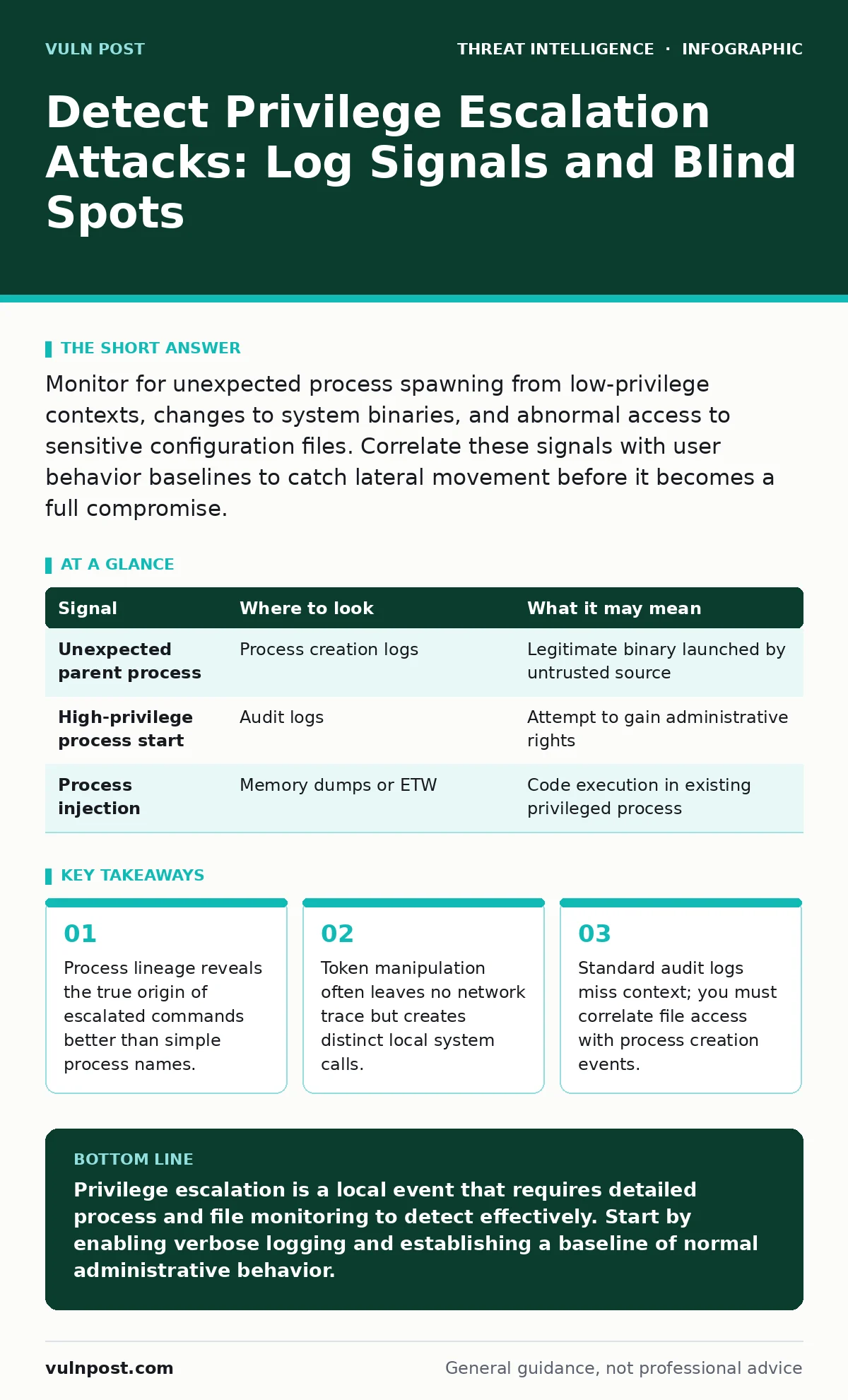
Monitor for unexpected process spawning from low-privilege contexts, changes to system binaries, and abnormal access to sensitive configuration files. Correlate these signals with user behavior baselines to catch lateral movement before it becomes a full compromise.
Process Lineage and Parent-Child Relationships
Most security operations teams monitor individual process executions. This approach fails because an attacker can launch a legitimate binary like PowerShell or Bash from a compromised service. The binary itself looks normal. The danger lies in the parent process. If a web server process spawns a command shell, that is an immediate red flag. You need to track the full tree of process creation.
Imagine a scenario where a low-privilege user runs a script. That script launches a compiler. The compiler creates an executable. The executable runs with higher privileges. If you only see the final executable, you miss the chain. You must log the parent process ID (PPID) for every new process. This allows you to reconstruct the ancestry of any running program. Tools that support Sysmon or similar event forwarding are necessary here.
| Signal | Where to look | What it may mean |
|---|---|---|
| Unexpected parent process | Process creation logs | Legitimate binary launched by untrusted source |
| High-privilege process start | Audit logs | Attempt to gain administrative rights |
| Process injection | Memory dumps or ETW | Code execution in existing privileged process |
Token Manipulation and Impersonation
Windows and Linux both use tokens or credentials to define what a process can do. Attackers often steal these tokens rather than creating new ones. This technique is called token impersonation. It allows an attacker to act as another user without knowing their password. This method leaves no new login event. It simply reuses an existing session.
You detect this by looking for processes that run under a different user context than their parent. For example, a process started by a service account might suddenly run as a local administrator. On Linux, watch for setuid or setgid bit changes on executables. These bits allow a program to run with the permissions of the file owner, not the user who launched it. If a standard user runs a binary with the setuid bit set, they gain root access.
File System Anomalies and Binary Patching
Escalation often requires modifying system files. An attacker might replace a system utility with a malicious version. When the system calls that utility, the malicious code runs with system privileges. This is known as binary patching or replacement. You must monitor for writes to protected directories like System32 or /usr/bin.
However, not all escalation involves writing files. Some attacks exploit misconfigurations in file permissions. An attacker might change the permissions of a configuration file to allow writing. They then inject commands into that file. When the service restarts, it executes those commands. Look for changes to file ownership or permission bits on sensitive files. Correlate these changes with subsequent service restarts.
Scheduled Tasks and Cron Jobs
Attackers need persistence. They often create scheduled tasks or cron jobs to run their payload periodically. This ensures they regain access even if the system reboots. These tasks often run with high privileges. You should monitor for the creation or modification of scheduled tasks. Pay attention to the user context in which the task runs.
A common blind spot is the command line arguments of these tasks. An attacker might schedule a legitimate tool like certutil to download a payload. The task name might look benign. The command line reveals the true intent. You must log the full command line for every scheduled task creation. Do not just log the task name.
Network Indicators of Privilege Escalation
Privilege escalation is primarily a local activity. It happens inside a single host. This means network logs often show nothing unusual. However, the aftermath of escalation often involves lateral movement. The attacker uses their new privileges to access other systems. You might see increased traffic from a previously quiet host.
Look for connections to internal management ports. These include ports used for remote administration or database access. If a web server suddenly connects to a database server, that is suspicious. Correlate local process events with network connections. If a process with elevated privileges opens a network connection, flag it for review. This helps you distinguish between normal application traffic and malicious lateral movement.
Common Blind Spots in Detection
Many organizations miss privilege escalation because they do not log enough data. Standard audit policies often exclude process creation or file access. You must enable verbose logging. This increases storage costs and noise. You need a strategy to filter noise without losing signals.
Another blind spot is containerized environments. Containers often run with elevated privileges by default. An attacker escaping a container can gain access to the host kernel. This is a form of privilege escalation. Standard host-based monitoring might not see the container breakout. You need specialized monitoring for container runtimes.
Tooling and Implementation Strategy
You need tools that can correlate events across different sources. Endpoint Detection and Response (EDR) platforms are designed for this. They collect process, file, and network data. They use behavioral analysis to identify anomalies. However, no tool is perfect. You must tune your rules to reduce false positives.
Start by defining your baseline. What processes normally run? What files are normally accessed? Use this baseline to detect deviations. Implement alerting for high-confidence events. Investigate low-confidence events manually. Over time, you will refine your detection logic. This iterative process is key to effective defense.
Key takeaways
- Process lineage reveals the true origin of escalated commands better than simple process names.
- Token manipulation often leaves no network trace but creates distinct local system calls.
- Standard audit logs miss context; you must correlate file access with process creation events.
Privilege escalation is a local event that requires detailed process and file monitoring to detect effectively. Start by enabling verbose logging and establishing a baseline of normal administrative behavior.
Frequently asked questions
How do I distinguish between a legitimate admin and an attacker?
Legitimate admins follow predictable patterns. Attackers often move laterally, access unrelated files, or use obfuscated commands. Look for deviations from the baseline.
Do I need to monitor every file change?
No. Focus on sensitive directories and configuration files. Monitoring every file change creates too much noise and hides real signals.
Can privilege escalation happen without logging?
If logging is disabled or insufficient, detection is nearly impossible. Ensure your audit policies capture process creation and file access events.
How often should I review my detection rules?
Review rules regularly, especially after system changes or new software deployments. Attackers adapt to new environments quickly.
How this guide was produced: written by the Vuln Post editorial team with AI assistance, checked against the public references listed below, and reviewed when the facts change. See our editorial policy or report an error.