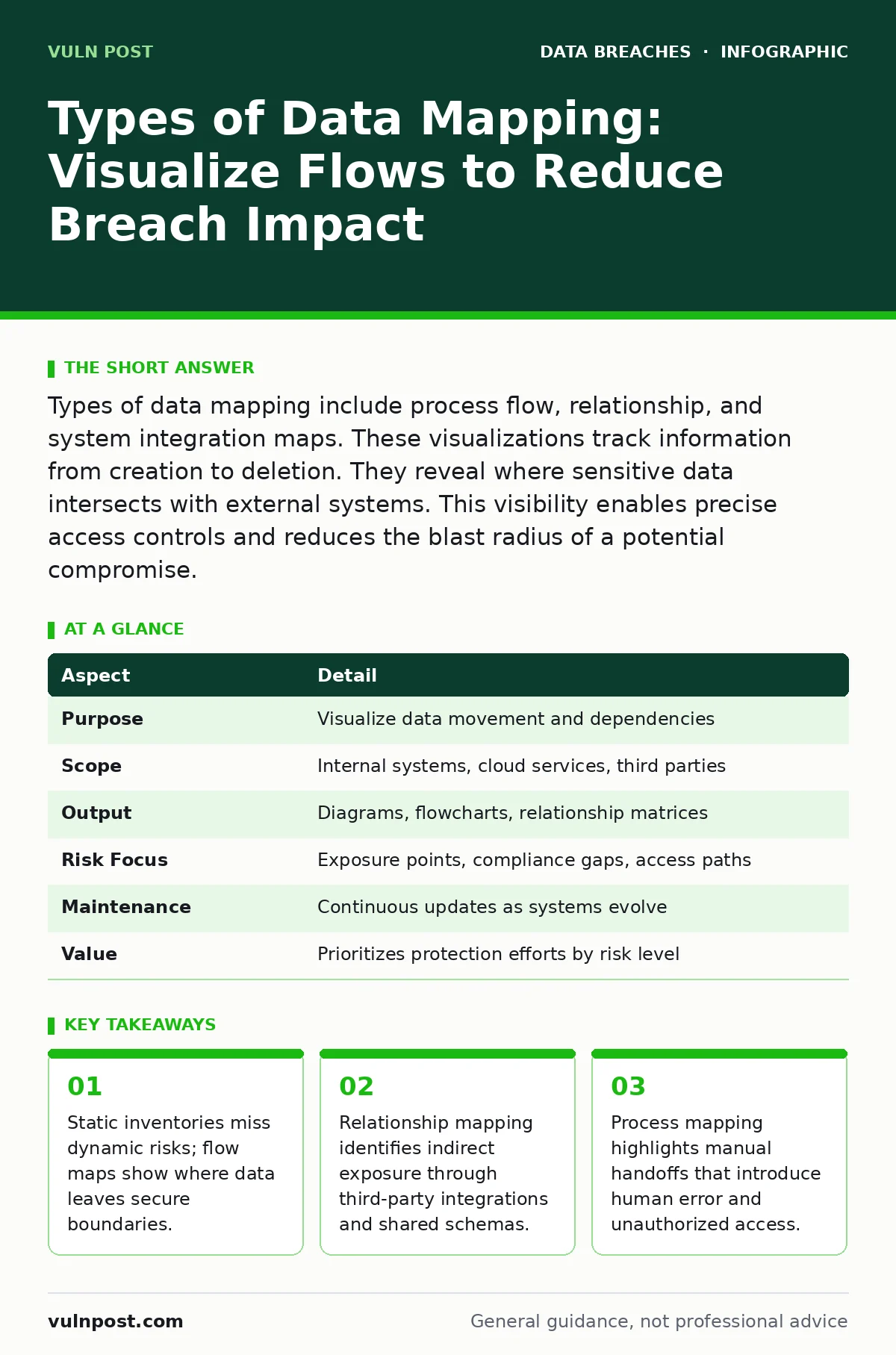
Types of data mapping include process flow, relationship, and system integration maps. These visualizations track information from creation to deletion. They reveal where sensitive data intersects with external systems. This visibility enables precise access controls and reduces the blast radius of a potential compromise.
Everyday Analogy for Data Visibility
Imagine a city’s water supply system. A static inventory lists every pipe, reservoir, and hydrant. It tells you where water sits. It does not tell you where leaks occur or how contaminants spread during a main break. Data mapping is the blueprint of flow. It traces the path of information from source to destination. It reveals pressure points and weak joints. Without this dynamic view, security teams protect containers while the contents evaporate or spill unnoticed.
Defining Data Mapping and Its Scope
Data mapping is the process of documenting how information moves across systems, applications, and organizational boundaries. It connects data elements from one source to another, showing transformation rules and storage locations. This practice affects every team that handles customer records, financial details, or intellectual property. It shifts security from a perimeter-based model to a data-centric one. You cannot protect what you cannot see in motion.
| Aspect | Detail |
|---|---|
| Purpose | Visualize data movement and dependencies |
| Scope | Internal systems, cloud services, third parties |
| Output | Diagrams, flowcharts, relationship matrices |
| Risk Focus | Exposure points, compliance gaps, access paths |
| Maintenance | Continuous updates as systems evolve |
| Value | Prioritizes protection efforts by risk level |
Types of Data Mapping for Security
Searchers asking for types of data mapping need to distinguish between structural and behavioral views. Each type serves a different security function. Process flow mapping charts the lifecycle of a record. It shows creation, processing, storage, and deletion. Relationship mapping links entities. It reveals how customer data connects to transaction logs or support tickets. System integration mapping documents API calls and data exchanges. It exposes external dependencies that introduce attack surface.
Process flow mapping is critical for compliance and incident response. It answers where data is at any given time. Relationship mapping supports impact analysis. It shows which systems are affected if one database is compromised. System integration mapping is vital for third-party risk. It highlights data leaving your control plane. You must combine these types to get a full picture. Relying on one type leaves blind spots in your defense strategy.
How Mapping Works in Practice
Mapping begins with asset identification. You list every system that stores or processes sensitive information. Next, you trace the ingress points. These are user inputs, API endpoints, and file uploads. Then, you follow the egress paths. Data exits via exports, emails, or third-party syncs. You document the transformations along the way. Encryption, hashing, or masking changes the data state. You record who has access at each stage. This includes service accounts and automated scripts.
The process requires collaboration across engineering and operations. Developers know the code paths. Operations teams know the network routes. Security teams define the sensitivity levels. You combine these inputs into a unified view. This view must be living documentation. Systems change frequently. New integrations appear. Old systems decommission. Stale maps create false confidence. Regular audits ensure the map reflects reality. Automated discovery tools can supplement manual efforts. They scan for data patterns and connections.
What People Usually Get Wrong
Teams often confuse data inventory with data mapping. An inventory is a snapshot. It lists assets and their current state. A map is a movie. It shows movement and interaction. Relying only on inventory leaves you blind to flow risks. Another common error is static mapping. Teams create diagrams once and file them away. Technology evolves rapidly. Maps become obsolete within months. This creates a false sense of security.
Another error is ignoring shadow IT. Employees use unauthorized apps to share files. These apps bypass security controls. They create hidden data flows. Mapping must include discovery of unauthorized integrations. You cannot secure what you do not acknowledge. Finally, teams often overlook data deletion. Retention policies define when data should disappear. If deletion is not mapped, residual copies remain. These copies become targets for attackers.
See also: Threat Actor Naming Conventions: What Small Teams Need to Know
Integrating Mapping with Access Controls
Mapping informs role-based access control. You cannot assign least privilege without knowing where data lives. If a support agent needs access to customer records, the map shows which systems hold those records. You grant access only to those systems. You deny access to others. This reduces the attack surface. It limits lateral movement during a breach.
Mapping also supports secure file sharing. When teams share sensitive documents, the map tracks the destination. It ensures files land in approved repositories. It prevents accidental uploads to public clouds. This integration between visibility and control is powerful. It turns abstract policy into concrete enforcement. You move from hoping people follow rules to engineering systems that enforce them.
Handling Third-Party and Cloud Risks
Cloud environments complicate mapping. Data moves between regions, services, and tenants. Traditional network diagrams do not capture this complexity. You must map logical dependencies, not just physical servers. API gateways become critical choke points. You monitor them for anomalous traffic. You validate that data transformations comply with policy.
Third-party vendors add another layer. They access your data via integrations. You must map these connections explicitly. Document the data shared, the frequency, and the retention period. This supports SOC 2 compliance requirements. It proves you manage vendor risk. It also helps during incident response. If a vendor is breached, you know exactly which of your records were exposed. You can notify affected users accurately. This precision reduces legal and reputational damage.
Next Steps for Implementation
Start small. Pick one high-risk data set. Map its flow end-to-end. Identify the biggest exposure point. Fix it. Then expand to the next data set. Do not try to map everything at once. It is overwhelming and prone to error. Use automated tools to assist. They detect patterns and connections faster than humans. But verify their output. Automation misses context. Human judgment fills the gaps.
Integrate mapping into your change management process. Every new system or integration requires a map update. This ensures visibility keeps pace with innovation. Train your teams on the importance of mapping. It is not just a compliance exercise. It is a core security capability. It reduces the impact of breaches. It builds trust with customers and partners.
Key takeaways
- Static inventories miss dynamic risks; flow maps show where data leaves secure boundaries.
- Relationship mapping identifies indirect exposure through third-party integrations and shared schemas.
- Process mapping highlights manual handoffs that introduce human error and unauthorized access.
Frequently asked questions
How often should I update my data maps?
Update maps whenever systems change, integrations are added, or data flows are modified. Quarterly reviews are a good baseline. Major projects require immediate updates.
Can automated tools replace manual mapping?
Automated tools help discover connections and patterns. They cannot interpret business context or intent. Combine tool outputs with manual validation for accuracy.
What is the difference between data lineage and data mapping?
Data lineage tracks the origin and transformation of data. Data mapping visualizes the movement and storage. Lineage is a subset of mapping. Mapping includes access and flow.
How does mapping help with medical identity theft?
Mapping reveals where patient data is stored and shared. It identifies weak points in the chain. Securing these points reduces the risk of record theft and fraud.
How this guide was produced: written by the Vuln Post editorial team with AI assistance, checked against the public references listed below, and reviewed when the facts change. See our editorial policy or report an error.