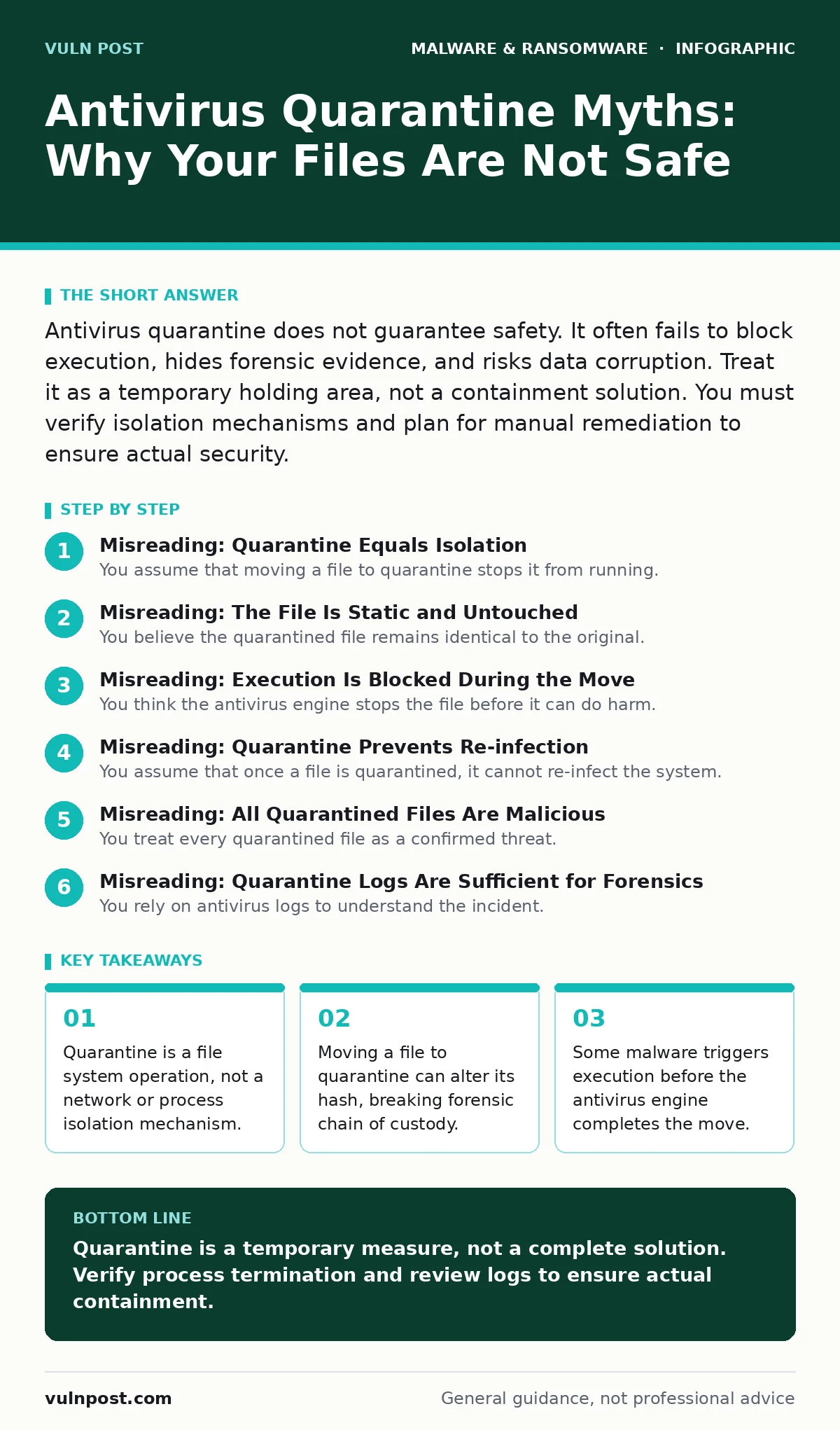
Antivirus quarantine does not guarantee safety. It often fails to block execution, hides forensic evidence, and risks data corruption. Treat it as a temporary holding area, not a containment solution. You must verify isolation mechanisms and plan for manual remediation to ensure actual security.
Misreading: Quarantine Equals Isolation
You assume that moving a file to quarantine stops it from running. This is incorrect. Quarantine is a file system operation that moves a file to a protected directory. It does not kill running processes, nor does it block network connections established by the malware.
If the malware has already injected itself into a system process, moving the original file does nothing. The malicious code remains in memory. You must terminate the process and reboot the system to clear the threat. Relying on quarantine alone leaves the system vulnerable.
Correct reading: Quarantine is a storage action, not an execution control mechanism. It removes the file from its original location but does not guarantee the code is no longer active. You must verify process termination and network state changes independently.
Misreading: The File Is Static and Untouched
You believe the quarantined file remains identical to the original. Many antivirus engines modify the file during quarantine to ensure it cannot execute. This might involve renaming the extension, encrypting the payload, or truncating the file size.
These changes alter the file’s cryptographic hash. If you need to submit the file for dynamic malware analysis, the hash mismatch can cause confusion. Forensic tools rely on consistent hashes to track evidence. A modified file breaks this chain of custody.
Correct reading: Quarantine often alters the file’s binary structure. This modification prevents execution but complicates forensic analysis. You should capture the original hash before quarantine or use a separate mechanism for evidence preservation.
Misreading: Execution Is Blocked During the Move
You think the antivirus engine stops the file before it can do harm. In reality, there is a race condition between detection and action. The malware may execute its payload before the engine completes the quarantine command.
Imagine a script that drops a payload and then deletes itself. If the antivirus detects the dropper after it has already written the payload to disk, quarantining the dropper is useless. The payload remains active and undetected. This is common with fast-spreading malware families.
Correct reading: Detection and quarantine are not instantaneous. There is a window where the malware can execute. You must assume the system is compromised if the malware has execution capabilities, regardless of quarantine status.
Misreading: Quarantine Prevents Re-infection
You assume that once a file is quarantined, it cannot re-infect the system. This is false if the file is restored or if another copy exists. Quarantine does not scan the rest of the system for similar files. It only addresses the specific instance it detected.
If the malware was part of a larger infection, other copies may remain in temporary folders or user profiles. Restoring the quarantined file without a full system scan reintroduces the threat. This is a common cause of recurring infections.
Correct reading: Quarantine is a local action. It does not perform a system-wide cleanup. You must run a full scan after quarantine to identify and remove other instances of the malware.
Misreading: All Quarantined Files Are Malicious
You treat every quarantined file as a confirmed threat. Antivirus engines have high false positive rates, especially for custom scripts or software restriction policies. Quarantining a legitimate file can disrupt business operations.
Suppose a developer’s script is flagged as malicious. Quarantining it stops the development process. Reviewing the quarantine log is necessary to distinguish between true threats and false positives. Ignoring this can lead to unnecessary downtime.
Correct reading: Quarantine is an automated decision, not a verified fact. You must review quarantine logs regularly to identify false positives. This is particularly important for environments with custom software or complex dependencies.
See also: Detecting Malicious npm Packages in Your Build Pipeline · Removing Windows Malware: 6 Common Misunderstandings and Fixes
Misreading: Quarantine Logs Are Sufficient for Forensics
You rely on antivirus logs to understand the incident. These logs are often sparse. They may record the file name and detection time but lack details about behavior, network connections, or process injection.
For a thorough investigation, you need more than quarantine logs. You need endpoint detection and response data, network traffic analysis, and memory dumps. Quarantine logs are a starting point, not the entire story.
Correct reading: Quarantine logs provide limited context. They are insufficient for deep forensic analysis. You must integrate antivirus data with other security telemetry to understand the full scope of an incident.
Misreading: Quarantine Works on All File Types
You assume quarantine works equally well on all file types. It is less effective on firmware malware or files embedded in other documents. For example, a malicious document may contain a payload that executes when opened.
Quarantining the document file does not stop the payload if it has already been extracted to memory. Similarly, firmware malware resides in the BIOS or UEFI, which is not accessible to standard file system operations. Quarantine cannot reach these areas.
Correct reading: Quarantine is limited to file system objects. It cannot isolate threats in memory, firmware, or embedded payloads. You must use specialized tools for these scenarios.
Key takeaways
- Quarantine is a file system operation, not a network or process isolation mechanism.
- Moving a file to quarantine can alter its hash, breaking forensic chain of custody.
- Some malware triggers execution before the antivirus engine completes the move.
- Restoring files from quarantine without re-scanning reintroduces known threats.
Quarantine is a temporary measure, not a complete solution. Verify process termination and review logs to ensure actual containment.
Frequently asked questions
Does quarantining a file delete it?
No, quarantine moves the file to a protected directory. It is not deleted, so you can restore it if it is a false positive.
Can malware bypass quarantine?
Yes, if it executes before the quarantine command completes or if it resides in memory or firmware.
How do I restore a quarantined file?
Use your antivirus console to restore the file. Ensure you re-scan it and the system to prevent re-infection.
Is quarantine the same as sandboxing?
No, sandboxing isolates execution in a controlled environment. Quarantine only moves the file to a protected location.
How this guide was produced: written by the Vuln Post editorial team with AI assistance, checked against the public references listed below, and reviewed when the facts change. See our editorial policy or report an error.