
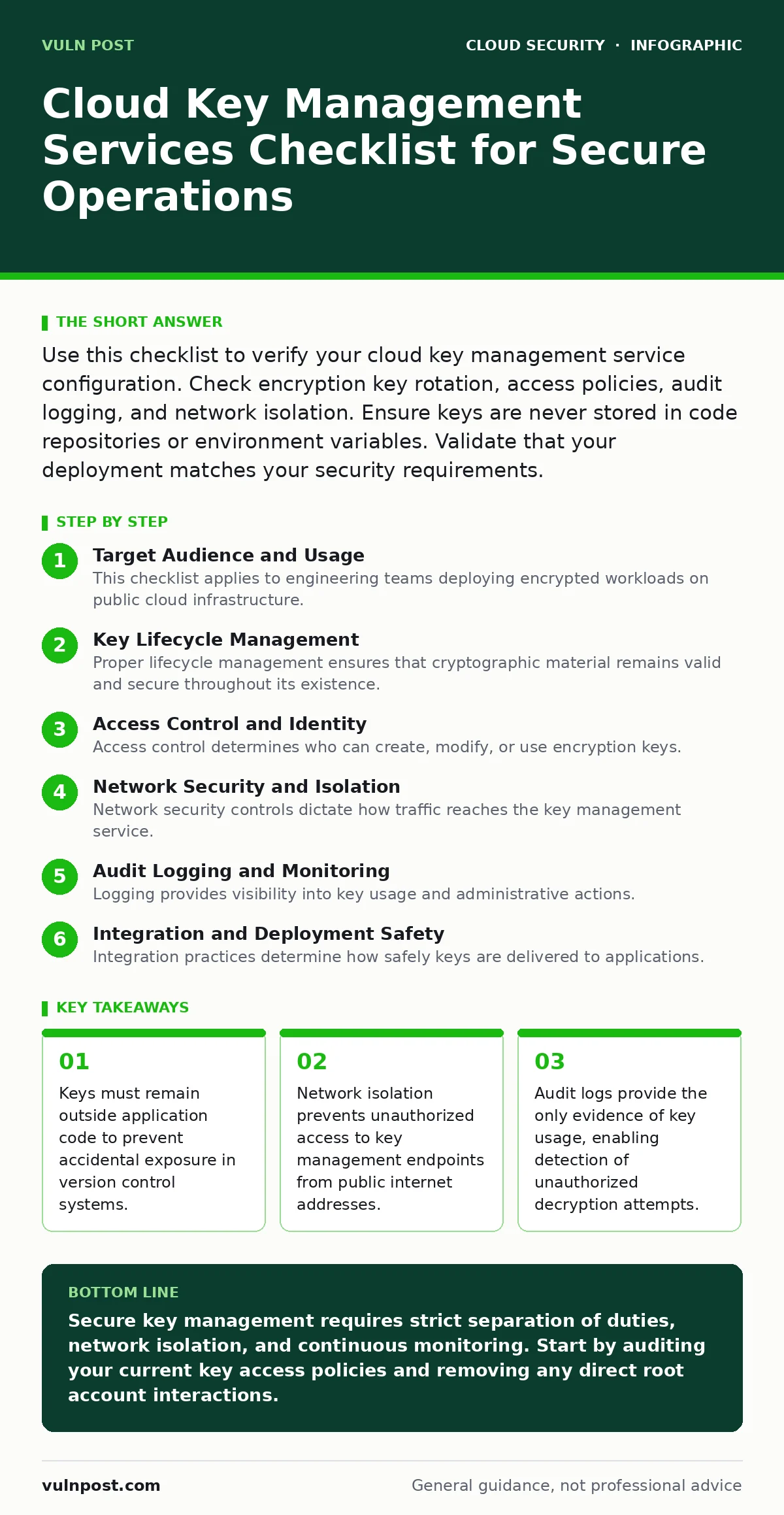
Use this checklist to verify your cloud key management service configuration. Check encryption key rotation, access policies, audit logging, and network isolation. Ensure keys are never stored in code repositories or environment variables. Validate that your deployment matches your security requirements.
Target Audience and Usage
This checklist applies to engineering teams deploying encrypted workloads on public cloud infrastructure. You use this list to verify that your key management service configuration meets baseline security requirements. Each item represents a specific control point. Review these items before production deployment. Revisit them after significant architectural changes.
Key Lifecycle Management
Proper lifecycle management ensures that cryptographic material remains valid and secure throughout its existence. You must define clear rules for creation, usage, and destruction.
- Define automatic key rotation intervals: Regular rotation limits the amount of data encrypted with a single key, reducing impact if a key is compromised.
- Enforce key versioning: Versioning allows you to decrypt historical data even after keys are rotated, preventing data loss during updates.
- Schedule secure key deletion: Deletion policies ensure that compromised or unused keys are destroyed, removing the ability to decrypt associated data.
- Separate development and production keys: Isolation prevents accidental use of test keys in live environments, which often lack proper protection.
- Validate key usage permissions: Explicit permissions ensure that only authorized services can use specific keys, limiting lateral movement.
Access Control and Identity
Access control determines who can create, modify, or use encryption keys. You must apply the principle of least privilege to all identities interacting with the key management service.
- Disable root account key operations: Root accounts have unrestricted power, so disabling their direct interaction with keys prevents catastrophic misconfigurations.
- Use service accounts for applications: Service accounts provide isolated identities for applications, avoiding the risk of sharing human credentials.
- Require multi-factor authentication for admin actions: MFA adds a layer of protection against stolen credentials, securing high-privilege operations.
- Audit identity sprawl regularly: Regular audits identify unused or overly permissive identities, reducing the attack surface exposed to attackers.
- Implement just-in-time access: Temporary access reduces the window of opportunity for attackers who compromise long-lived credentials.
Network Security and Isolation
Network security controls dictate how traffic reaches the key management service. You must restrict access to prevent unauthorized network paths from reaching key endpoints.
- Deploy private endpoints: Private endpoints keep key management traffic within your virtual network, preventing exposure to the public internet.
- Disable public access to key stores: Disabling public access ensures that keys cannot be requested from untrusted networks, reducing exposure.
- Use virtual private cloud peering: Peering allows secure communication between isolated networks, maintaining separation while enabling necessary access.
- Monitor network flow logs: Flow logs reveal unexpected connection attempts, helping you detect reconnaissance or brute force attacks.
- Restrict API gateway access: Limiting gateway access ensures that only authorized services can invoke key management functions.
Audit Logging and Monitoring
Logging provides visibility into key usage and administrative actions. You must capture detailed records to support incident response and compliance requirements.
- Enable comprehensive audit logging: Logging captures every interaction with keys, providing evidence for forensic analysis and compliance audits.
- Centralize logs in a secure store: Centralization prevents attackers from deleting local logs, preserving evidence of malicious activity.
- Alert on unusual key usage: Alerts notify you of anomalous patterns, such as bulk decryption requests, which may indicate data exfiltration.
- Monitor for policy changes: Tracking policy changes helps you detect unauthorized modifications to access controls or key configurations.
- Retain logs for compliance periods: Retention ensures that historical data remains available for audits and legal investigations.
See also: Implement Cloud Landing Zones: A Step-by-Step Framework · Private Endpoints: Benefits, Limits, and When to Use Them
Integration and Deployment Safety
Integration practices determine how safely keys are delivered to applications. You must avoid common mistakes that expose keys in transit or at rest.
- Never store keys in code repositories: Storing keys in code exposes them to anyone with repository access, leading to immediate compromise.
- Avoid environment variables for secrets: Environment variables are often visible in process lists or logs, making them insecure storage locations.
- Use infrastructure as code templates: Templates ensure consistent and repeatable deployment of key management configurations across environments.
- Validate serverless security risks: Serverless functions may have transient identities that require special handling to prevent key leakage.
- Test container escape scenarios: Testing for container escapes ensures that compromised containers cannot access the host’s key management service.
Related Security Considerations
Key management does not exist in isolation. You must consider how it interacts with broader cloud security strategies.
- Align with cloud landing zones: Landing zones provide a secure baseline for cloud deployments, including key management best practices.
- Review IaaS, PaaS and SaaS security: Different service models shift responsibility for key management, requiring tailored controls.
- Address Kubernetes security basics: Kubernetes environments require specific configurations to manage keys securely within pods.
- Evaluate policy as code adoption: Automating policy enforcement ensures that key management configurations remain compliant over time.
Key takeaways
- Keys must remain outside application code to prevent accidental exposure in version control systems.
- Network isolation prevents unauthorized access to key management endpoints from public internet addresses.
- Audit logs provide the only evidence of key usage, enabling detection of unauthorized decryption attempts.
Secure key management requires strict separation of duties, network isolation, and continuous monitoring. Start by auditing your current key access policies and removing any direct root account interactions.
Frequently asked questions
How often should encryption keys be rotated?
Rotate keys based on your organization’s risk tolerance and compliance requirements. Automated rotation reduces human error and ensures consistent security.
Can I use the same key for multiple applications?
Sharing keys increases the blast radius of a compromise. Use separate keys for each application to limit exposure and simplify access control.
What happens if I lose my encryption key?
Data encrypted with a lost key is permanently inaccessible. Maintain secure backups of key metadata and ensure versioning is enabled.
Do key management services protect against insider threats?
They provide audit trails and access controls, but they cannot prevent malicious insiders with legitimate access. Monitor logs for unusual activity.
How this guide was produced: written by the Vuln Post editorial team with AI assistance, checked against the public references listed below, and reviewed when the facts change. See our editorial policy or report an error.