
Start by codifying baseline security rules in a declarative language like Open Policy Agent Rego or Sentinel. Integrate these policies into your CI/CD pipeline to block non-compliant deployments. Verify enforcement by attempting to deploy a known-violating configuration and confirming the pipeline rejects it.
Define the Scope and Baseline Rules
Before writing a single line of policy, you must identify which configurations pose the highest risk. Attempting to enforce every possible rule at once creates friction that teams will bypass. Start with high-impact, low-friction controls. These are settings that are easy to check and have clear security benefits, such as ensuring storage buckets are not publicly accessible or that logging is enabled on compute instances.
Select a policy engine that supports your infrastructure provider. Common choices include Open Policy Agent, which uses the Rego query language, or vendor-specific tools like Azure Policy or AWS Config Rules. The choice depends on whether you manage Infrastructure as a Service, Platform as a Service, or Software as a Service workloads. Understanding the distinctions in IaaS, PaaS and SaaS security helps you determine where your policy engine can actually enforce controls.
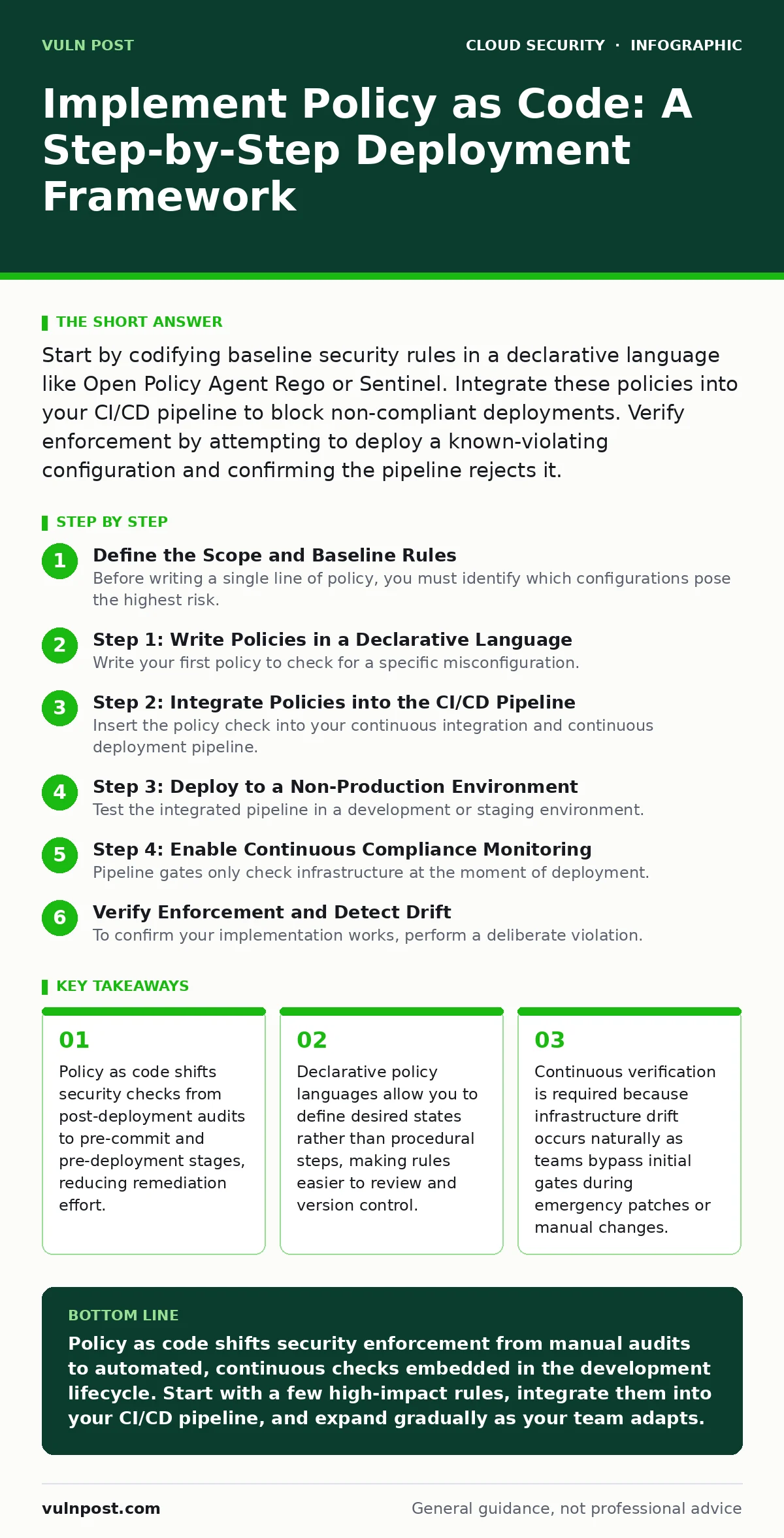
Step 1: Write Policies in a Declarative Language
Write your first policy to check for a specific misconfiguration. Use a declarative language that describes what the system should look like, not how to achieve it. For example, a policy might state that a virtual machine must have a specific tag for cost center identification. This tag requirement is a simple start that validates your toolchain without blocking critical work.
Define the input data structure your policy will evaluate. Most policy engines receive a JSON document representing the infrastructure state. Ensure your policy can parse this document correctly. If the policy cannot read the input, it will fail silently or produce false negatives. Test the logic locally using the policy engine’s CLI tool before integrating it into any pipeline.
Step 2: Integrate Policies into the CI/CD Pipeline
Insert the policy check into your continuous integration and continuous deployment pipeline. This step transforms the policy from a advisory check into a hard gate. The pipeline should execute the policy engine against the proposed infrastructure change before any resources are created or modified in the cloud.
Configure the pipeline to fail if the policy evaluation returns a violation. This requires modifying your build scripts to treat policy errors as build failures. Developers receive immediate feedback when they commit code that violates security standards. This immediate feedback loop is faster and more effective than waiting for a weekly security scan.
Step 3: Deploy to a Non-Production Environment
Test the integrated pipeline in a development or staging environment. Deploy a change that should pass the policy and verify that the deployment succeeds. Then, deploy a change that should fail the policy and verify that the pipeline blocks the deployment. This verification step confirms that the toolchain is wired correctly.
Monitor the logs generated by the policy engine during these test deployments. Ensure that the error messages are clear and actionable. If a developer sees a generic "policy failed" message, they will not know how to fix the issue. The message should point to the specific resource and the specific rule that was violated.
Step 4: Enable Continuous Compliance Monitoring
Pipeline gates only check infrastructure at the moment of deployment. They do not detect changes made manually via the cloud console or by other automation tools. Implement a continuous monitoring component that scans your live environment against the same policies. This detects configuration drift, which is the divergence between the intended state defined in code and the actual state in the cloud.
Schedule these scans to run regularly, such as every hour or every few minutes. When a drift is detected, the system should alert the responsible team. This ensures that even if someone bypasses the pipeline, the violation is caught quickly. This approach complements static pipeline checks by providing runtime assurance.
See also: What Is Cloud Workload Protection: Defining the Scope · Implement Cloud Landing Zones: A Step-by-Step Framework
Verify Enforcement and Detect Drift
To confirm your implementation works, perform a deliberate violation. Create a resource that breaks one of your active policies, such as a database instance with public internet access. If your pipeline is active, the deployment should be rejected. If the resource already exists, your continuous monitor should flag it within the expected scan interval.
Check the audit logs of your policy engine. Verify that every evaluation attempt is recorded. This log trail is necessary for compliance audits and for troubleshooting false positives. If the logs are missing or incomplete, your enforcement mechanism is not reliable.
- Pipeline rejects non-compliant infrastructure changes.
- Continuous monitor detects manual configuration changes.
- Error messages provide specific remediation steps.
- Audit logs record all policy evaluations.
Maintain and Evolve Policy Rules
Policy rules are not static. As new services are adopted or threats evolve, your policies must change. Treat policy files as code: review them, version control them, and update them through the same pull request process as application code. This ensures that changes to security rules are peer-reviewed and tested.
Avoid accumulating technical debt in your policies. Deprecated rules that no longer apply should be removed. Rules that are constantly triggering false positives should be refined. Regular maintenance keeps the policy set relevant and trustworthy. If developers lose trust in the policy engine because it blocks valid work, they will find ways to circumvent it.
Consider how your policies interact with other security controls. For instance, cloud network segmentation policies might rely on security group rules that your policy engine checks. Private endpoints often require specific configuration that must be validated by your policies. Integrating these concepts ensures a layered defense.
Handle Exceptions and Emergency Access
No policy set is perfect. There will be times when a legitimate business need requires bypassing a standard rule. Establish a formal exception process for these cases. This process should require documented justification and time-bound approval. The exception should be logged and reviewed periodically to ensure it is still necessary.
For emergency situations, such as a production outage, you may need to deploy changes rapidly. Ensure your emergency procedures include a way to temporarily disable specific policies if necessary, but with mandatory post-incident review. This balances speed with security. Refer to practices for just-in-time access to understand how to grant temporary privileges without compromising long-term security.
Key takeaways
- Policy as code shifts security checks from post-deployment audits to pre-commit and pre-deployment stages, reducing remediation effort.
- Declarative policy languages allow you to define desired states rather than procedural steps, making rules easier to review and version control.
- Continuous verification is required because infrastructure drift occurs naturally as teams bypass initial gates during emergency patches or manual changes.
Policy as code shifts security enforcement from manual audits to automated, continuous checks embedded in the development lifecycle. Start with a few high-impact rules, integrate them into your CI/CD pipeline, and expand gradually as your team adapts.
Frequently asked questions
How do I handle policy violations in production?
Use your continuous monitoring tool to detect violations and alert the responsible team. Automate remediation where possible, such as by reverting a configuration change via infrastructure as code.
Can policy as code protect against application-level vulnerabilities?
No. Policy as code enforces infrastructure configuration standards. It does not scan application code for bugs or vulnerabilities. You need separate static and dynamic application security testing for that.
What is the difference between policy as code and infrastructure as code?
Infrastructure as code defines the resources you want to create. Policy as code defines the rules those resources must follow. They work together: IaC creates the state, and Policy as Code validates it.
How often should I update my policy rules?
Update them whenever your threat model changes, new services are adopted, or you identify gaps in your current controls. Regular reviews, such as quarterly, are a good practice to ensure relevance.
How this guide was produced: written by the Vuln Post editorial team with AI assistance, checked against the public references listed below, and reviewed when the facts change. See our editorial policy or report an error.