
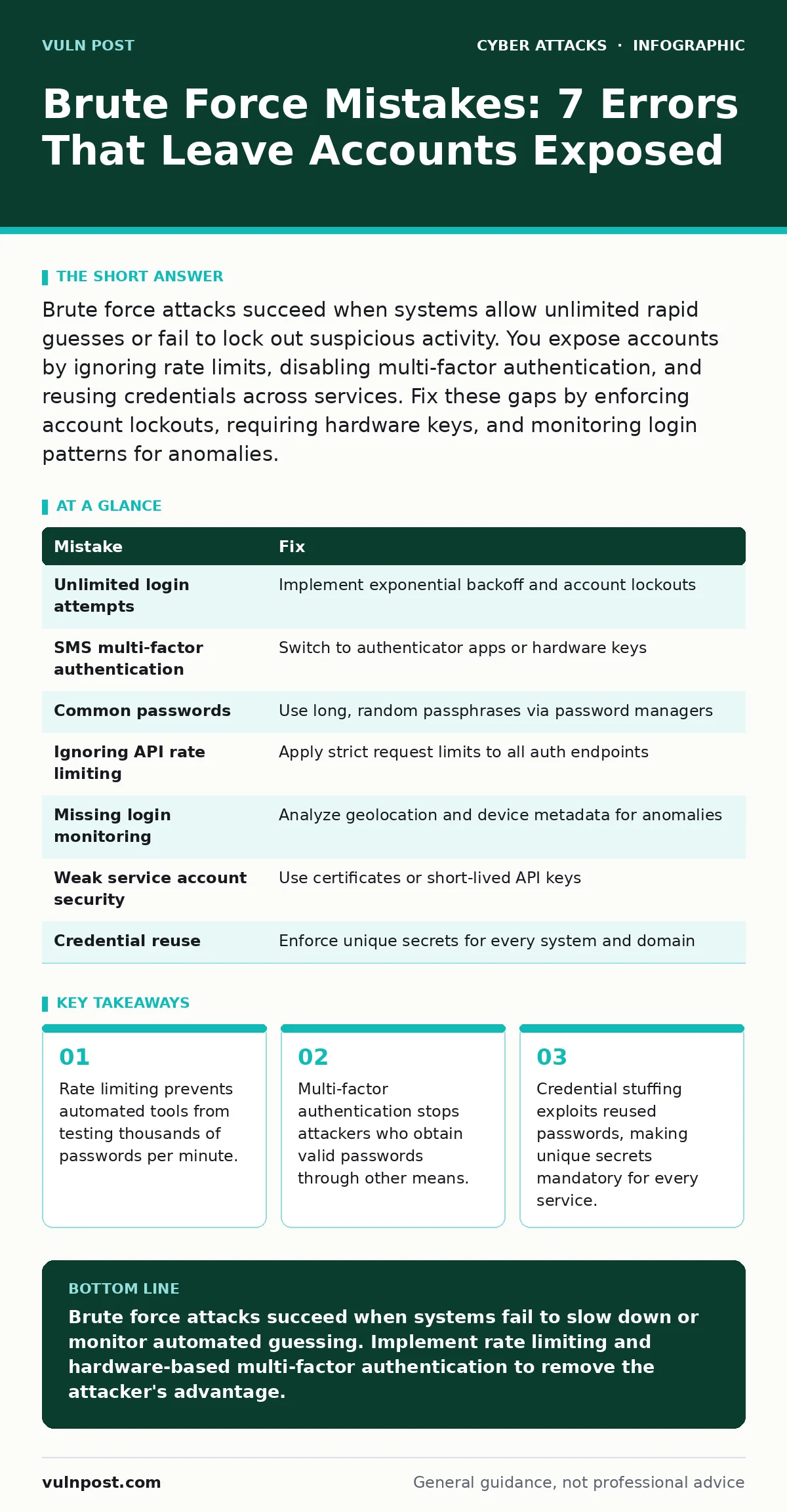
Brute force attacks succeed when systems allow unlimited rapid guesses or fail to lock out suspicious activity. You expose accounts by ignoring rate limits, disabling multi-factor authentication, and reusing credentials across services. Fix these gaps by enforcing account lockouts, requiring hardware keys, and monitoring login patterns for anomalies.
Mistake 1: Allowing Unlimited Login Attempts
Why it hurts:
Unrestricted attempt counts allow automated scripts to test every possible password combination without triggering defensive mechanisms. Attackers use dictionary lists containing millions of common passwords and variations. Your system processes each guess instantly, turning a security barrier into a predictable queue. The attack succeeds through sheer volume rather than cleverness.
The fix:
Implement exponential backoff or account lockout policies after a small number of failed attempts. Exponential backoff increases the wait time between guesses with each failure. This slows the attack to a crawl and alerts monitoring systems. Ensure the lockout applies to the specific account, not just the IP address, to prevent distributed attacks from bypassing simple IP blocks.
Mistake 2: Relying on SMS for Multi-Factor Authentication
Why it hurts:
Short message service delivery relies on the cellular network, which attackers can intercept through SIM swapping. SIM swapping tricks mobile carriers into transferring a victim’s phone number to a new SIM card controlled by the attacker. This redirects verification codes to the attacker’s device. The second factor becomes a single point of failure that bypasses password protection entirely.
The fix:
Replace SMS-based verification with an authenticator app or hardware security key. Authenticator apps generate time-based one-time passwords locally on the device. These codes never traverse the cellular network or internet during generation. Hardware keys provide phishing-resistant authentication by requiring physical possession. This approach removes the telecom infrastructure from the authentication chain.
Mistake 3: Using Common or Predictable Passwords
Why it hurts:
Attackers prioritize passwords that appear in public breach databases or follow predictable patterns. Common strings like "password" or sequential numbers are tested first in any attack. If your password exists in a leaked dataset, attackers do not need to guess it; they simply verify it. This turns a brute force attempt into a credential stuffing attack, which is faster and more efficient.
The fix:
Enforce the use of long, random passphrases generated by a password manager. Length adds entropy, making mathematical guessing impractical. Randomness ensures the password does not appear in dictionary lists. A password manager creates unique secrets for every service, preventing a breach on one platform from compromising others. This isolation limits the blast radius of any single credential leak.
Mistake 4: Ignoring Rate Limiting on APIs
Why it hurts:
Application programming interfaces often lack the same login restrictions as graphical user interfaces. Attackers target API endpoints to automate credential testing at scale. Without rate limiting, an API can process thousands of requests per second from a single source. This allows attackers to exhaust valid user lists before human operators notice the abnormal traffic volume.
The fix:
Apply strict rate limiting to all authentication endpoints, including APIs. Define maximum request thresholds per user and per IP address. Implement sliding window counters to track request frequency accurately. Return generic error messages for failed attempts to prevent user enumeration. This ensures that automated tools cannot harvest valid usernames or test passwords at high speed.
Mistake 5: Failing to Monitor for Anomalous Login Patterns
Why it hurts:
Brute force attacks generate distinct behavioral signatures that standard logging misses. Legitimate users log in from consistent locations and devices. Attackers often rotate through multiple geographic regions or use cloud infrastructure. Without monitoring for these anomalies, successful compromises remain hidden until data exfiltration begins. The delay allows attackers to establish persistence and escalate privileges.
The fix:
Deploy a security operations center capability or automated monitoring to analyze login metadata. Track factors like geolocation, device fingerprint, and time of day. Alert when a login occurs from a new country or unusual hour. Investigate rapid successive failures followed by a success. This behavioral analysis catches attacks that bypass static controls.
Mistake 6: Not Enforcing Account Lockout for Service Accounts
Why it hurts:
Service accounts often have elevated privileges and are used for automated tasks. Attackers target these accounts because they provide broader access than standard user accounts. These accounts sometimes lack interactive login protections to avoid disrupting automation. This creates a high-value target with weaker defenses. Compromising a service account can grant access to entire infrastructure segments.
The fix:
Apply the same authentication rigor to service accounts as human users. Use certificate-based authentication or API keys with short expiration times instead of passwords. If passwords are necessary, enforce complex rotation schedules and monitoring. Ensure service accounts cannot be used for interactive logins. This reduces the attack surface for automated credential testing.
Mistake 7: Reusing Credentials Across Internal and External Systems
Why it hurts:
Password reuse creates a bridge between external internet-facing services and internal networks. If an external account is compromised, attackers test those same credentials against internal systems. This lateral movement bypasses perimeter defenses entirely. The internal network becomes accessible because the authentication secret is already known. This mistake turns a minor external breach into a major internal compromise.
The fix:
Enforce strict separation of credentials between external and internal environments. Use identity providers that support single sign-on with conditional access policies. Require unique passwords for every system. Monitor for credential reuse attempts across different authentication domains. This segmentation ensures that a breach in one area does not automatically grant access to another.
| Mistake | Fix |
|---|---|
| Unlimited login attempts | Implement exponential backoff and account lockouts |
| SMS multi-factor authentication | Switch to authenticator apps or hardware keys |
| Common passwords | Use long, random passphrases via password managers |
| Ignoring API rate limiting | Apply strict request limits to all auth endpoints |
| Missing login monitoring | Analyze geolocation and device metadata for anomalies |
| Weak service account security | Use certificates or short-lived API keys |
| Credential reuse | Enforce unique secrets for every system and domain |
Key takeaways
- Rate limiting prevents automated tools from testing thousands of passwords per minute.
- Multi-factor authentication stops attackers who obtain valid passwords through other means.
- Credential stuffing exploits reused passwords, making unique secrets mandatory for every service.
Brute force attacks succeed when systems fail to slow down or monitor automated guessing. Implement rate limiting and hardware-based multi-factor authentication to remove the attacker's advantage.
Frequently asked questions
Does changing passwords frequently stop brute force attacks?
Frequent changes do not stop brute force attempts during the active window. Attackers test credentials in real-time, so a recent password is only safe if it is strong and unique.
Can rate limiting lock out legitimate users?
Poorly configured rate limits can block users who type passwords incorrectly. Use exponential backoff to gradually increase wait times, balancing security with usability.
Is multi-factor authentication enough to prevent all attacks?
Multi-factor authentication stops password-only attacks but does not protect against insider threats or compromised session tokens. It adds a layer of defense but requires proper implementation.
How do I detect a brute force attack in progress?
Look for high volumes of failed login attempts from single IPs or unusual geographic locations. Monitor for rapid failures followed by success, which indicates a compromised credential.
How this guide was produced: written by the Vuln Post editorial team with AI assistance, checked against the public references listed below, and reviewed when the facts change. See our editorial policy or report an error.