
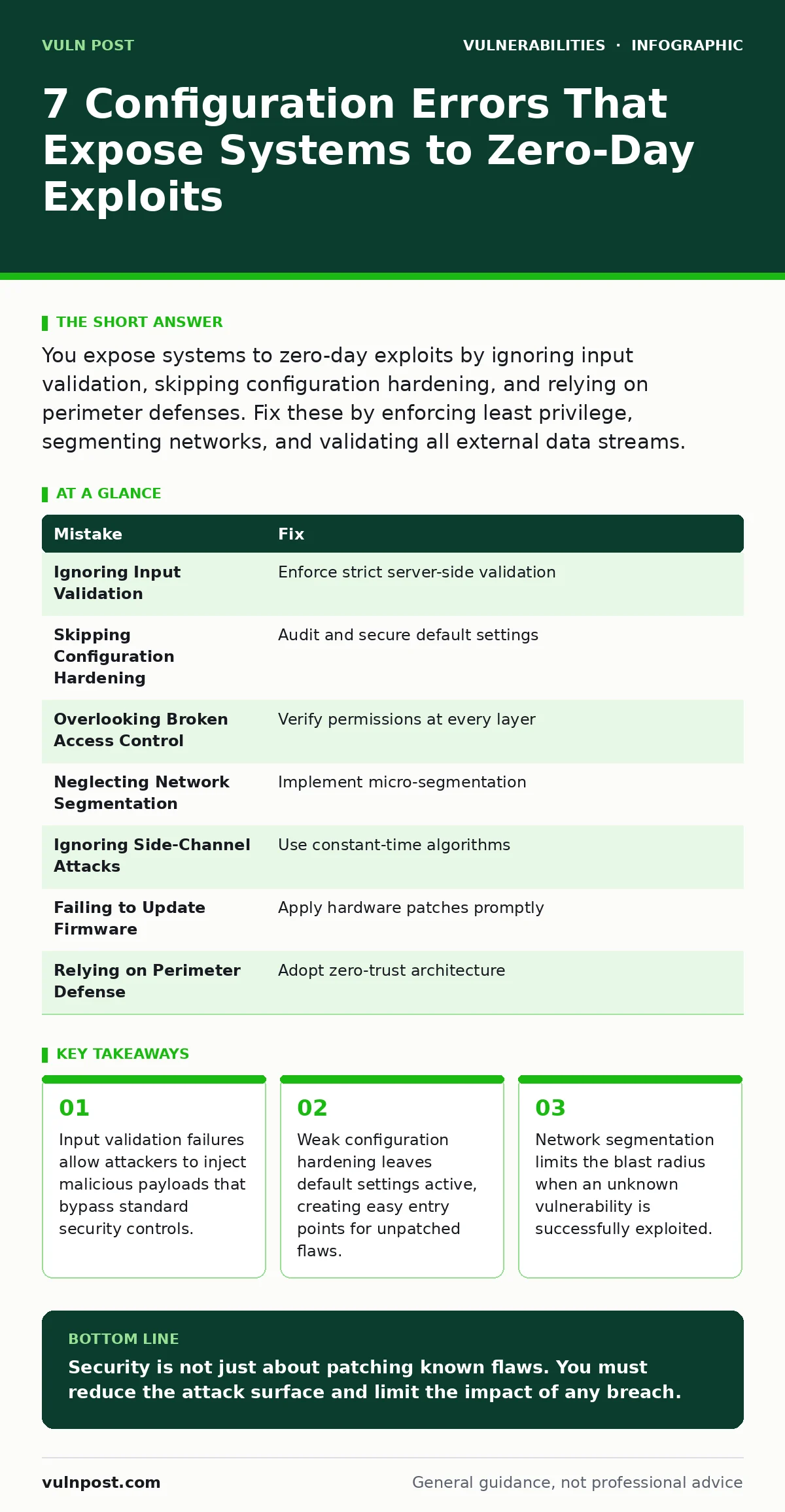
You expose systems to zero-day exploits by ignoring input validation, skipping configuration hardening, and relying on perimeter defenses. Fix these by enforcing least privilege, segmenting networks, and validating all external data streams.
Mistake 1: Ignoring Input Validation
Input validation ensures that data entering a system meets expected format and content rules. When you skip this step, untrusted data reaches deep into your application logic. Attackers exploit this by sending malformed inputs that trigger unexpected behavior in the software. This happens even if the code has no known public flaws. The application crashes or executes arbitrary commands because it trusts the input source implicitly.
Why it hurts:
Invalid input can overwrite memory buffers or alter program flow. This allows an attacker to execute code without triggering signature-based alerts. The system behaves as designed, but the design assumption was that input would be clean. This creates a pathway for remote code execution that standard antivirus tools miss entirely.
The fix:
Enforce strict input validation at every entry point. Reject data that does not match specific patterns. Use allowlists rather than blocklists to define acceptable characters and lengths. Validate data on the server side, not just the client side. This prevents attackers from bypassing checks by modifying requests directly.
Mistake 2: Skipping Configuration Hardening
Configuration hardening removes unnecessary features and secures default settings. Many deployments leave default accounts, unused ports, or verbose error messages active. These elements expand the attack surface significantly. Attackers scan for these common misconfigurations to find easy entry points. They do not need a new exploit when the door is already unlocked by poor setup.
Why it hurts:
Default configurations often include credentials or open services that are well-documented. An attacker can use these known weaknesses to gain initial access. Once inside, they can move laterally to find systems with zero-day vulnerabilities. The initial breach does not require an exploit, making detection nearly impossible for tools focused on code flaws.
The fix:
Audit all system configurations against security baselines. Disable unused services and remove default accounts. Change default passwords immediately. Restrict administrative access to specific IP ranges. Regularly review configuration changes to ensure no new weaknesses are introduced during updates.
Mistake 3: Overlooking Broken Access Control
Access control determines who can view or modify data. Broken access control occurs when users can perform actions outside their intended permissions. This often happens when developers assume the user interface limits access. Attackers manipulate API calls or URLs to access restricted resources. They bypass the interface entirely and interact directly with the backend logic.
Why it hurts:
An attacker with low-level access can escalate privileges by exploiting broken controls. They may access sensitive data or administrative functions without triggering authentication alerts. This privilege escalation allows them to deploy payloads that exploit deeper system vulnerabilities. The initial access is legitimate, but the subsequent actions are not.
The fix:
Enforce access controls at every layer of the application. Verify permissions on the server for every request. Do not rely on client-side checks. Implement role-based access control with strict separation of duties. Regularly audit access logs to identify unusual patterns of privilege usage.
Mistake 4: Neglecting Network Segmentation
Network segmentation divides a network into smaller, isolated zones. Without segmentation, an attacker who breaches one system can move freely across the entire environment. This lateral movement allows them to find critical assets. They can exploit zero-day vulnerabilities in isolated systems that were previously unreachable.
Why it hurts:
A flat network provides no barriers to internal movement. Once an initial foothold is established, the attacker has full visibility of all systems. They can target high-value assets that are rarely exposed to the internet. This increases the impact of any single vulnerability significantly.
The fix:
Implement micro-segmentation to isolate critical workloads. Use firewalls to restrict traffic between zones. Allow only necessary communication paths. Monitor traffic between segments for anomalies. This limits the blast radius of any successful exploit.
Mistake 5: Ignoring Side-Channel Attacks
Side-channel attacks exploit information gained from the physical implementation of a system. This includes timing, power consumption, or electromagnetic leaks. Many organizations focus solely on code flaws and ignore these physical or logical leaks. Attackers can infer sensitive data like encryption keys by observing system behavior.
Why it hurts:
These attacks bypass traditional cryptographic protections. They do not break the math but exploit the implementation. An attacker can decrypt traffic or forge signatures without knowing the secret key. This undermines the security model entirely.
The fix:
Implement constant-time algorithms to prevent timing leaks. Shield hardware against power analysis. Monitor system performance for anomalies. Assume that physical access or close network proximity can leak information.
Mistake 6: Failing to Update Firmware
Firmware updates often contain security patches for hardware-level flaws. Many organizations neglect these updates, focusing only on operating systems and applications. Router vulnerabilities and VPN appliance vulnerabilities are common in outdated firmware. Attackers exploit these stable, long-lived components to maintain persistent access.
Why it hurts:
Hardware flaws are difficult to patch without physical access or manufacturer updates. An unpatched firmware flaw can bypass higher-level security controls. It provides a stable foothold that survives operating system reboots. This persistence makes detection and remediation challenging.
The fix:
Maintain an inventory of all hardware devices. Subscribe to vendor security advisories. Apply firmware updates promptly. Isolate devices that cannot be updated. Monitor for unusual traffic from these devices.
Mistake 7: Relying Solely on Perimeter Defense
Perimeter defenses like firewalls and intrusion detection systems are not enough. Attackers often originate from inside the network or use compromised legitimate credentials. They bypass perimeter controls by appearing as normal traffic. This leaves internal systems exposed to zero-day exploits.
Why it hurts:
Internal threats and lateral movement are invisible to perimeter tools. An attacker inside the network has direct access to critical assets. They can exploit vulnerabilities that are not exposed to the internet. This renders perimeter defenses largely ineffective.
The fix:
Implement zero-trust architecture. Verify every request as if it originates from an untrusted network. Use multi-factor authentication. Monitor internal traffic for anomalies. Assume breach and plan accordingly.
| Mistake | Fix |
|---|---|
| Ignoring Input Validation | Enforce strict server-side validation |
| Skipping Configuration Hardening | Audit and secure default settings |
| Overlooking Broken Access Control | Verify permissions at every layer |
| Neglecting Network Segmentation | Implement micro-segmentation |
| Ignoring Side-Channel Attacks | Use constant-time algorithms |
| Failing to Update Firmware | Apply hardware patches promptly |
| Relying on Perimeter Defense | Adopt zero-trust architecture |
Key takeaways
- Input validation failures allow attackers to inject malicious payloads that bypass standard security controls.
- Weak configuration hardening leaves default settings active, creating easy entry points for unpatched flaws.
- Network segmentation limits the blast radius when an unknown vulnerability is successfully exploited.
Security is not just about patching known flaws. You must reduce the attack surface and limit the impact of any breach.
Frequently asked questions
How do I detect a zero-day exploit in progress?
Monitor for unusual system behavior, unexpected network traffic, and anomalous user activity. Look for deviations from baseline patterns.
Can antivirus software stop zero-day attacks?
Traditional signature-based antivirus cannot stop unknown exploits. Use behavioral analysis and endpoint detection and response tools instead.
What is the role of CVE identifiers in zero-day management?
CVE identifiers track known vulnerabilities. They do not help with zero-days until a patch is released and the flaw is publicly documented.
How often should I review my configuration hardening?
Review configurations after every major change or update. Conduct full audits at least quarterly to ensure compliance with security baselines. TAG
How this guide was produced: written by the Vuln Post editorial team with AI assistance, checked against the public references listed below, and reviewed when the facts change. See our editorial policy or report an error.