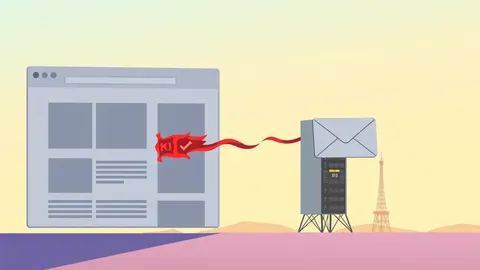
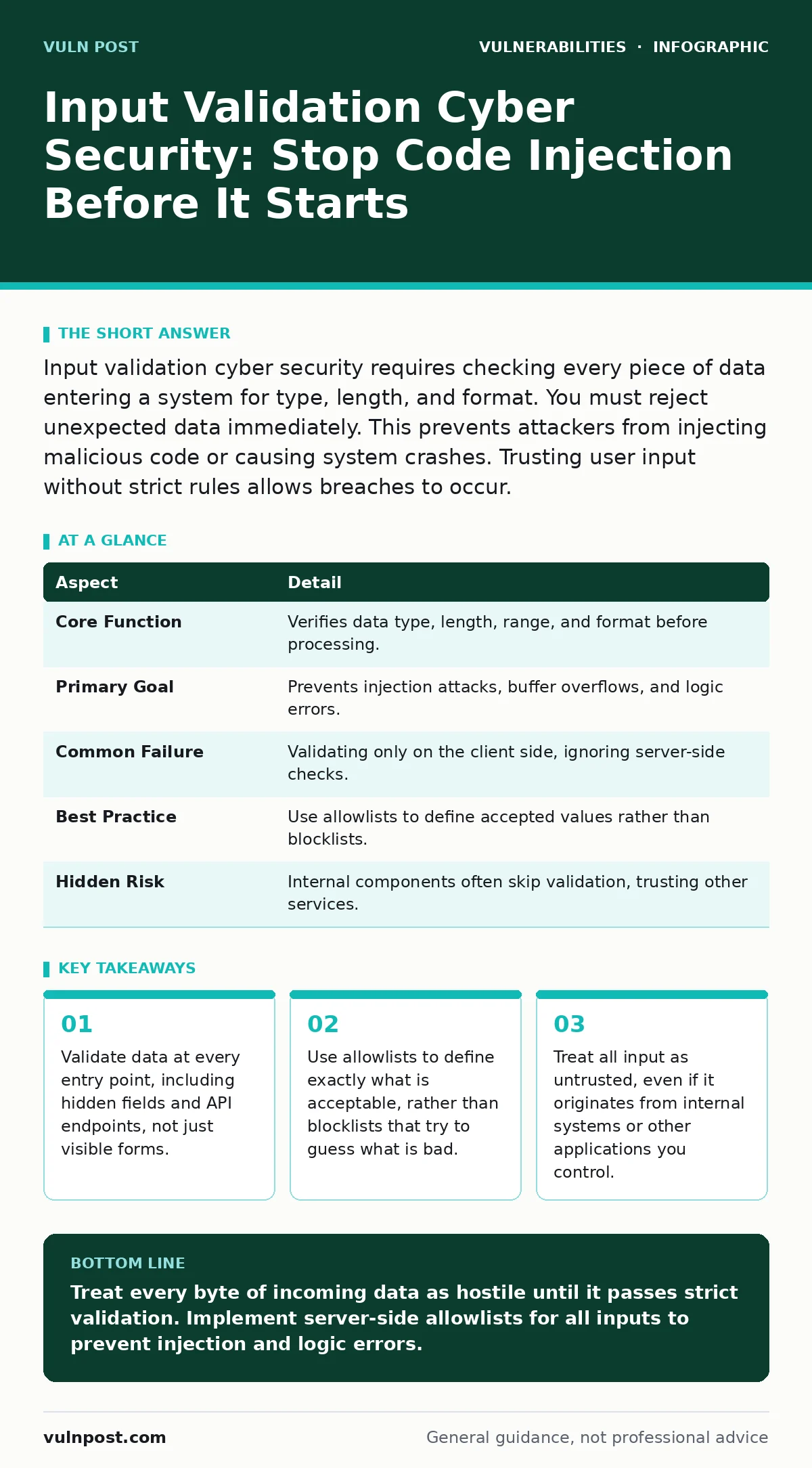
Input validation cyber security requires checking every piece of data entering a system for type, length, and format. You must reject unexpected data immediately. This prevents attackers from injecting malicious code or causing system crashes. Trusting user input without strict rules allows breaches to occur.
The Gatekeeper Analogy
Imagine a secure warehouse where every delivery truck must pass through a checkpoint. The guards do not trust the driver’s word. They inspect the cargo manifest, weigh the load, and scan the contents. If a box is labeled "Office Supplies" but contains explosives, the guards reject it. Input validation works the same way. It is the process of checking that data entering a system meets strict criteria before the system processes it.
This definition matters because most software assumes incoming data is benign. That assumption is the root of many security failures. When you validate input, you establish a boundary between the external world and your application logic. This boundary stops malformed data from disrupting operations or executing unintended commands.
At a Glance
| Aspect | Detail |
|---|---|
| Core Function | Verifies data type, length, range, and format before processing. |
| Primary Goal | Prevents injection attacks, buffer overflows, and logic errors. |
| Common Failure | Validating only on the client side, ignoring server-side checks. |
| Best Practice | Use allowlists to define accepted values rather than blocklists. |
| Hidden Risk | Internal components often skip validation, trusting other services. |
How Input Validation Cyber Security Works
You must define what "good" data looks like for every field. This is called an allowlist. If a field expects a three-digit country code, you reject any string that is not exactly three digits. You do not try to guess what a bad entry looks like. That approach is a blocklist, which is inherently flawed because attackers can always find a new variation of bad data.
The mechanism relies on strict data typing. If you expect an integer, the system must reject any character that is not a number. This prevents type confusion errors where the application treats text as executable code. You also check for length limits. A field for a username should have a maximum character count. Exceeding this limit causes buffer overflows in languages that manage memory manually.
Validation happens at the boundary. It occurs before the data touches the business logic. You sanitize the data by removing or escaping special characters that have meaning in the target context. For example, quotes and slashes have special meaning in SQL databases and HTML pages. Escaping them ensures they are treated as literal text, not as commands or markup.
Who This Affects
Every application that accepts external data is vulnerable. This includes web forms, API endpoints, and file uploads. Attackers target these entry points to gain unauthorized access. They inject malicious scripts into comment fields, which other users then execute in their browsers. This is known as cross-site scripting.
The impact extends beyond direct user interfaces. Microservices that communicate with each other also need validation. One service might trust another implicitly. If the first service is compromised, it can send malformed data to the second service. This chain reaction amplifies the damage. It is similar to how dependency confusion attacks exploit trust relationships between internal and external package repositories.
Developers often overlook non-text inputs. Binary files, JSON payloads, and XML documents all require validation. XML external entity attacks exploit poorly configured parsers to read local files. These attacks succeed because the application fails to validate the structure and content of the XML input. Ignoring these less obvious vectors leaves significant gaps in your defense.
What People Usually Get Wrong
Many teams believe client-side validation is sufficient. They use JavaScript to check form fields in the browser. This improves user experience by providing immediate feedback. However, it provides zero security. An attacker can bypass the browser entirely by sending raw HTTP requests to the server. You must duplicate every validation rule on the server side.
Another common error is trusting data from internal sources. Developers assume that because data comes from another internal microservice, it is safe. This assumption fails when an attacker compromises one service. They can then pivot to other services by sending crafted requests. You must validate data at every hop in the chain.
Teams also mistake sanitization for validation. Sanitization cleans data after it has been accepted. Validation rejects bad data before it enters the system. If you sanitize a string to remove quotes, you might still accept a payload that uses different characters to achieve the same goal. Rejecting the input early is more secure than trying to fix it later. This distinction is critical for preventing authentication bypass vulnerabilities where crafted inputs trick the login process.
See also: 7 Configuration Mistakes That Enable XML External Entity Attacks
Implementing Strict Controls
Start by defining the schema for every input. Specify the data type, minimum and maximum length, and allowed patterns. Use regular expressions only when necessary, and test them thoroughly. Complex regex patterns can cause denial-of-service attacks through catastrophic backtracking.
Use established libraries for parsing and validation. Do not write custom parsers for complex formats like XML or JSON. Standard libraries have been audited for edge cases. They handle encoding issues and structural anomalies better than homemade solutions. This approach reduces the risk of introducing new bugs.
Log all validation failures. This helps you detect attack patterns. If you see a spike in rejected inputs, an attacker might be probing your system. Analyze the logs to refine your rules. However, do not log the raw input if it contains sensitive information. Mask or hash sensitive fields before storing them.
Edge Cases and Hidden Costs
Input validation adds latency. Every check takes processing time. For high-throughput systems, this cost can be significant. You must balance security with performance. Profile your validation logic to identify bottlenecks. Optimize the most expensive checks without compromising safety.
Globalization introduces complexity. Different locales use different number formats and date structures. Your validation logic must handle these variations explicitly. Failing to do so leads to logic errors that attackers can exploit.
Hidden fields in web forms are often ignored. Attackers can modify hidden fields to manipulate application state. For example, a hidden field might store a price. An attacker changes the price to zero before submitting the form. If the server trusts this value, it processes the transaction at the wrong price. Always validate hidden fields on the server. This is a form of broken access control where the application fails to enforce business rules.
Maintaining Long-Term Security
Input validation is not a one-time task. New threats emerge as technologies evolve. You must update your validation rules regularly. Review them when you add new features or change data formats. Conduct code reviews to ensure validation is present at every entry point.
Automate testing to catch regressions. Write test cases that inject malicious payloads into every field. Include edge cases like empty strings, null values, and extremely long inputs. Use fuzzing tools to generate random inputs and find crashes. This proactive approach finds flaws before attackers do.
Consider the context of the data. Data used in a database query needs different validation than data displayed in a web page. Context-aware validation prevents specific injection attacks. For instance, HTML context requires escaping angle brackets, while SQL context requires escaping quotes. Understanding the destination of the data helps you apply the right controls. This layered defense strategy complements other security measures, such as protecting against zero-day vulnerabilities that exploit unknown flaws in software components.
Key takeaways
- Validate data at every entry point, including hidden fields and API endpoints, not just visible forms.
- Use allowlists to define exactly what is acceptable, rather than blocklists that try to guess what is bad.
- Treat all input as untrusted, even if it originates from internal systems or other applications you control.
Treat every byte of incoming data as hostile until it passes strict validation. Implement server-side allowlists for all inputs to prevent injection and logic errors.
Frequently asked questions
Is input validation the same as output encoding?
No, input validation checks data before processing, while output encoding escapes data when displaying it. You need both to prevent injection attacks.
How do I handle file uploads securely?
Validate the file extension, MIME type, and content. Store files outside the web root and disable execution permissions for the upload directory.
Can I use blocklists to stop bad inputs?
Blocklists are ineffective because attackers can always find new bypasses. Use allowlists to define exactly what is acceptable instead.
Does HTTPS replace the need for input validation?
No, HTTPS encrypts data in transit but does not validate its content. You must still validate the data after decryption on the server.
How this guide was produced: written by the Vuln Post editorial team with AI assistance, checked against the public references listed below, and reviewed when the facts change. See our editorial policy or report an error.