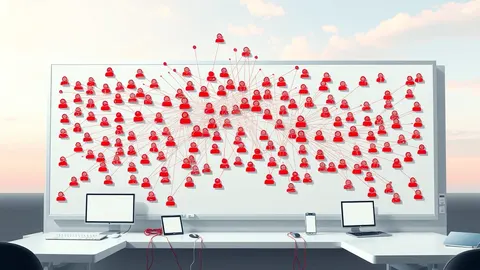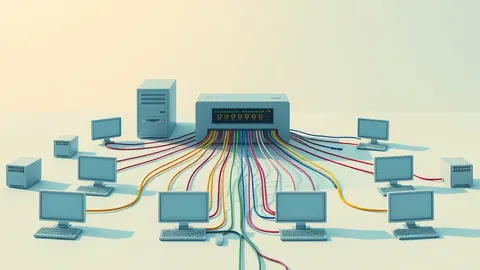
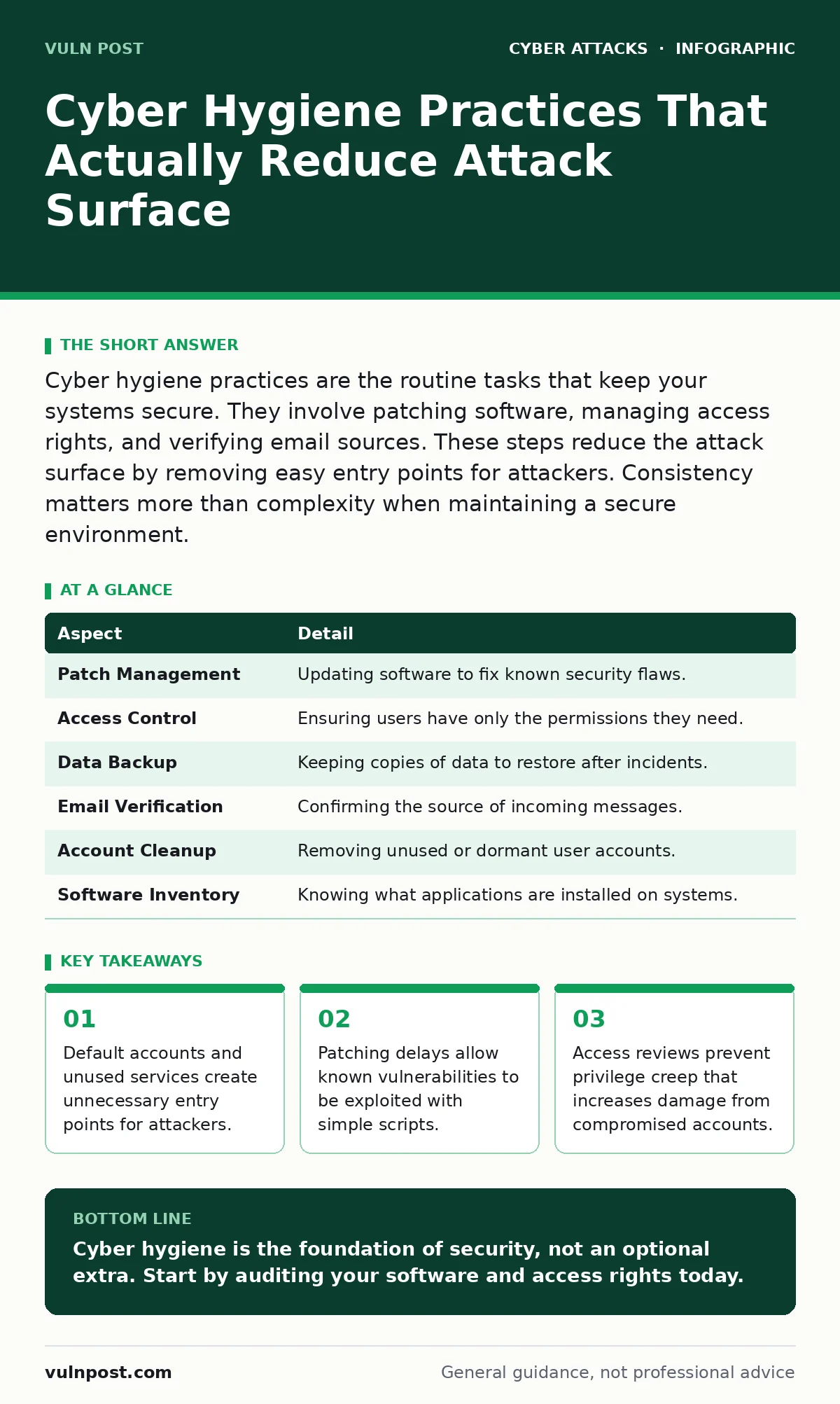
Cyber hygiene practices are the routine tasks that keep your systems secure. They involve patching software, managing access rights, and verifying email sources. These steps reduce the attack surface by removing easy entry points for attackers. Consistency matters more than complexity when maintaining a secure environment.
Why Cyber Hygiene Matters More Than Fancy Tools
Imagine leaving your front door unlocked because you installed a high-tech alarm system. The alarm might deter some intruders, but anyone walking by can simply enter. Cyber hygiene practices work the same way. They are the basic, repetitive actions that secure the foundation of your digital environment. Without these fundamentals, advanced security tools have little to protect.
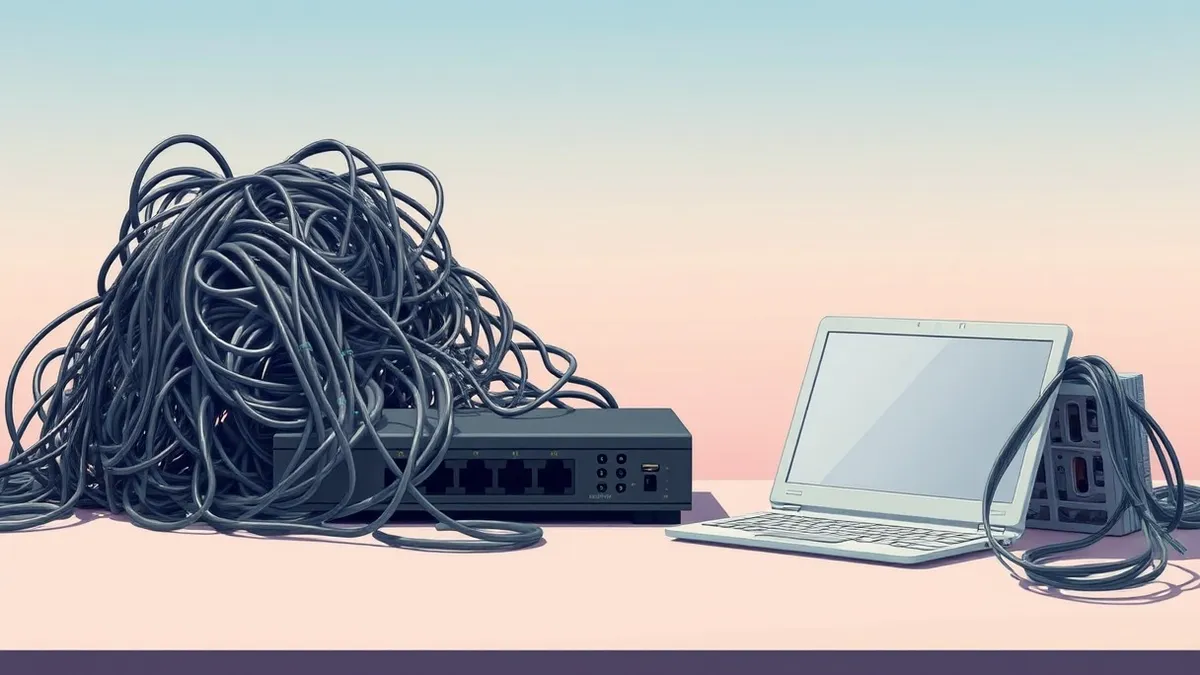
Most security failures stem from neglected basics rather than sophisticated attacks. Attackers scan for low-hanging fruit. They look for systems with default passwords, unpatched software, or unnecessary services running. These gaps exist because teams focus on new threats while ignoring existing weaknesses. A clean environment is harder to compromise than a cluttered one.
| Aspect | Detail |
|---|---|
| Patch Management | Updating software to fix known security flaws. |
| Access Control | Ensuring users have only the permissions they need. |
| Data Backup | Keeping copies of data to restore after incidents. |
| Email Verification | Confirming the source of incoming messages. |
| Account Cleanup | Removing unused or dormant user accounts. |
| Software Inventory | Knowing what applications are installed on systems. |
How Routine Maintenance Works
Cyber hygiene is not a one-time project. It is a continuous cycle of checking and fixing. The process starts with identifying what you have. You cannot secure what you do not know exists. Create an inventory of all hardware, software, and user accounts. Update this list whenever changes occur.
Next, you apply fixes to known problems. Vendors release patches to close security holes. Applying these patches removes the opportunity for attackers to use those holes. You must verify that the patch was applied correctly. A failed update leaves the system exposed. Finally, you review access rights. Users often keep permissions they no longer need. Removing these rights limits the damage if an account is stolen.
Who Is Affected by Poor Hygiene
Every organization that uses digital technology is affected. Small businesses often lack dedicated security staff. They rely on basic hygiene to stay safe. Large enterprises have more resources but also more complexity. Complexity makes hygiene harder to maintain. One unpatched server in a large network can lead to a breach.
Individuals are also affected. Personal devices connect to work networks. Weak hygiene on a home laptop can compromise corporate data. Third-party vendors are part of your ecosystem. If a vendor has poor hygiene, they become a weak link. This is why understanding supply chain attacks is necessary. You must ensure your partners maintain basic security standards.
What To Do About It
Start with a software inventory. List every application on every device. Identify which versions are running. Compare these versions against the vendor’s latest releases. Apply updates immediately when they are available. Automate this process where possible. Manual updates are often forgotten.
Review user accounts quarterly. Check who has access to what. Remove permissions for employees who change roles. Delete accounts for people who leave the organization. Disable guest accounts on Wi-Fi networks. Require strong authentication for all remote access. Verify that email authentication protocols are in place. This stops attackers from sending fake messages that look like they come from trusted sources.
Common Mistakes in Cyber Hygiene
Many teams think hygiene is finished after setup. This is a dangerous assumption. Security degrades over time. New software is installed. Users gain privileges. Configurations drift from the secure baseline. You must treat hygiene as an ongoing habit.
Another mistake is ignoring default settings. Many devices ship with default usernames and passwords. Attackers know these defaults. They try them first. Change all default credentials immediately. Disable any services you do not use. Each running service is a potential entry point. Turning off unused features reduces the attack surface.
See also: Role-Based Access Control: 8 FAQ Answers for Secure Systems
The Hidden Costs of Neglect
Neglecting hygiene creates hidden technical debt. When a breach occurs, you must spend time investigating. You must restore systems from backups. You must notify affected parties. This downtime costs money. It also damages trust. Customers lose confidence in your ability to protect their data.
Insider threats become more damaging when hygiene is poor. A disgruntled employee with excessive permissions can cause significant harm. Regular access reviews limit this risk. They ensure that no single user has too much power. This is a key part of managing insider threats. You must balance access needs with security constraints.
Integrating Hygiene With Other Defenses
Cyber hygiene supports other security measures. It makes DDoS protection more effective by keeping servers healthy. It aids cyber incident response team efforts by providing a clean baseline. When you know what normal looks like, anomalies stand out.
Hygiene also reduces the impact of botnet attacks. Infected devices often result from unpatched software. By keeping systems updated, you prevent them from joining botnets. This protects your network from being used to attack others. It also keeps your resources available for legitimate use.
Maintaining Long-Term Security
Consistency is the key to success. Set a schedule for reviews and updates. Assign responsibility to specific people. Track progress with simple metrics. Measure the time it takes to patch critical vulnerabilities. Monitor the number of inactive accounts.
Educate your users. They are the first line of defense. Teach them to recognize suspicious activities. Encourage them to report issues. Security is a shared responsibility. When everyone follows basic hygiene practices, the entire organization becomes stronger. This reduces the likelihood of rainbow table attacks succeeding against weak passwords. Strong passwords, combined with regular rotation, make cracking credentials much harder.
Key takeaways
- Default accounts and unused services create unnecessary entry points for attackers.
- Patching delays allow known vulnerabilities to be exploited with simple scripts.
- Access reviews prevent privilege creep that increases damage from compromised accounts.
Cyber hygiene is the foundation of security, not an optional extra. Start by auditing your software and access rights today.
Frequently asked questions
How often should I review user access rights?
Review access rights at least quarterly. More frequent reviews are better for high-privilege accounts.
What is the first step in improving cyber hygiene?
Create a complete inventory of all software and user accounts. You cannot secure what you do not know exists.
Does cyber hygiene replace advanced security tools?
No. Hygiene reduces the attack surface, making advanced tools more effective. They work together.
How do I handle legacy systems that cannot be patched?
Isolate legacy systems from the main network. Limit their access to only what is strictly necessary.
How this guide was produced: written by the Vuln Post editorial team with AI assistance, checked against the public references listed below, and reviewed when the facts change. See our editorial policy or report an error.