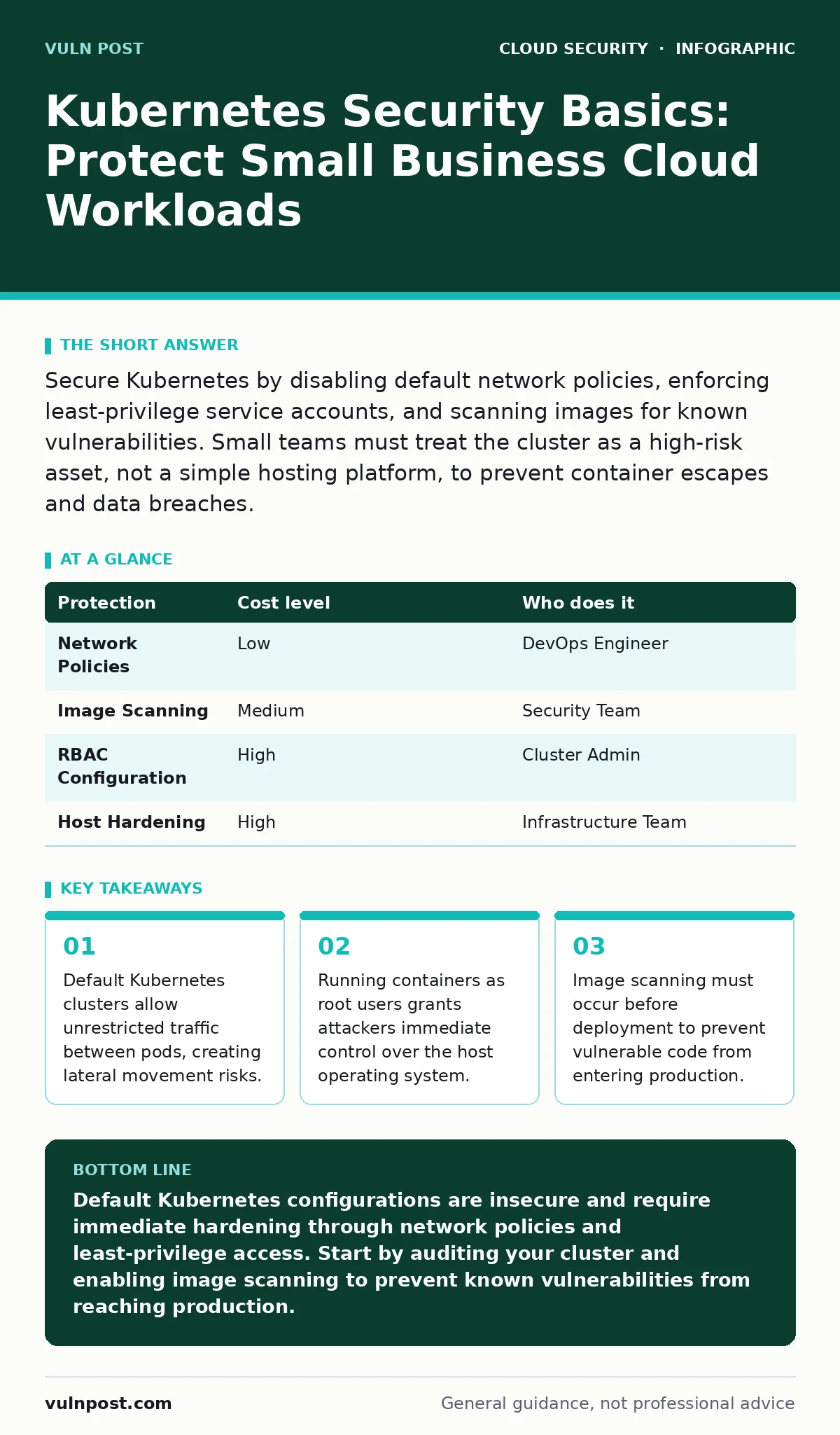
Secure Kubernetes by disabling default network policies, enforcing least-privilege service accounts, and scanning images for known vulnerabilities. Small teams must treat the cluster as a high-risk asset, not a simple hosting platform, to prevent container escapes and data breaches.
Why Kubernetes Matters for Small Teams
Kubernetes abstracts infrastructure complexity, but it introduces a new attack surface. Small businesses often assume that because they do not manage physical servers, they are safe from low-level attacks. This assumption fails because Kubernetes manages the underlying virtual machines or bare-metal servers. If the cluster configuration is weak, the abstraction layer becomes a bridge for attackers to reach the host system.
The scale of the operation does not reduce the risk. A small cluster with 3 pods is just as vulnerable to a container escape as a large cluster with 3,000 pods. The difference is that small teams rarely have dedicated security engineers to monitor the control plane. You must treat the Kubernetes API server as a critical asset. It is the brain of the cluster, and compromising it grants full administrative access to all workloads.
Default Configurations Are Insecure
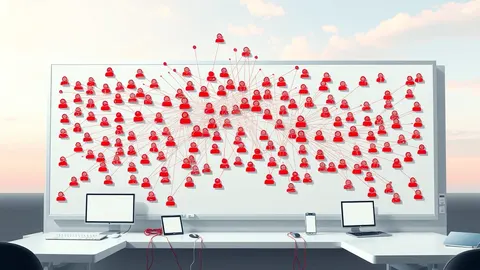
Kubernetes is designed for flexibility, not security by default. When you install a cluster, it allows any pod to communicate with any other pod. It also allows pods to access the Kubernetes API server without strict authentication. This design makes sense for development environments where speed matters more than safety. It is dangerous for production systems.
You must change these defaults immediately. The first step is to enable network policies. By default, there are none. Without them, a compromised web server can talk directly to your internal database or administrative tools. Network policies define which pods can send traffic to which other pods. You should start with a deny-all policy and then explicitly allow only the traffic your applications need.
The second step is to secure the API server. Ensure that only authorized users and service accounts can interact with it. Disable anonymous access. This prevents attackers who gain a foothold in one pod from querying the API to discover other secrets or escalate their privileges. The cost of this configuration is higher initial setup time, but the benefit is a hardened perimeter.
Container Image Security
Images are the building blocks of Kubernetes deployments. If an image contains a vulnerability, that vulnerability runs in your cluster. Small teams often pull images from public registries without verifying their contents. This is a significant risk. Public images may contain outdated libraries, backdoors, or malicious code injected by attackers who compromise the maintainer's account.
You must scan every image before deploying it. Use automated tools to check for known vulnerabilities in the operating system packages and application dependencies. Integrate this scanning into your deployment pipeline. If an image fails the scan, the deployment should stop automatically. This shifts security left, catching issues before they reach production.
Do not trust images just because they are popular. Popularity does not equal security. Check the maintainer's reputation and the frequency of updates. Pin your images to specific version tags, not to "latest." The "latest" tag can change unexpectedly, introducing new vulnerabilities or breaking changes into your environment. This practice ensures consistency and predictability in your deployments.
Least Privilege for Pods
Every pod in Kubernetes runs with a set of permissions defined by its service account. By default, these permissions are often too broad. A pod might have access to read secrets from all namespaces or modify configurations it should not touch. This violates the principle of least privilege, which states that a component should have only the permissions it needs to function.
You must create specific service accounts for each application. Bind these accounts to roles that grant only the necessary permissions. For example, a web server pod might need to read configuration data but should not be able to create new pods or delete other resources. Review the permissions regularly. As applications evolve, their needs may change, and old permissions may become stale risks.
Avoid running containers as the root user. Running as root allows an attacker who exploits a vulnerability in the application to gain full control of the container. If the container has access to the host filesystem or network interfaces, this can lead to a container escape. Define a non-root user in your image and enforce this setting in your Kubernetes security policies. This limits the damage if an application is compromised.
| Protection | Cost level | Who does it |
|---|---|---|
| Network Policies | Low | DevOps Engineer |
| Image Scanning | Medium | Security Team |
| RBAC Configuration | High | Cluster Admin |
| Host Hardening | High | Infrastructure Team |
Runtime Protection and Monitoring
Static security measures like image scanning and configuration checks are necessary but insufficient. Attackers can exploit zero-day vulnerabilities that scanners do not know about. They can also manipulate running processes to hide their presence. You need runtime protection to detect and respond to these threats.
Deploy agents that monitor process behavior, system calls, and file changes within the containers. These agents can detect anomalies, such as a web server trying to execute a shell command or a database process writing to an unexpected directory. When an anomaly is detected, the system can alert your team or automatically isolate the affected pod.
This approach adds overhead to your cluster. The monitoring agents consume CPU and memory resources. You must balance the level of monitoring with the performance impact on your applications. For small businesses, a lightweight agent that focuses on critical alerts is often sufficient. Do not enable every rule in the monitoring tool, as this leads to alert fatigue. Tune the rules to match your application's normal behavior.
Managing Secrets and Keys
Kubernetes provides a built-in mechanism for storing secrets, such as database passwords and API keys. However, these secrets are stored in the cluster's internal storage, which is often unencrypted by default. If an attacker gains access to the cluster's etcd database, they can read all secrets. This is a common vector for data breaches.
You must encrypt secrets at rest. Use an external key management system to hold the encryption keys. This adds a layer of defense. Even if the etcd database is compromised, the attacker cannot read the secrets without the encryption key. Many cloud providers offer managed key management services that integrate with Kubernetes. These services handle key rotation and access control automatically.
Do not store secrets in environment variables or configuration files within the container image. These artifacts are often visible in logs or can be extracted from the image layers. Use Kubernetes secrets or external secret management tools to inject secrets into the application at runtime. This ensures that sensitive data is not persisted in places where it can be easily discovered.
Questions for Your IT Provider
When you outsource Kubernetes management to an IT provider, you must verify their security practices. Do not assume that they follow best standards. Ask specific questions to assess their competence and commitment to security.
- How do you handle image scanning and vulnerability management for the images you deploy?
- What network policies do you implement to restrict traffic between pods and namespaces?
- How do you manage and rotate secrets and API keys within the cluster?
- What is your process for patching the Kubernetes control plane and worker nodes?
- How do you monitor for runtime anomalies and respond to security incidents?
These questions help you understand the depth of their security posture. Look for detailed answers that reference specific tools and processes. Vague answers indicate a lack of rigor. You should also ask for documentation of their security policies and incident response plans. This documentation provides a baseline for your own risk assessment.
Integrating with Broader Security
Kubernetes security does not exist in a vacuum. It must integrate with your broader cloud security strategy. For example, your cloud network segmentation policies should extend to the Kubernetes cluster. This prevents unauthorized access from outside the cluster. You should also consider private endpoints for accessing the Kubernetes API server. This reduces the attack surface by limiting access to trusted networks.
If your applications use OAuth for authentication, you must protect against OAuth token abuse. Ensure that tokens are short-lived and scoped appropriately. This limits the damage if a token is stolen. Similarly, if you use cloud key management services, ensure that the keys are protected and that access is strictly controlled. These practices complement your Kubernetes security measures and provide defense in depth.
Next Steps for Implementation
Start by auditing your current Kubernetes cluster. Identify any default configurations that have not been changed. Enable network policies and restrict access to the API server. These steps provide immediate risk reduction. Then, implement image scanning in your deployment pipeline. This prevents vulnerable images from entering your environment.
Finally, establish a process for regular security reviews. Kubernetes evolves rapidly, and new vulnerabilities emerge frequently. You must stay informed about the latest threats and patches. Engage with your IT provider or internal team to ensure that security remains a priority. By taking these steps, you build a resilient foundation for your cloud workloads.
Key takeaways
- Default Kubernetes clusters allow unrestricted traffic between pods, creating lateral movement risks.
- Running containers as root users grants attackers immediate control over the host operating system.
- Image scanning must occur before deployment to prevent vulnerable code from entering production.
Default Kubernetes configurations are insecure and require immediate hardening through network policies and least-privilege access. Start by auditing your cluster and enabling image scanning to prevent known vulnerabilities from reaching production.
Frequently asked questions
Do I need Kubernetes security if I only have a few applications?
Yes, the risk is independent of the number of applications. A single vulnerable container can compromise the entire cluster and the underlying host system.
Can I use standard firewalls to protect Kubernetes?
Standard firewalls protect the perimeter but do not control traffic between pods inside the cluster. You need Kubernetes network policies for internal segmentation.
How often should I scan my container images?
You should scan images every time you build or pull them. Regular scanning ensures that newly discovered vulnerabilities are detected before deployment.
What is the biggest mistake small teams make with Kubernetes?
The biggest mistake is assuming that the cloud provider handles all security. The provider secures the infrastructure, but you are responsible for securing the workloads and configurations.
How this guide was produced: written by the Vuln Post editorial team with AI assistance, checked against the public references listed below, and reviewed when the facts change. See our editorial policy or report an error.