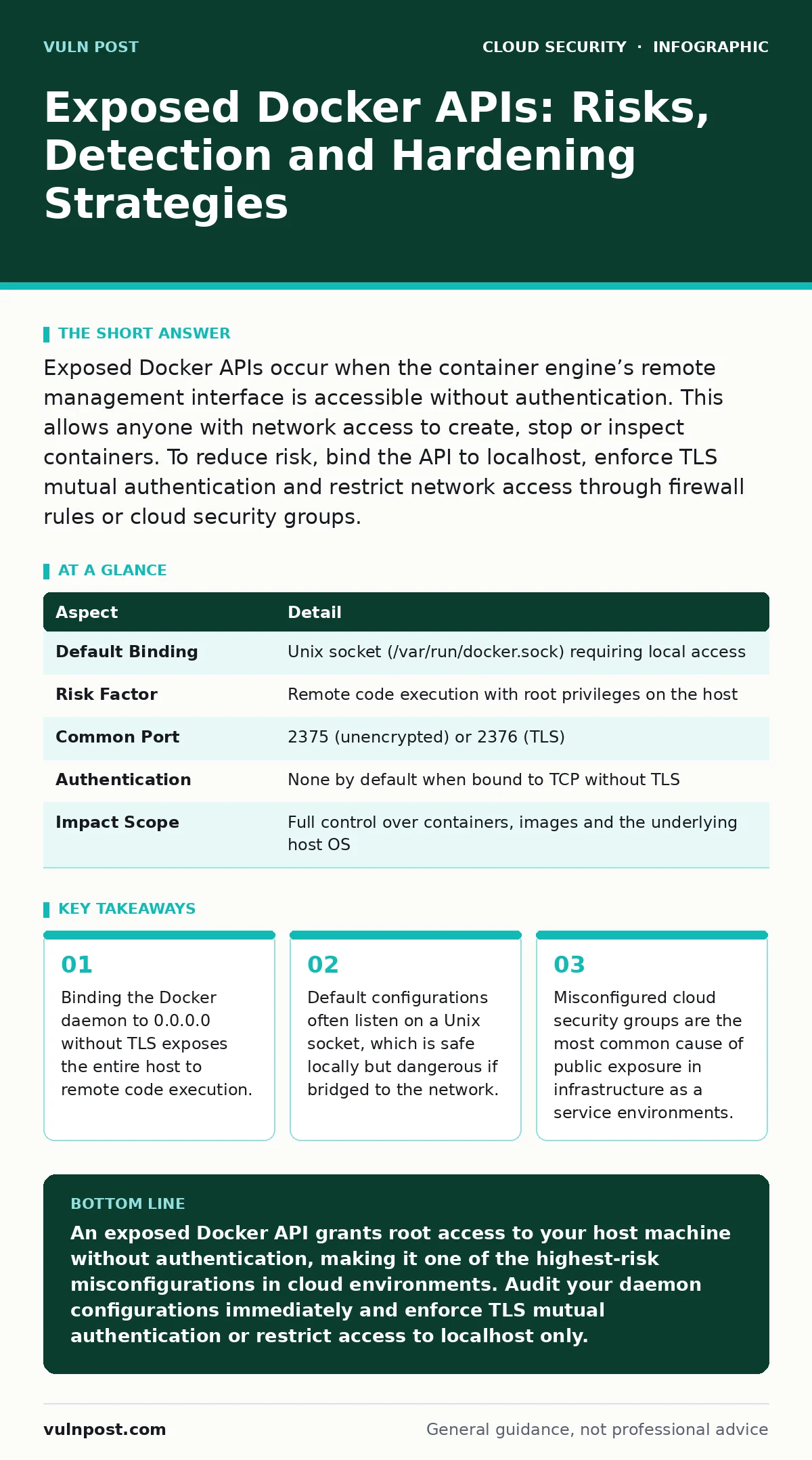
Exposed Docker APIs occur when the container engine’s remote management interface is accessible without authentication. This allows anyone with network access to create, stop or inspect containers. To reduce risk, bind the API to localhost, enforce TLS mutual authentication and restrict network access through firewall rules or cloud security groups.
The Open Door Analogy
Imagine a building where the front desk clerk has a master key to every room, including the server room. If you leave the front door unlocked, anyone walking by can walk in, ask the clerk for the master key and enter any room they wish. They do not need to pick locks or guess passwords. They simply ask, and the clerk complies because the system is designed to trust anyone who reaches the desk.
Exposed Docker APIs work the same way. The Docker daemon is the clerk. It manages containers, images and networks. When the API is exposed to the public internet without authentication, it trusts any request it receives. The attacker does not need to exploit a vulnerability in the software. They only need network access to the port.
What Is an Exposed Docker API?
The Docker API is a RESTful interface that allows programs to interact with the Docker daemon. It uses standard HTTP methods like GET, POST and DELETE. By default, the daemon listens on a Unix socket, which requires local system access. However, you can configure it to listen on a TCP port.
When you bind this TCP listener to all network interfaces without enforcing transport layer security (TLS) and client certificate authentication, you create an exposed API. This means any machine on the internet that can reach your server can send commands to the Docker daemon. These commands are executed with root privileges on the host machine.
| Aspect | Detail |
|---|---|
| Default Binding | Unix socket (/var/run/docker.sock) requiring local access |
| Risk Factor | Remote code execution with root privileges on the host |
| Common Port | 2375 (unencrypted) or 2376 (TLS) |
| Authentication | None by default when bound to TCP without TLS |
| Impact Scope | Full control over containers, images and the underlying host OS |
How Exposure Happens
Exposure usually stems from a configuration error rather than a software bug. Administrators often enable remote access to facilitate management or continuous integration pipelines. They bind the daemon to 0.0.0.0 to accept connections from any IP address. They forget to enable TLS mutual authentication, which requires both the server and the client to present valid certificates.
In cloud environments, the configuration might be correct, but the network rules are not. A security group or firewall rule might allow inbound traffic on port 2375 from any source. This is a common mistake when setting up new virtual machines. The administrator assumes the default deny-all policy is in place. It is not. The cloud provider often defaults to allowing all outbound traffic and sometimes allows inbound traffic on common ports if the template is misconfigured.
Who Is Affected
This risk affects any organization using Docker for development, testing or production. It is particularly prevalent in infrastructure as a service environments where administrators have full control over the operating system and network settings. Teams using infrastructure as code often copy configuration templates that include remote API access for convenience.
Development environments are frequent targets. Developers may expose the API to test container orchestration locally. They forget to disable this setting before deploying to staging or production. Attackers scan the internet for open ports. When they find an open Docker API, they do not discriminate between development and production. They exploit the access to install cryptocurrency miners, steal data or pivot to other systems.
Common Forms of Exposure
The most dangerous form is an unauthenticated TCP listener on port 2375. This port transmits data in plain text. An attacker can intercept commands and responses. They can also inject their own commands. This form of exposure allows immediate remote code execution.
Another form is a misconfigured TLS listener. The administrator enables TLS but does not enforce client certificate verification. The server presents a certificate, but it does not ask the client for one. This prevents eavesdropping but does not prevent unauthorized access. Anyone with the server’s address can connect and execute commands.
A third form involves proxy misconfigurations. A reverse proxy might forward traffic to the Docker API without adding authentication headers. The proxy handles HTTPS, but the backend connection to Docker is unauthenticated. This creates a false sense of security. The traffic is encrypted, but the access control is missing.
What People Usually Get Wrong
Many administrators believe that hiding the port behind a firewall is sufficient. They assume that if the port is not publicly listed, it is safe. This is incorrect. Attackers scan entire IP ranges. If the port is open to a specific network segment, and that segment is compromised, the Docker API is exposed. You must assume that any network interface connected to the internet is hostile.
Another common misconception is that running containers in a non-root user context protects the host. While this limits the damage a container can do, it does not protect the Docker daemon itself. The Docker daemon runs as root. If an attacker can send commands to the API, they can create a new container with elevated privileges, regardless of how other containers are configured. The API is the gateway. Protecting the gateway is more important than hardening the rooms behind it.
This misunderstanding often leads teams to focus on container escape techniques while ignoring the API. Understanding container escape mechanisms is valuable for defense in depth. However, if the API is exposed, the attacker does not need to escape. They are already outside, controlling the engine.
How to Reduce the Risk
The first step is to bind the Docker daemon to localhost only. Use the Unix socket for local management. If remote access is required, use SSH tunneling. This encrypts the traffic and leverages existing SSH authentication mechanisms. It avoids exposing the Docker API directly to the network.
If direct TCP access is necessary, enforce TLS mutual authentication. Generate a certificate authority and issue certificates for the server and each client. Configure the daemon to verify client certificates. This ensures that only authorized clients can connect. You must rotate these certificates regularly.
Restrict network access at the perimeter. Use cloud security groups or firewall rules to allow traffic only from specific IP addresses. Do not allow access from 0.0.0.0/0. Monitor logs for unexpected connections. Alert on any connection from an unknown IP address.
Consider using managed container services. These services handle the underlying infrastructure and do not expose the Docker API directly. They provide higher-level APIs that are authenticated and audited. This reduces the attack surface significantly.
Beyond Basic Hardening
Securing the Docker API is part of a broader strategy. You must also secure the data stored in containers and images. Misconfigured storage can lead to cloud data exfiltration if an attacker gains access to the underlying storage volumes. Ensure that sensitive data is encrypted at rest and in transit.
Evaluate the trade-offs between different service models. Understanding IaaS, PaaS and SaaS security helps you choose the right level of control. Infrastructure as a service gives you full control but also full responsibility. Platform as a service reduces your responsibility for the underlying host but requires careful configuration of the application layer.
Review your cloud landing zones to ensure that default configurations are secure. These templates define the baseline for all new resources. If the baseline includes exposed APIs, every new resource will be vulnerable. Regular audits of configuration drift are necessary to maintain security posture.
Key takeaways
- Binding the Docker daemon to 0.0.0.0 without TLS exposes the entire host to remote code execution.
- Default configurations often listen on a Unix socket, which is safe locally but dangerous if bridged to the network.
- Misconfigured cloud security groups are the most common cause of public exposure in infrastructure as a service environments.
- Implementing mutual TLS authentication ensures that only authorized clients can interact with the container engine.
An exposed Docker API grants root access to your host machine without authentication, making it one of the highest-risk misconfigurations in cloud environments. Audit your daemon configurations immediately and enforce TLS mutual authentication or restrict access to localhost only.
Frequently asked questions
How do I know if my Docker API is exposed?
Check the Docker daemon configuration file for bind addresses. If it lists 0.0.0.0 or a public IP address without TLS settings, it is likely exposed. You can also scan your server’s ports for open connections on 2375 or 2376.
Is using a password enough to secure the Docker API?
No. The Docker API does not support password authentication by default. You must use TLS mutual authentication with client certificates. Passwords are not sufficient to prevent unauthorized access to the daemon.
Can I restrict access without using TLS?
You can restrict access using firewall rules or security groups to allow only specific IP addresses. However, this does not encrypt the traffic. If the allowed network is compromised, the API is still vulnerable. TLS is recommended for encryption and authentication.
Does Docker Desktop expose the API?
Docker Desktop typically binds the API to localhost only. However, if you enable remote access features or use certain development tools, you may inadvertently expose the API. Always check the settings in Docker Desktop to ensure remote access is disabled.
How this guide was produced: written by the Vuln Post editorial team with AI assistance, checked against the public references listed below, and reviewed when the facts change. See our editorial policy or report an error.