
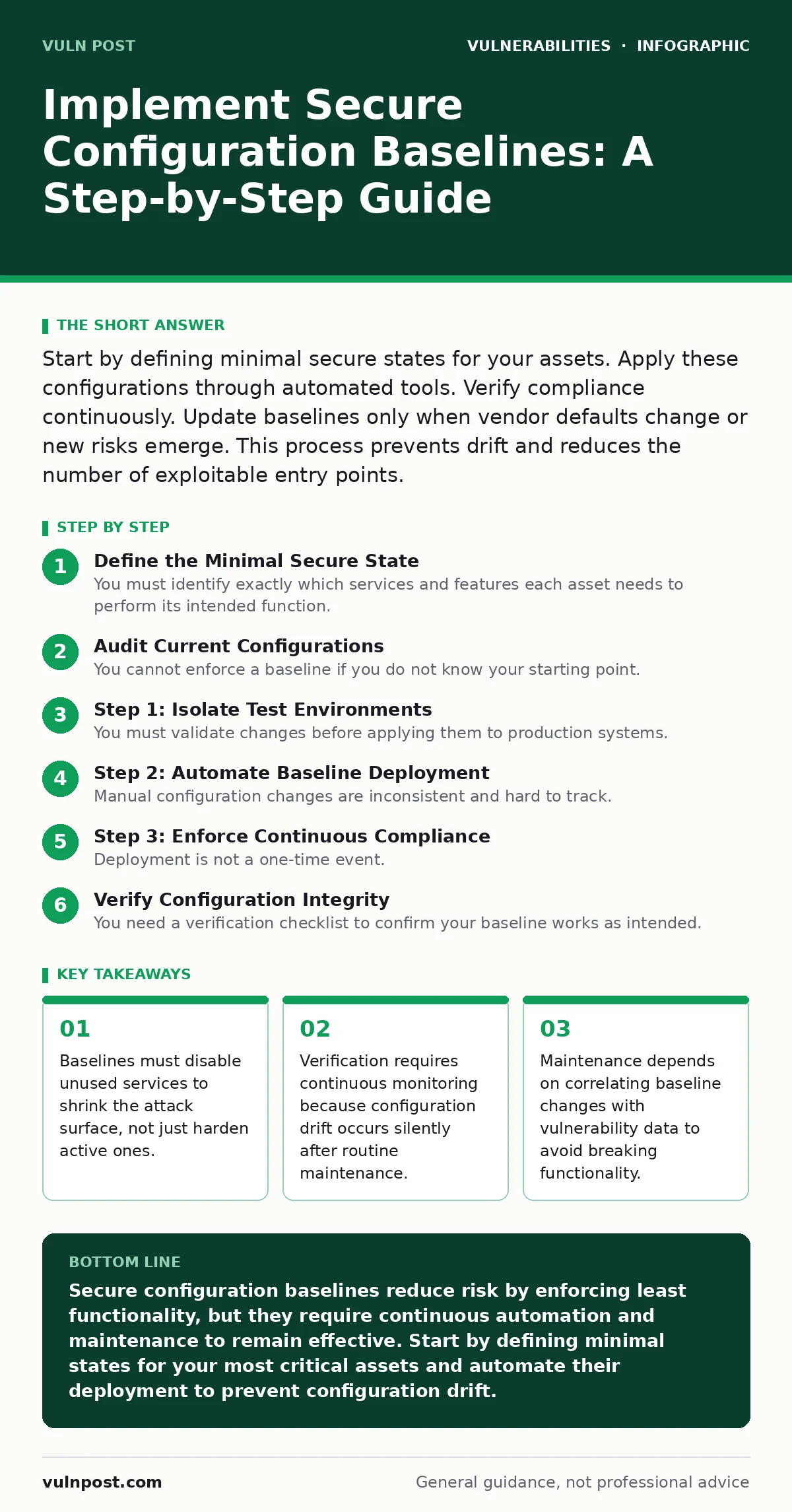
Start by defining minimal secure states for your assets. Apply these configurations through automated tools. Verify compliance continuously. Update baselines only when vendor defaults change or new risks emerge. This process prevents drift and reduces the number of exploitable entry points.
Define the Minimal Secure State
You must identify exactly which services and features each asset needs to perform its intended function. Most security failures occur because administrators leave default ports open or retain legacy protocols for convenience. A secure configuration baseline starts by removing everything you do not explicitly need. This principle of least functionality reduces the number of vectors an attacker can use.
Imagine a web server that supports both HTTP and HTTPS. If your application only requires encrypted traffic, the baseline must disable HTTP entirely. Leaving HTTP enabled creates a downgrade attack vector. Attackers can intercept unencrypted traffic and strip security headers. You must document every disabled service and justify every enabled one. This documentation becomes your single source of truth.
Audit Current Configurations
You cannot enforce a baseline if you do not know your starting point. Conduct a full inventory of all configurations across your environment. Use scanning tools to compare current settings against your defined secure state. This audit reveals the gap between ideal security and actual deployment. It also highlights inconsistent settings that increase complexity.
Group assets by role. A database server has different requirements than a public-facing web proxy. Grouping allows you to create role-specific baselines rather than one-size-fits-all rules that fail in practice. Record deviations. You will need this data to prioritize remediation efforts. Assets with the most severe deviations pose the highest immediate risk.
Step 1: Isolate Test Environments
You must validate changes before applying them to production systems. Create isolated test environments that mirror your production architecture. Apply the proposed baseline to these test systems. Monitor them for functional breakages. Many baselines inadvertently disable required dependencies or break inter-service communication.
Check that applications load correctly. Verify that logging systems still receive data. Ensure that monitoring agents can report status. If a service fails, trace the failure to a specific baseline rule. Adjust the rule and retest. This step prevents outages caused by overly restrictive settings. It also builds confidence among operations teams who fear change.
Step 2: Automate Baseline Deployment
Manual configuration changes are inconsistent and hard to track. Use configuration management tools to deploy your baseline automatically. These tools ensure every asset receives the exact same settings. They also provide a record of every change made. Automation eliminates human error and speeds up remediation.
Define the baseline as code. Store the configuration scripts in version control. This allows you to track changes over time. You can revert to previous versions if a new baseline causes issues. It also enables peer review of security settings. Treat configuration code with the same rigor as application code. Review every change for unintended side effects.
Step 3: Enforce Continuous Compliance
Deployment is not a one-time event. Systems drift from their baseline over time. Administrators make manual tweaks. Updates introduce new defaults. You must enforce continuous compliance checks. Run automated scans regularly to detect deviations. Alert when an asset fails to meet the baseline. This creates a feedback loop that maintains security posture.
Integrate compliance checks into your deployment pipeline. Block deployments that introduce non-compliant settings. This shifts security left and prevents drift before it reaches production. Use threshold alerts to distinguish between minor deviations and critical failures. Minor deviations might require scheduling. Critical failures need immediate attention.
Verify Configuration Integrity
You need a verification checklist to confirm your baseline works as intended. This checklist goes beyond simple pass/fail scans. It includes functional tests and security validations. Run this checklist after every baseline update. It ensures that security controls do not interfere with business operations.
- Verify that all disabled services remain inaccessible from external networks.
- Confirm that required application functions operate without error.
- Check that logging captures all security-relevant events.
- Validate that patching processes do not revert baseline settings.
- Ensure that user permissions align with the principle of least privilege.
If any check fails, investigate the root cause. Is the baseline too strict? Is the application misconfigured? Is the verification tool broken? Document the resolution. Update the baseline or the application as needed. This iterative process improves accuracy over time.
Maintain Baselines Over Time
Baselines become stale if you do not update them. Vendor updates often change default settings. New vulnerabilities may require additional restrictions. You must review your baselines regularly. Correlate updates with vulnerability data. For example, if a new CVE identifier highlights a flaw in a specific service, your baseline should restrict that service further.
Consider how authentication bypass vulnerabilities might exploit weak session management. Your baseline should enforce secure session timeouts and token validation. Look at how router vulnerabilities often stem from outdated firmware. Your baseline should mandate regular firmware updates and disable remote management interfaces. Review WordPress plugin update policies to ensure plugins do not introduce insecure configurations.
Handle Exception Requests
Some applications require deviations from the standard baseline. These exceptions create risk. You must manage them formally. Require a risk assessment for every exception. Document the business justification. Set an expiration date for the exception. Review it before it expires.
Imagine a legacy application that requires an outdated protocol. You cannot simply disable the protocol without breaking the app. Create a network segment that isolates this application. Apply stricter monitoring to that segment. Set a deadline for upgrading the application. This contains the risk while maintaining functionality. Never make exceptions permanent.
Integrate with Security Operations
Your baselines must feed into your broader security operations. Configuration data helps prioritize alerts. A system that deviates from baseline is more likely to be compromised. Use this intelligence to tune your detection rules. Focus on assets with known weaknesses.
Review how session fixation attacks might exploit poorly configured session handling. Your baseline should enforce secure cookie attributes. Consider how cross-site scripting (XSS) vulnerabilities often arise from missing output encoding. Your baseline should enforce secure headers. Understand how VPN appliance vulnerabilities can expose internal networks. Your baseline should restrict VPN access to necessary users and enforce multi-factor authentication.
Review Related Security Controls
Configuration baselines work best when combined with other security measures. They provide a strong foundation, but they are not a silver bullet. Integrate them with your identity management, network segmentation, and monitoring strategies. This layered approach ensures that a failure in one control does not lead to a breach.
Consider how CVSS environmental scores can help you prioritize baseline updates. Assets with high environmental scores need stricter baselines. Look at how authentication bypass vulnerabilities can render strong configurations useless if access controls are weak. Ensure your baselines support robust identity verification. Review how router vulnerabilities can compromise entire network segments. Your baselines should include strict access controls for network devices.
Key takeaways
- Baselines must disable unused services to shrink the attack surface, not just harden active ones.
- Verification requires continuous monitoring because configuration drift occurs silently after routine maintenance.
- Maintenance depends on correlating baseline changes with vulnerability data to avoid breaking functionality.
Secure configuration baselines reduce risk by enforcing least functionality, but they require continuous automation and maintenance to remain effective. Start by defining minimal states for your most critical assets and automate their deployment to prevent configuration drift.
Frequently asked questions
How often should I update my configuration baselines?
Update baselines when vendor defaults change, new vulnerabilities emerge, or business requirements shift. Review them at least quarterly to ensure they remain relevant and effective.
What is the biggest risk of implementing strict baselines?
The biggest risk is breaking application functionality. Strict baselines can disable required services or protocols, causing outages. Always test changes in isolated environments before production deployment.
Can baselines protect against zero-day vulnerabilities?
Baselines reduce the attack surface, making it harder for attackers to find entry points. They do not protect against zero-day vulnerabilities in enabled services, but they limit the impact by disabling unnecessary features.
How do I handle legacy systems that cannot meet modern baselines?
Isolate legacy systems in separate network segments. Apply stricter monitoring and access controls. Set a timeline for upgrading or replacing them. Document the risk and obtain formal approval for the exception.
How this guide was produced: written by the Vuln Post editorial team with AI assistance, checked against the public references listed below, and reviewed when the facts change. See our editorial policy or report an error.