
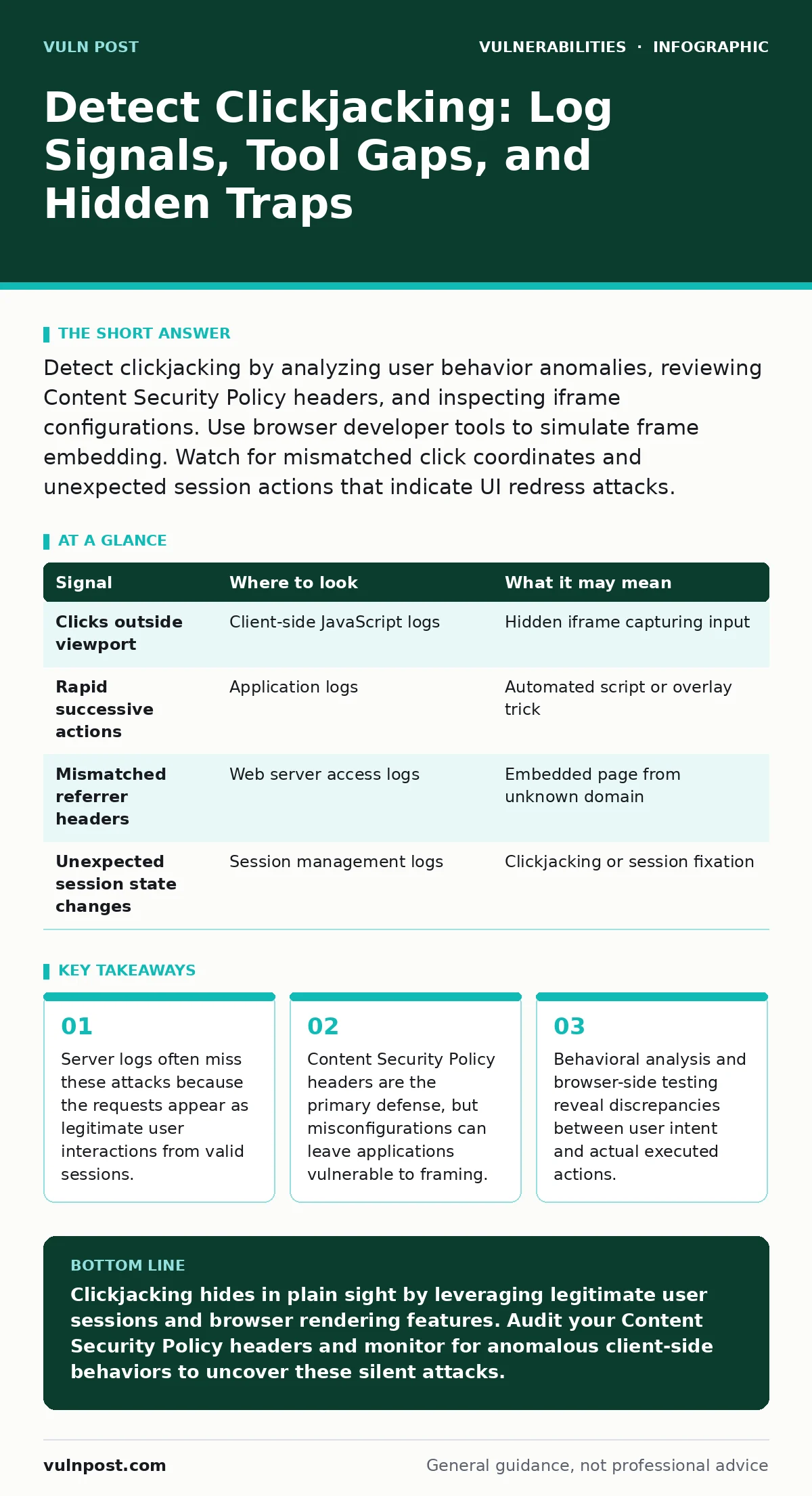
Detect clickjacking by analyzing user behavior anomalies, reviewing Content Security Policy headers, and inspecting iframe configurations. Use browser developer tools to simulate frame embedding. Watch for mismatched click coordinates and unexpected session actions that indicate UI redress attacks.
The Invisible Frame Attack
Clickjacking, also known as UI redress attack, tricks users into clicking on something different from what they perceive. An attacker overlays a transparent element on top of a legitimate interface. When you click what you think is a button, you actually interact with the hidden element. This technique relies on the browser’s ability to embed web pages within frames. The server processing the request sees a valid session token and a standard HTTP POST. It does not see the deception occurring in the rendering engine. This disconnect creates a detection gap that traditional security tools often miss.
Browser Behavior and Input Anomalies
The first place to look for evidence is in the client-side behavior. If you monitor user interactions closely, you may notice patterns that defy normal usage. Imagine a user clicking a "Delete" button without first navigating to the confirmation page. This sudden action might indicate a hidden frame intercepted the click. Look for clicks that occur outside the visible viewport. Modern browsers report click coordinates. If the coordinates fall outside the rendered document boundary, a frame might be capturing the input. These anomalies are subtle and require granular logging of client-side events.
| Signal | Where to look | What it may mean |
|---|---|---|
| Clicks outside viewport | Client-side JavaScript logs | Hidden iframe capturing input |
| Rapid successive actions | Application logs | Automated script or overlay trick |
| Mismatched referrer headers | Web server access logs | Embedded page from unknown domain |
| Unexpected session state changes | Session management logs | Clickjacking or session fixation |
Server-Side Log Limitations
Server logs are often deceptive in these scenarios. The request arrives with a valid session cookie and a correct CSRF token. The server processes it as a normal action. You will not see a malicious payload in the request body. The URL might look standard, but the context is wrong. Check the referrer header. If a page is embedded in a frame, the referrer might point to the attacker’s domain rather than your own. However, attackers can strip this header. Do not rely solely on referrer checks. Combine this with other signals for a clearer picture.
Content Security Policy Headers
The most effective defense against clickjacking is the Content Security Policy header. Specifically, the frame-ancestors directive controls which origins can embed your page in a frame. If this header is missing, any site can frame your content. If it is set to self, only your own domain can embed your pages. Misconfigurations here are common. Setting it too broadly allows unintended framing. Setting it too strictly can break legitimate integrations. Regularly audit these headers. Ensure they align with your application’s integration requirements. This header prevents the browser from rendering your page in an unauthorized frame.
Testing with Browser Developer Tools
You can detect potential vulnerabilities using browser developer tools. Open the console and inspect the network tab. Load your page in an iframe from a different origin. Observe if the page renders correctly. If it does, your site might be vulnerable. Check for X-Frame-Options headers. This older header is still supported by many browsers. It should be set to DENY or SAMEORIGIN. However, Content-Security-Policy takes precedence if both are present. Use automated scanners to check for these headers across all subdomains. Manual testing helps identify edge cases where headers are missing on specific endpoints.
See also: Input Validation Cyber Security: Stop Code Injection Before It Starts · Session Fixation Warning Signs and Immediate Response Steps
Common Blind Spots and Edge Cases
Many teams focus on the main application portal and ignore secondary interfaces. Imagine a legacy reporting tool that lacks modern security headers. An attacker can frame this tool and trick users into exporting sensitive data. Another blind spot is single-page applications. These apps often use client-side routing. The initial page load might have proper headers, but subsequent views do not trigger server-side header injection. Ensure your framework applies security headers to all responses. Also, consider cross-site WebSocket hijacking. While different from clickjacking, it can be used in tandem to maintain persistent access.
Integrating with Other Security Measures
Clickjacking detection works best when combined with other security practices. Input validation prevents malicious scripts from injecting framing code. Configuration hardening ensures that default settings are not permissive. Authentication bypass vulnerabilities can exacerbate the impact of a successful clickjacking attack. If an attacker can trick a user into logging out, they might exploit session fixation to hijack the new session. While clickjacking itself does not steal credentials, it can manipulate user actions. Understanding these connections helps you build a layered defense. Review your zero-day vulnerabilities handling process to ensure rapid mitigation of new framing techniques.
Behavioral Analytics and Monitoring
Advanced detection requires behavioral analytics. Monitor for unusual patterns in user actions. If a user performs high-risk actions without prior navigation, flag it for review. Look for sequences that do not match typical user journeys. Implement rate limiting on sensitive actions. This slows down automated attacks. Use machine learning models to identify outliers in click behavior. Train these models on normal user data. Adjust thresholds to reduce false positives. This approach complements technical controls. It provides an additional layer of detection for sophisticated attacks that bypass headers.
Key takeaways
- Server logs often miss these attacks because the requests appear as legitimate user interactions from valid sessions.
- Content Security Policy headers are the primary defense, but misconfigurations can leave applications vulnerable to framing.
- Behavioral analysis and browser-side testing reveal discrepancies between user intent and actual executed actions.
Clickjacking hides in plain sight by leveraging legitimate user sessions and browser rendering features. Audit your Content Security Policy headers and monitor for anomalous client-side behaviors to uncover these silent attacks.
Frequently asked questions
Can Content Security Policy prevent all clickjacking attacks?
It prevents most framing attacks, but sophisticated techniques like DOM-based clickjacking might bypass header checks.
How do I test for clickjacking vulnerabilities?
Use browser developer tools to embed your page in an iframe from a different origin and check for security headers.
Do server logs show clickjacking attempts?
Server logs often show legitimate requests, making it hard to detect without correlating client-side behavior and referrer data.
Is X-Frame-Options still relevant?
Yes, it is still supported by older browsers, but Content Security Policy is the modern standard and takes precedence.
How this guide was produced: written by the Vuln Post editorial team with AI assistance, checked against the public references listed below, and reviewed when the facts change. See our editorial policy or report an error.