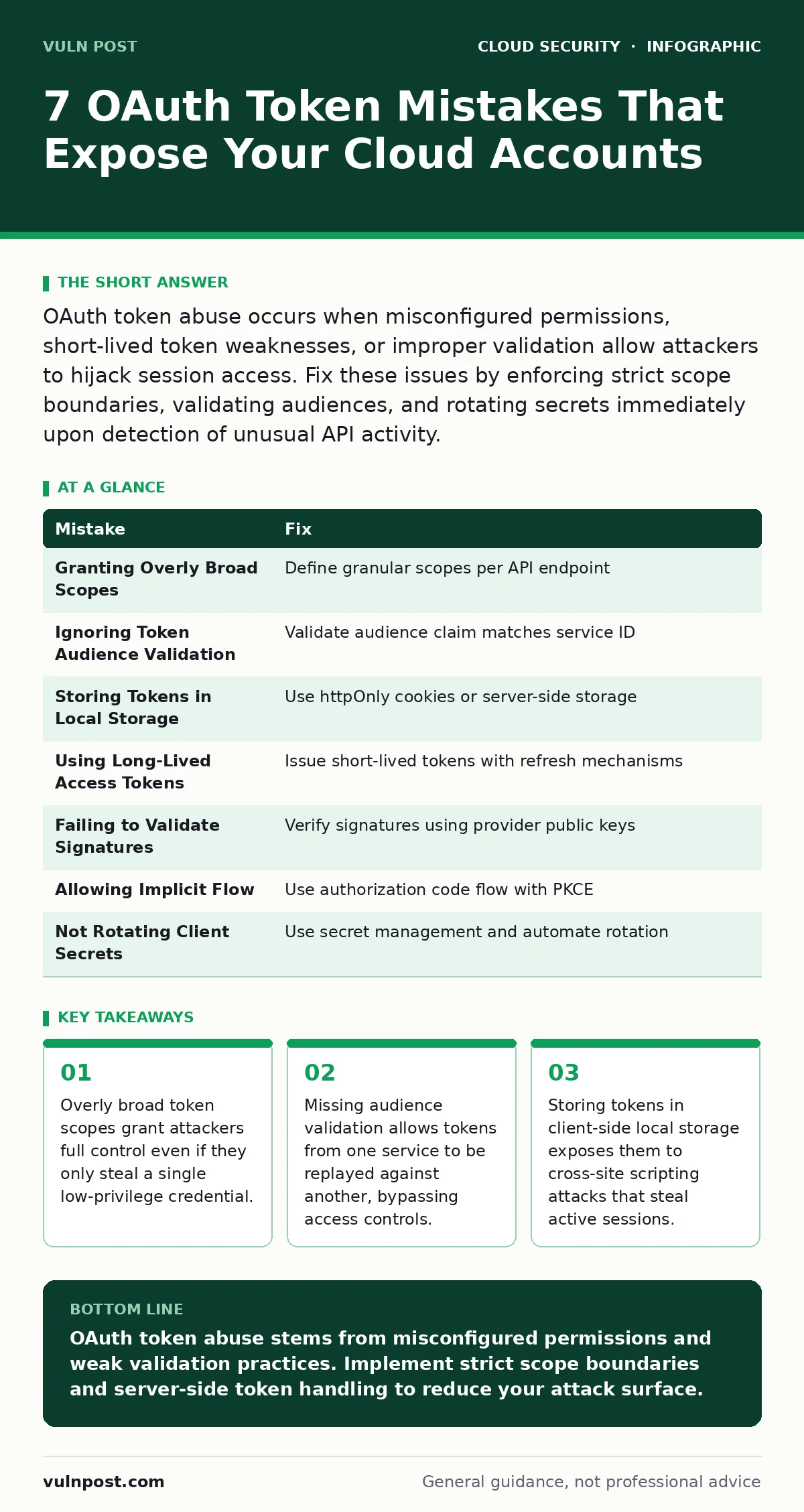
OAuth token abuse occurs when misconfigured permissions, short-lived token weaknesses, or improper validation allow attackers to hijack session access. Fix these issues by enforcing strict scope boundaries, validating audiences, and rotating secrets immediately upon detection of unusual API activity.
Mistake 1: Granting Overly Broad Scopes
Why it hurts:
Developers often request maximum permissions to avoid debugging authorization errors later. An attacker who steals a token with full administrative scope gains immediate access to all resources. The token acts as a blank check. You lose the ability to limit blast radius when a single credential is compromised. The principle of least privilege is violated at the source.
The fix:
Define granular scopes for every application. Map each scope to a specific API endpoint rather than a general service level. Review requested permissions during the code review process. Reject any request for wildcard or admin-level access unless strictly justified. Monitor token usage patterns to detect anomalies that suggest scope creep or unauthorized data access.
Mistake 2: Ignoring Token Audience Validation
Why it hurts:
Tokens often contain an audience claim that specifies the intended recipient service. If your backend ignores this claim, an attacker can replay a token issued for a public-facing service against your internal management API. This cross-service replay attack bypasses authentication checks entirely. The token is valid, but it is being used in the wrong context. Your security controls fail to detect the misuse.
The fix:
Validate the audience claim in every token your service receives. Reject any token where the audience does not match your service identifier exactly. This check must happen before any business logic executes. Implement this validation at the API gateway level to centralize enforcement. Ensure your identity provider supports multiple audience claims if your architecture requires it.
Mistake 3: Storing Tokens in Client-Side Local Storage
Why it hurts:
Web applications often store access tokens in browser local storage for ease of retrieval. This storage mechanism is accessible to JavaScript running on the page. A cross-site scripting vulnerability in any part of your application allows an attacker to read these tokens. They can then exfiltrate them to a remote server. The user remains logged in, unaware their session has been fully compromised and is being actively used.
The fix:
Store tokens in httpOnly cookies whenever possible. These cookies are inaccessible to JavaScript, mitigating the risk from cross-site scripting attacks. If you must use local storage, ensure your application has strict content security policies. Consider using a secure proxy pattern where the frontend never sees the token directly. The backend handles all API calls using server-side stored credentials.
Mistake 4: Using Long-Lived Access Tokens
Why it hurts:
Access tokens with long expiration times remain valid for hours or days. If an attacker steals such a token, they have a wide window to explore your environment before the token expires. They can move laterally, exfiltrate data, or modify configurations without re-authenticating. Short-lived tokens limit this window but require a robust refresh mechanism. Without it, users face frequent interruptions.
The fix:
Issue access tokens with short lifespans, typically minutes rather than hours. Use refresh tokens to obtain new access tokens without requiring user interaction. Store refresh tokens securely on the server side. Invalidate refresh tokens immediately upon suspicious activity. Implement absolute expiration limits on refresh tokens to prevent indefinite session extension. This approach balances security with user experience.
Mistake 5: Failing to Validate Token Signatures
Why it hurts:
Tokens are signed by the identity provider to prove their authenticity. If your application does not verify this signature, an attacker can forge tokens with arbitrary claims. They can create a token that claims to be an administrator or grants access to restricted resources. Your system accepts the forged token as legitimate. This breaks the trust chain between the identity provider and your service.
The fix:
Verify the digital signature of every incoming token using the identity provider's public key. Use standard libraries to handle cryptographic operations securely. Do not implement custom signature verification logic. Cache the public keys to reduce latency, but ensure you handle key rotation events. Reject any token with an invalid or missing signature immediately. Log these events for security analysis.
Mistake 6: Allowing Implicit Flow for Confidential Clients
Why it hurts:
The implicit flow returns tokens directly in the browser URL fragment. This method is designed for public clients that cannot securely store secrets. Using it for server-side applications exposes tokens to browser history, server logs, and referral headers. Attackers can intercept these tokens through network sniffing or log access. The token is visible in plaintext. This violates the security model for confidential clients.
The fix:
Use the authorization code flow with proof key for code exchange for all confidential clients. This flow exchanges an authorization code for tokens on the server side. The tokens are never exposed to the browser. Implement this pattern for all server-to-server and backend-for-frontend scenarios. Disable the implicit flow in your identity provider configuration. This ensures tokens are only accessible to the intended server application.
Mistake 7: Not Rotating Client Secrets
Why it hurts:
Client secrets are passwords used by applications to authenticate with the identity provider. If these secrets are hardcoded in repositories or leaked through logs, attackers can use them to request tokens directly. Long-lived secrets increase the risk window for this type of compromise. Rotating secrets regularly limits the impact of a leak. Static secrets are a single point of failure for your entire application ecosystem.
The fix:
Store client secrets in a dedicated secret management service. Rotate these secrets on a regular schedule. Automate the rotation process to avoid service disruptions. Integrate with cloud key management services to handle cryptographic operations. Monitor access logs for unauthorized token requests using stolen secrets. Implement alerting for any successful authentication from unexpected IP addresses or user agents.
| Mistake | Fix |
|---|---|
| Granting Overly Broad Scopes | Define granular scopes per API endpoint |
| Ignoring Token Audience Validation | Validate audience claim matches service ID |
| Storing Tokens in Local Storage | Use httpOnly cookies or server-side storage |
| Using Long-Lived Access Tokens | Issue short-lived tokens with refresh mechanisms |
| Failing to Validate Signatures | Verify signatures using provider public keys |
| Allowing Implicit Flow | Use authorization code flow with PKCE |
| Not Rotating Client Secrets | Use secret management and automate rotation |
Key takeaways
- Overly broad token scopes grant attackers full control even if they only steal a single low-privilege credential.
- Missing audience validation allows tokens from one service to be replayed against another, bypassing access controls.
- Storing tokens in client-side local storage exposes them to cross-site scripting attacks that steal active sessions.
OAuth token abuse stems from misconfigured permissions and weak validation practices. Implement strict scope boundaries and server-side token handling to reduce your attack surface.
Frequently asked questions
How do I detect if an OAuth token has been stolen?
Monitor for unusual API activity, such as requests from new geographic locations or user agents. Look for rapid access to multiple resources that exceed normal user behavior patterns.
What is the difference between access and refresh tokens?
Access tokens grant immediate access to resources and have short lifespans. Refresh tokens are used to obtain new access tokens without user interaction and must be stored more securely.
Can I use OAuth for internal microservices communication?
Yes, but you should use the client credentials grant or mTLS for service-to-service communication. Avoid browser-based flows for internal services to reduce complexity and attack surface.
How often should I rotate client secrets?
Rotate client secrets regularly, such as every 90 days. Automate this process to ensure continuity. Rotate immediately if you suspect a leak or unauthorized access to your configuration files.
How this guide was produced: written by the Vuln Post editorial team with AI assistance, checked against the public references listed below, and reviewed when the facts change. See our editorial policy or report an error.