
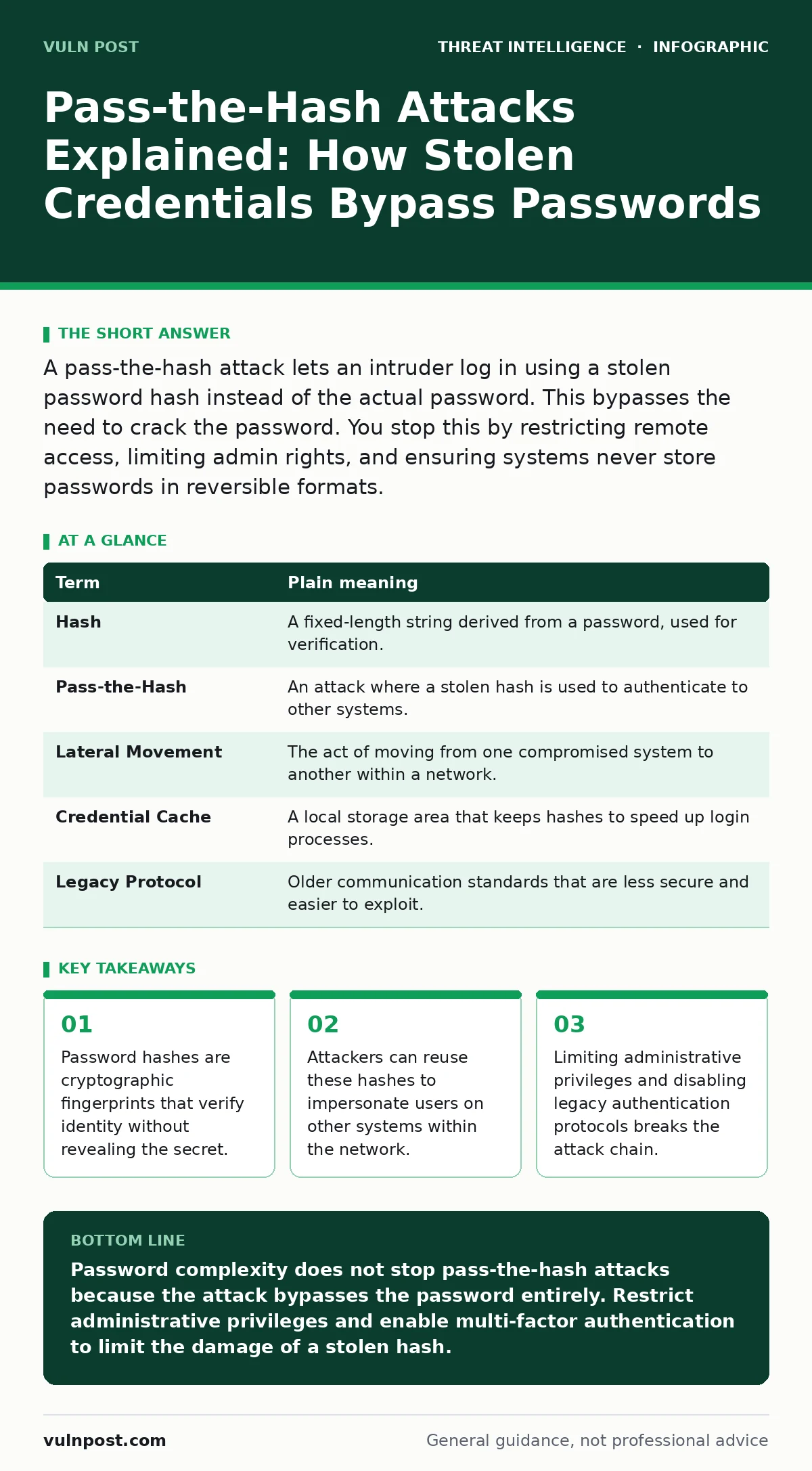
A pass-the-hash attack lets an intruder log in using a stolen password hash instead of the actual password. This bypasses the need to crack the password. You stop this by restricting remote access, limiting admin rights, and ensuring systems never store passwords in reversible formats.
The Digital Hotel Keycard
Imagine a hotel that does not keep a master key for every room. Instead, the front desk holds a digital copy of every guest’s keycard pattern. When you check in, the system records the unique magnetic stripe pattern of your card. It does not store the physical card itself.
If a thief steals the front desk computer, they do not get your physical keycard. They get the digital pattern. They can now program new cards that open your room. They do not need to know your room number or your name. They only need the pattern to prove you belong there.
In cybersecurity, this pattern is called a hash. A hash is a fixed-length string of characters generated by a mathematical formula from your password. It acts as a digital fingerprint. The system compares the hash of the password you type with the stored hash. If they match, you are granted access.
How the Theft Occurs
Attackers do not always need to steal your actual password. They only need the hash. This happens when an attacker gains access to a computer’s memory or its authentication database. Many operating systems store these hashes locally to speed up login processes.
Once the attacker has the hash, they do not need to reverse the mathematical formula. That is often impossible. Instead, they take the stolen hash and present it to another server as if it were their own credential. This is the core of a pass-the-hash attack. The remote server sees a valid hash, assumes the user is legitimate, and grants access.
This mechanism allows lateral movement. An attacker can move from one compromised machine to another without ever knowing the actual passwords. This is why privilege escalation attacks often follow this initial breach. The attacker uses the stolen credentials to climb the hierarchy of the network.
Why Complex Passwords Fail Here
You might think a complex password with symbols and numbers stops this. It does not. The security of this specific attack vector relies on the secrecy of the hash, not the complexity of the password. If the hash is stolen, the password strength is irrelevant.
The hash is the proof of identity. If the attacker possesses the proof, the complexity of the secret used to generate it matters nothing. This is a non-obvious consequence for many users. You can have the strongest password in the world, but if your system stores the hash insecurely, you are vulnerable.
This is why defense evasion techniques often focus on hiding the extraction of these hashes. Attackers use tools that read memory directly, bypassing the need for administrative login screens. They operate in the background, capturing the hashes as users log in.
The Risk for Ordinary Users
For an individual user, this risk is lower but not zero. If your personal computer is infected with malware, that software might extract hashes from your local authentication cache. These hashes could be used to access your home network devices or cloud services that trust your local machine.
The danger increases if you use the same password across multiple services. While pass-the-hash is primarily a network protocol issue, the principle of credential reuse is universal. If one entry point is compromised, the attacker has a foothold. They can then probe for other systems that trust the same identity.
This connects to the broader issue of Active Directory attacks. In corporate environments, the directory service manages all identities. A single stolen hash can unlock the entire organization. For home users, the equivalent is your router or smart home hub. If these devices trust your computer implicitly, a compromised PC can compromise your home network.
Simple Safety Habits
You cannot change the mathematical nature of hashes. You can, however, reduce the value of a stolen hash. The first step is to limit what your computer is allowed to do. Do not run as an administrator for daily tasks. Administrative accounts have higher-value hashes that attackers seek.
Second, disable legacy authentication protocols. Older protocols like NTLM are more susceptible to hash theft and replay. Modern protocols like Kerberos are more secure, but they require proper configuration. Ensure your systems are updated to support these newer standards.
Third, monitor for unusual login activity. If you see logins from locations or times you do not recognize, act immediately. This is not just about passwords. It is about the behavior of the account. Detection use cases often flag these anomalies before an attacker can move laterally.
See also: Domain Fronting Mistakes: 6 Ways Your Network Gets Bypassed · DDoS Protection: 8 FAQs on Mitigation and Architecture
Try This Now
- - [ ] Check your user account settings and switch to a standard user account for daily use. Reserve administrative rights for installing software or changing system settings.
- - [ ] Enable multi-factor authentication on all accounts that support it. This adds a layer of security that a hash alone cannot bypass. Even if the attacker has the hash, they lack the second factor.
- - [ ] Review your connected devices and remove any that you no longer use. Each device is a potential storage point for cached credentials. Reducing your attack surface reduces risk.
| Term | Plain meaning |
|---|---|
| Hash | A fixed-length string derived from a password, used for verification. |
| Pass-the-Hash | An attack where a stolen hash is used to authenticate to other systems. |
| Lateral Movement | The act of moving from one compromised system to another within a network. |
| Credential Cache | A local storage area that keeps hashes to speed up login processes. |
| Legacy Protocol | Older communication standards that are less secure and easier to exploit. |
The Bigger Picture
Pass-the-hash attacks highlight a fundamental truth: security is not just about secrets. It is about trust. The system trusts the hash. If that trust is misplaced, the system fails. This is why detection use cases are vital. You must assume that hashes will be stolen and detect when they are used.
This approach shifts the focus from prevention to response. You cannot prevent the theft of data in memory entirely. You can, however, detect the misuse of that data. This mindset is critical for modern security operations.
Key takeaways
- Password hashes are cryptographic fingerprints that verify identity without revealing the secret.
- Attackers can reuse these hashes to impersonate users on other systems within the network.
- Limiting administrative privileges and disabling legacy authentication protocols breaks the attack chain.
Password complexity does not stop pass-the-hash attacks because the attack bypasses the password entirely. Restrict administrative privileges and enable multi-factor authentication to limit the damage of a stolen hash.
Frequently asked questions
Can I change my hash to stop this attack?
No, the hash is automatically generated from your password. Changing your password generates a new hash, but the old one may remain cached on systems until it expires or is cleared.
Does multi-factor authentication stop pass-the-hash?
Yes, if configured correctly. Most pass-the-hash attacks only provide the first factor (the hash). They cannot provide the second factor, such as a code from your phone.
Is this attack only for large companies?
No, any system that caches authentication hashes is vulnerable. Home users with multiple devices on a shared network can be affected if one device is compromised.
How do I know if my hash has been stolen?
You usually do not know immediately. Look for signs of lateral movement, such as unexpected file access or login attempts from unfamiliar locations within your network.
How this guide was produced: written by the Vuln Post editorial team with AI assistance, checked against the public references listed below, and reviewed when the facts change. See our editorial policy or report an error.