
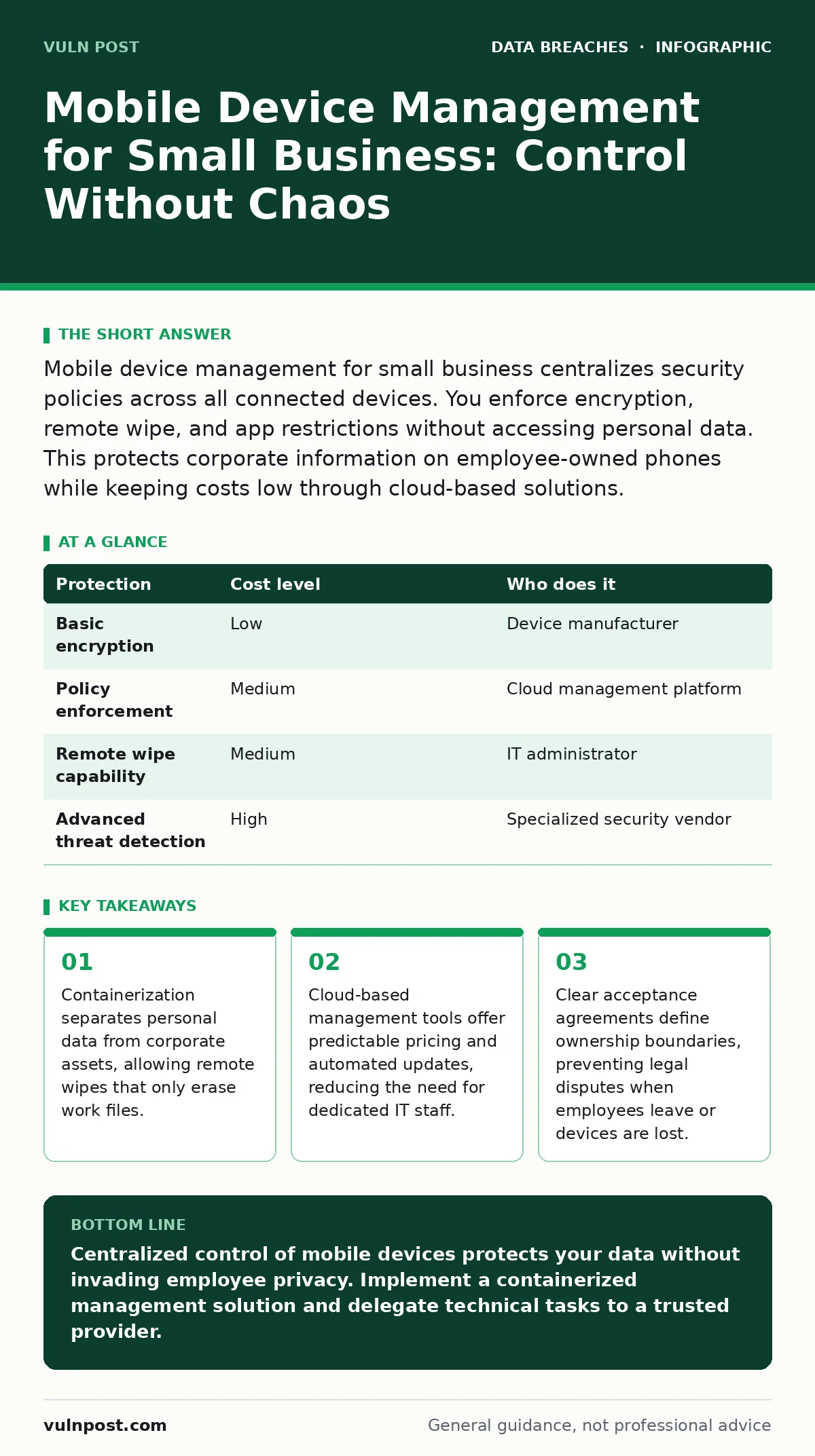
Mobile device management for small business centralizes security policies across all connected devices. You enforce encryption, remote wipe, and app restrictions without accessing personal data. This protects corporate information on employee-owned phones while keeping costs low through cloud-based solutions.
EXAMPLE: The Ten-Person Startup
Small teams often assume that because they have fewer devices, they face lower risk. This assumption ignores the reality of modern work patterns. Every mobile device is a potential entry point for attackers seeking access to your network. The threat surface expands with each new hire, contractor, or client interaction.
You do not need an enterprise-grade security operations center to manage this risk. You need precise controls that address the specific vulnerabilities of mobile endpoints. The goal is to secure the data, not to monitor the person. This distinction matters for legal compliance and employee trust.
Why Mobile Device Management for Small Business Matters
Mobile device management for small business addresses the gap between convenience and security. Employees expect to use their personal devices for work tasks. Blocking these devices reduces productivity and morale. Allowing them without controls exposes your data to theft, loss, and malware.
The primary risk is data exfiltration. Attackers do not always need to hack your server. They only need to compromise one mobile device that has access to sensitive files. Once inside, they can copy documents, capture login credentials, or install surveillance software.
Small businesses often lack the resources to detect these breaches quickly. A managed device alerts you when a device is rooted, jailbroken, or connected to an unsecured network. This visibility allows you to respond before data leaves your control. You gain insight into device health without invading personal privacy.
Affordable Ways to Handle Device Security
Cost is a major constraint for small organizations. You do not need expensive hardware or complex on-premise servers. Cloud-based mobile device management platforms offer subscription models that scale with your team size. These services handle updates, patching, and policy enforcement automatically.
Look for solutions that support both iOS and Android. Cross-platform compatibility ensures that every employee, regardless of their device preference, adheres to the same security standards. This consistency simplifies your administrative burden and reduces the chance of human error.
Consider the hidden costs of unmanaged devices. A single data breach can result in legal fees, regulatory fines, and reputational damage. These costs far exceed the monthly subscription fee for a management tool. Investing in prevention is cheaper than reacting to an incident.
| Protection | Cost level | Who does it |
|---|---|---|
| Basic encryption | Low | Device manufacturer |
| Policy enforcement | Medium | Cloud management platform |
| Remote wipe capability | Medium | IT administrator |
| Advanced threat detection | High | Specialized security vendor |
What to Delegate to External Providers
You cannot monitor every device manually. Delegation is necessary to maintain security without overwhelming your team. Delegate the technical implementation of policies to your mobile device management provider. They handle the complex configuration of encryption keys, certificate pinning, and app whitelisting.
Delegate incident response for lost devices to a trusted IT provider. When a device is reported lost, the provider initiates the remote wipe process. This action removes corporate data while preserving personal information. You need clear procedures for reporting losses and verifying the wipe.
Do not delegate the definition of security policies. You must decide what data is sensitive, who can access it, and under what conditions. An external provider can suggest best practices, but the final decision rests with your organization. This ensures that your security measures align with your business goals and legal obligations.
Containerization and Data Separation
Containerization is the technical mechanism that allows secure use of personal devices. It creates a separate, encrypted workspace for corporate apps and data. This workspace is isolated from the rest of the device. Personal apps cannot access corporate data, and corporate apps cannot access personal data.
This separation is critical for privacy. Employees can keep their personal photos, messages, and apps on the device. The company retains the right to wipe only the corporate container. This reduces resistance to mobile device management programs. Employees understand that their personal data is safe.
Imagine an employee who leaves the company. You can remove their access to corporate resources by wiping the container. Their personal data remains untouched. This process is clean, legal, and efficient. It prevents disputes over data ownership and ensures that sensitive information does not leave the organization.
See also: Third-Party Data Breach Prevention Checklist for Secure Supply Chains · SOC 2 Report: What It Is, Why It Matters, and How to Pass
Questions to Ask an IT Provider
Choosing the right partner is vital for successful implementation. You need a provider who understands your specific needs and constraints. Ask these questions to evaluate their capabilities:
- How do you handle data privacy and ensure that personal data is never accessed?
- What is your process for remote wiping and how quickly can it be executed?
- Do you support both iOS and Android devices with consistent policy enforcement?
- How do you handle updates and patches for the management platform itself?
- What reporting and analytics do you provide to help us monitor device health?
These questions reveal the provider’s expertise and commitment to security. A good provider will answer clearly and provide documentation to support their claims. They should also offer training for your team to manage the system effectively.
Integration with Existing Security Measures
Mobile device management does not exist in isolation. It must integrate with your broader security strategy. For example, if you use multi-factor authentication, the management platform should enforce it on all mobile devices. This ensures that even if a device is lost, the attacker cannot access your accounts without the second factor.
Consider how mobile device management interacts with your backup strategies. If you back up mobile data, you must ensure that the backups are also encrypted and protected. Otherwise, you create a new vulnerability. See our guide on backup data exposure for details on securing stored data.
Also, think about how mobile device management fits with your identity management system. Single sign-on can simplify access for employees while providing centralized control. This reduces the risk of password reuse and weak credentials. You gain better visibility into who is accessing what resources and when.
Common Mistakes to Avoid
Many small businesses make simple mistakes that undermine their security efforts. One common error is failing to update policies regularly. Security threats evolve, and your policies must evolve with them. Review and update your mobile device management settings at least quarterly.
Another mistake is ignoring employee training. Technology alone cannot prevent all breaches. Employees must understand why these controls are in place and how to use them correctly. Provide clear instructions and support for common issues. This reduces frustration and increases compliance.
Finally, do not neglect the offboarding process. When an employee leaves, you must revoke their access immediately. Delaying this step leaves your data vulnerable. Ensure that your mobile device management platform allows for quick and easy access revocation. This is a critical step in protecting your organization.
Key takeaways
- Containerization separates personal data from corporate assets, allowing remote wipes that only erase work files.
- Cloud-based management tools offer predictable pricing and automated updates, reducing the need for dedicated IT staff.
- Clear acceptance agreements define ownership boundaries, preventing legal disputes when employees leave or devices are lost.
Centralized control of mobile devices protects your data without invading employee privacy. Implement a containerized management solution and delegate technical tasks to a trusted provider.
Frequently asked questions
Can I use mobile device management on personal devices?
Yes, modern platforms support bring-your-own-device policies by separating corporate and personal data through containerization.
How much does mobile device management cost?
Costs vary by provider and features, but cloud-based solutions typically charge a monthly fee per device, making them affordable for small teams.
What happens if an employee leaves the company?
You can remotely wipe the corporate container from their device, removing access to your data while leaving their personal information intact.
Is mobile device management legal?
Yes, as long as you have a clear acceptance agreement and only manage corporate data, not personal information, on employee-owned devices.
How this guide was produced: written by the Vuln Post editorial team with AI assistance, checked against the public references listed below, and reviewed when the facts change. See our editorial policy or report an error.