
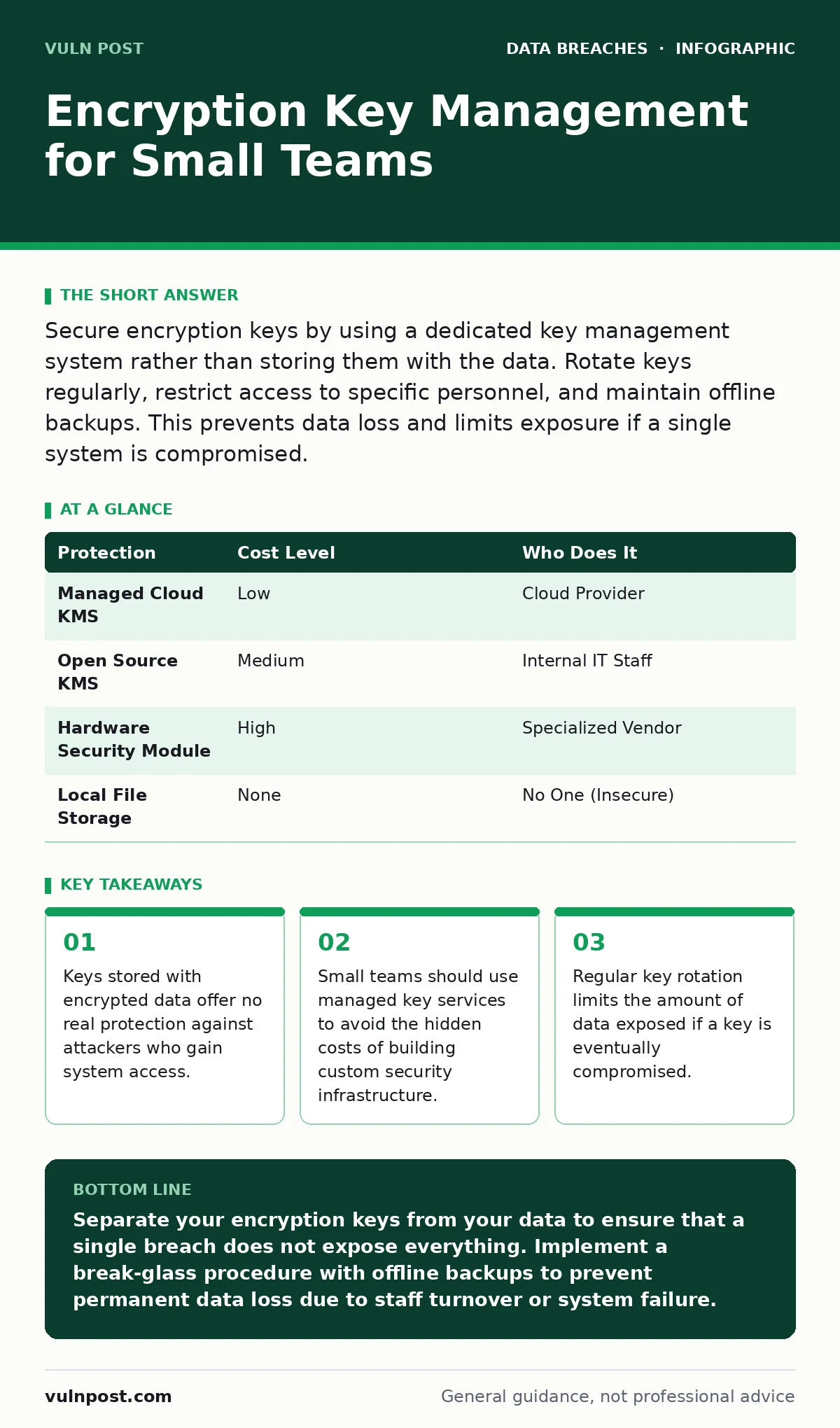
Secure encryption keys by using a dedicated key management system rather than storing them with the data. Rotate keys regularly, restrict access to specific personnel, and maintain offline backups. This prevents data loss and limits exposure if a single system is compromised.
The Separation Principle
The fundamental rule of encryption is that the key must never reside where the data resides. If an attacker gains access to your storage, they gain access to the key. This renders the encryption meaningless. You are essentially locking your house and leaving the key under the doormat.
Small businesses often make this mistake because it is convenient. Storing the key locally allows for easy automated decryption. However, convenience trades directly for security. When you separate the key from the data, you introduce friction. This friction is the point. It forces an attacker to breach two separate systems to read your information.
Consider the difference between a locked box and a locked box with the key in your pocket. If someone steals the box, they cannot open it. If they steal the box and your pockets, they can. Your goal is to make stealing your pockets significantly harder than stealing the box.
Why Scale Changes the Risk
Large enterprises have dedicated security teams to manage keys. They use hardware security modules, which are physical devices that generate and store keys. They have processes for auditing every access attempt. Small teams do not have this luxury. You likely have one or two people handling IT, development, and security.
This lack of separation of duties creates a specific risk. The person who can restore your database is likely the same person who can delete the logs. If that person leaves, gets fired, or is coerced, your data is at risk. You need a system that does not rely on a single individual’s memory or honesty.
The risk is not just external attackers. It is internal failure. A misplaced hard drive, a deleted configuration file, or a forgotten password can lock you out of your own data forever. Encryption protects you from prying eyes, but poor key management protects you from yourself.
Affordable Key Management Options
You do not need expensive hardware to manage keys securely. Most cloud providers offer managed key services. These services handle the generation, storage, and rotation of keys for you. You pay a small fee for the service, but you avoid the complexity of managing the infrastructure.
This is a trade-off. You are trusting a third party with your keys. However, these providers are subject to rigorous audits and compliance standards. They are more secure than a spreadsheet on a laptop. For small teams, this is the most practical path. It removes the burden of maintenance from your limited staff.
If you prefer on-premises solutions, open-source key management systems exist. These require more technical expertise to set up and maintain. You must handle updates, patches, and backups yourself. Only choose this path if you have the specific skills and time to dedicate to it. Otherwise, the hidden cost of maintenance will exceed the service fee.
| Protection | Cost Level | Who Does It |
|---|---|---|
| Managed Cloud KMS | Low | Cloud Provider |
| Open Source KMS | Medium | Internal IT Staff |
| Hardware Security Module | High | Specialized Vendor |
| Local File Storage | None | No One (Insecure) |
The Hidden Cost of Rotation
Key rotation is the process of replacing an old key with a new one. It limits the damage if a key is compromised. If you rotate keys every year, an attacker who steals a key can only read data encrypted in that year. This is a critical control.
However, rotation has a hidden cost. If you encrypt data with a key, and then rotate the key, you must re-encrypt the old data with the new key. This is computationally expensive. It takes time and processing power. For large datasets, this can disrupt operations.
Many small teams avoid rotation because it is difficult. This is a mistake. You must design your system to support rotation from the start. Use envelope encryption. This means you encrypt your data with a data encryption key, and then you encrypt that key with a master key. When you rotate, you only change the master key. The data encryption keys remain the same, but they are now protected by the new master key. This makes rotation cheap and fast.
Delegating to IT Providers
Small teams often outsource IT. This is smart for general maintenance, but risky for security. You must be clear about who holds the keys. If your IT provider manages your keys, you are dependent on them. If they go out of business or change their policies, you are vulnerable.
You should never give your IT provider direct access to your master keys. Instead, give them access to the systems that use the keys. This is the principle of least privilege. They can manage the servers, but they cannot decrypt the data without your explicit permission.
Ask your provider specific questions about their key management practices. Do they store keys separately? Do they support automatic rotation? What happens if you terminate the contract? Get these answers in writing. A verbal promise is not a security control.
- Does the provider store encryption keys on the same infrastructure as the customer data?
- What is the process for retrieving keys if the provider experiences an outage?
- Who has administrative access to the key management system?
- How often are keys rotated, and is this automated?
- What happens to your keys if you cancel the service?
See also: Employee Offboarding Security: Preventing Data Loss and Access Abuse · Secure File Sharing Mechanics: How Encryption and Access Control Work
Planning for the Unthinkable
Imagine your primary IT administrator leaves abruptly. They take their laptop and their phone. They know the passwords. If the encryption keys are on their laptop, you are locked out. You must have a break-glass procedure. This is a secure, offline backup of your master keys.
Store this backup in a physical safe or a safety deposit box. Do not store it in the cloud. Cloud storage can be hacked. Physical storage is immune to remote attacks. You must test this backup regularly. A backup that has never been tested is not a backup. It is a hope.
This process is uncomfortable. It requires trust and coordination. But it is the only way to ensure business continuity. You are not just protecting against attackers. You are protecting against human error and organizational change.
Integrating with Existing Practices
Key management does not exist in a vacuum. It interacts with other security controls. For example, when an employee leaves, you must revoke their access immediately. This is part of employee offboarding security. If they had access to the key management console, you must rotate the keys or re-authorize their access.
Similarly, consider backup data exposure. Backups are often unencrypted or encrypted with weak keys. Ensure your backup strategy includes secure key management. If your backups are not protected by strong, rotated keys, they are just another target for attackers.
You should also review your data encryption policies. Are you encrypting data at rest and in transit? Encryption at rest protects your stored data. Encryption in transit protects data moving across networks. Both require keys. Managing these keys consistently is key to a strong security posture.
Do not forget about secure file sharing. If you share encrypted files, you must share the keys securely. Sending an encrypted file via email and the password in a separate email is a common mistake. The email server may log both. Use a dedicated secure channel for key exchange.
Finally, consider log retention. You need to know who accessed the keys and when. If you do not retain logs, you cannot detect unauthorized access. Ensure your key management system logs all actions and stores them in a tamper-proof location.
Key takeaways
- Keys stored with encrypted data offer no real protection against attackers who gain system access.
- Small teams should use managed key services to avoid the hidden costs of building custom security infrastructure.
- Regular key rotation limits the amount of data exposed if a key is eventually compromised.
Separate your encryption keys from your data to ensure that a single breach does not expose everything. Implement a break-glass procedure with offline backups to prevent permanent data loss due to staff turnover or system failure.
Frequently asked questions
Can I use a password manager to store encryption keys?
Password managers are not designed for high-entropy encryption keys. They often compress or format data, which can corrupt keys. Use a dedicated key management service or a hardware security module instead.
How often should I rotate my encryption keys?
Rotate keys at least annually. If a key is suspected to be compromised, rotate it immediately. More frequent rotation is possible but adds operational complexity.
What is envelope encryption?
Envelope encryption is a technique where data is encrypted with a data key, and the data key is encrypted with a master key. This allows you to rotate the master key without re-encrypting the entire dataset.
Do I need a hardware security module as a small business?
No. Managed cloud key services are sufficient for most small businesses. Hardware security modules are expensive and complex, offering diminishing returns for small-scale operations.
How this guide was produced: written by the Vuln Post editorial team with AI assistance, checked against the public references listed below, and reviewed when the facts change. See our editorial policy or report an error.