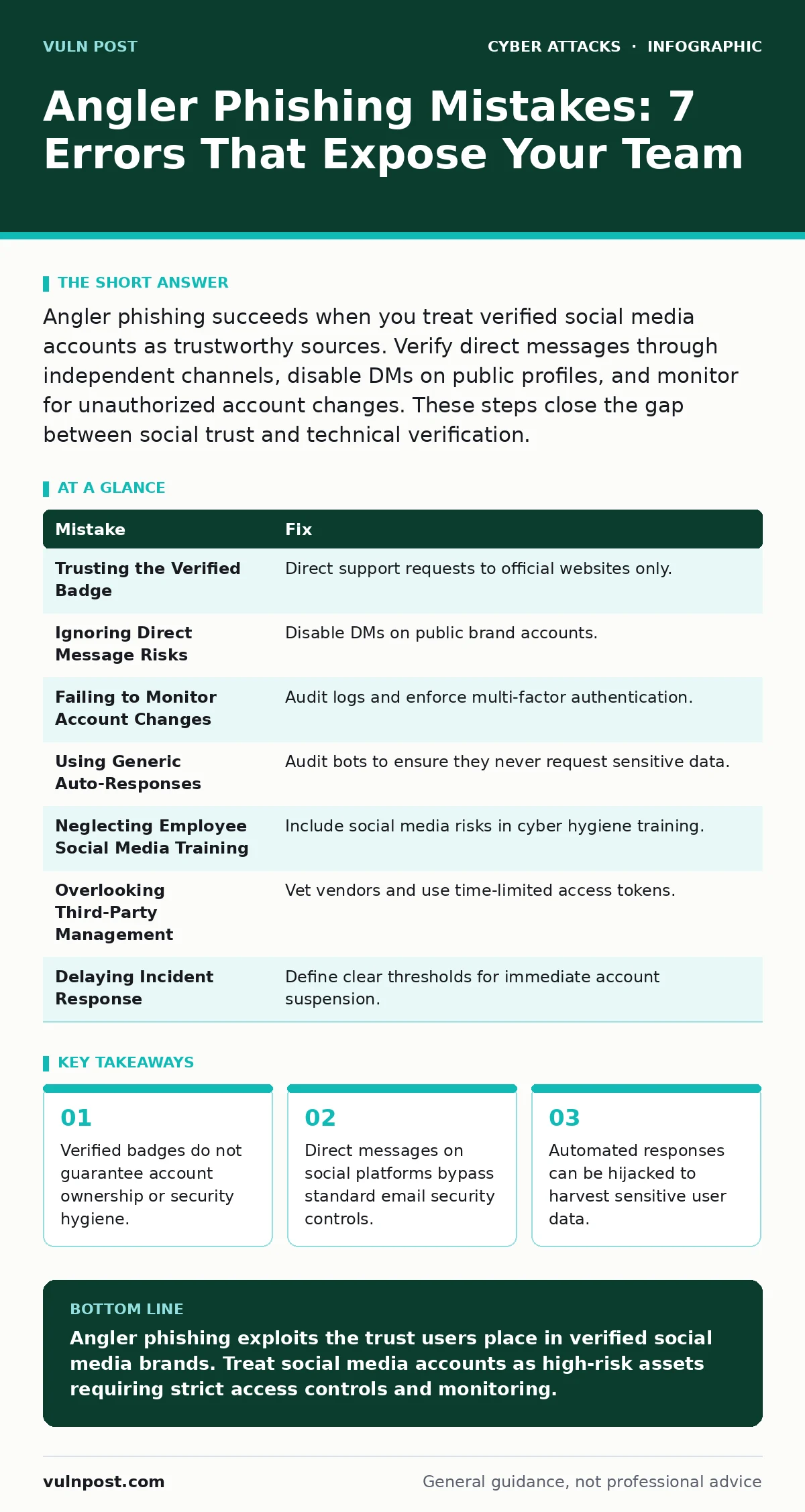
Angler phishing succeeds when you treat verified social media accounts as trustworthy sources. Verify direct messages through independent channels, disable DMs on public profiles, and monitor for unauthorized account changes. These steps close the gap between social trust and technical verification.
Mistake 1: Trusting the Verified Badge
You assume a blue checkmark or verification badge means the account is safe. Attackers compromise legitimate brand accounts or create convincing impostors that eventually gain verification through social engineering of platform support. The badge signals identity, not security posture.
Why it hurts:
Users lower their guard when they see official branding. This psychological cue overrides standard skepticism. Attackers exploit this trust to request passwords or reset codes via direct message. The user believes they are talking to the real company, not a thief.
The fix:
Treat social media profiles as public bulletin boards, not secure channels. Never accept sensitive data requests from a profile, regardless of verification status. Establish a corporate policy that directs all support requests to official websites or dedicated support portals, not social media inboxes.
Mistake 2: Ignoring Direct Message Risks
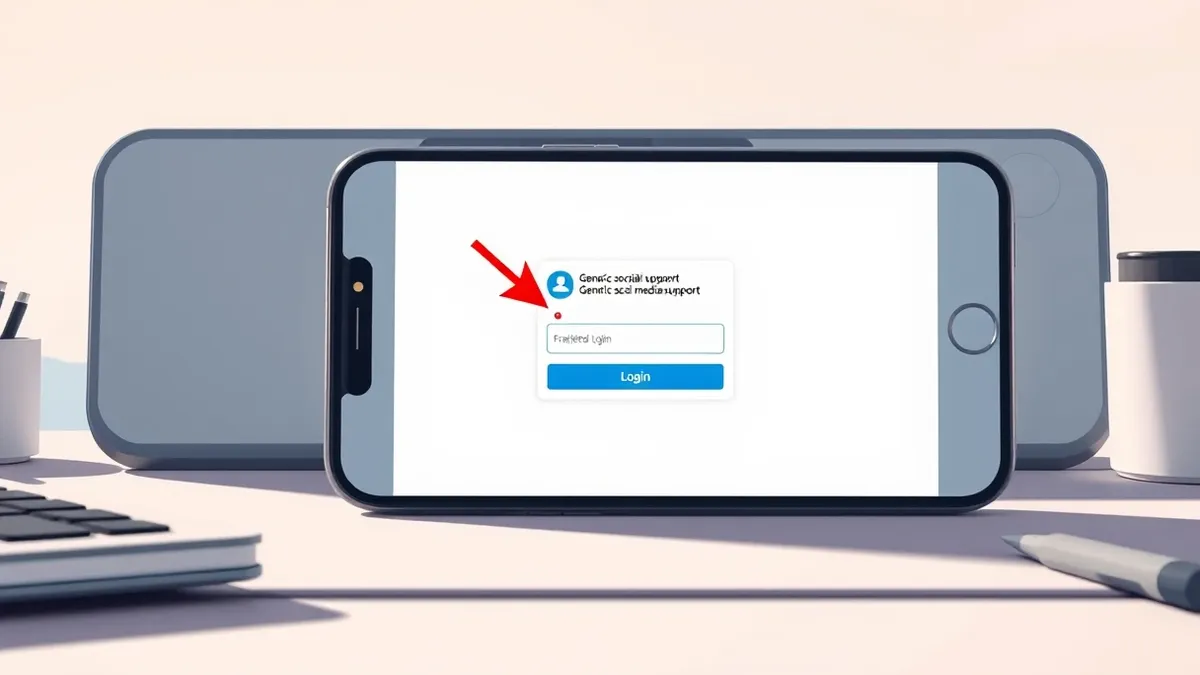
You allow direct messages on public-facing brand accounts. Social media platforms treat DMs as private conversations, but they lack the encryption and authentication standards of corporate email. Attackers use these channels to initiate social engineering campaigns that evade email filters.
Why it hurts:
Direct messages bypass spam filters and security operation centers. Your security operations centers monitor email gateways and network traffic, not social media APIs. This creates a blind spot where attackers can operate freely. The private nature of DMs also prevents other users from seeing warning signs.
The fix:
Disable direct messages on public brand accounts. If customer service requires direct contact, use a platform-integrated ticketing system that logs all interactions. Train staff to recognize that any DM asking for credentials is a violation of security policy, even if it appears to come from a colleague.
Mistake 3: Failing to Monitor Account Changes
You do not track changes to account permissions or connected apps. Attackers often gain limited access to a support account and slowly expand their privileges. They add new admin users or connect malicious automation tools that send phishing messages on behalf of the brand.
Why it hurts:
Unauthorized changes happen silently. Without monitoring, you may not notice that a support account now sends automated replies containing malicious links. This turns your own brand into a distribution vector for malware. The damage compounds as the attacker refines their approach using your brand’s voice.
The fix:
Implement strict access controls for social media management tools. Require multi-factor authentication for all admin accounts. Monitor audit logs for unusual activity, such as new devices logging in or changes to email forwarding rules. Regularly review connected third-party applications and remove any that are unnecessary.
Mistake 4: Using Generic Auto-Responses
You configure automatic replies that ask users for account details. Attackers compromise accounts and modify these auto-responses to harvest data. Instead of saying "we are away," the bot asks for a username or password to "verify" the user’s identity before providing help.
Why it hurts:
Users expect helpful responses. When an auto-reply asks for sensitive information, they often comply out of frustration or urgency. This turns a convenience feature into a data exfiltration tool. The automated nature means the attacker can harvest credentials from thousands of users without manual effort.
The fix:
Audit all automated responses and chatbots regularly. Ensure they never request sensitive information. Use static, informational messages for auto-replies. If a human needs to respond, ensure the process involves manual verification. Consider using read-only bots that only provide links to official support pages.
Mistake 5: Neglecting Employee Social Media Training
You train employees on email security but ignore social media risks. Staff members who manage brand accounts may not recognize angler phishing tactics. They might reply to a suspicious DM or click a link in a profile bio, assuming the platform’s security is sufficient.
Why it hurts:
Human error remains the primary vulnerability. An employee clicking a malicious link can compromise the account further, giving attackers deeper access. This insider threat vector is often overlooked because it starts with a well-intentioned mistake. The attacker then uses the compromised account to target customers.
The fix:
Include social media security in your broader cyber hygiene training. Teach staff to recognize signs of account compromise, such as sudden changes in posting style or unexpected friend requests. Encourage a culture where employees report suspicious activity without fear of blame. Regular drills help reinforce these behaviors.
Mistake 6: Overlooking Third-Party Management
You grant access to vendors or agencies without proper vetting. Marketing agencies or customer service providers often have access to brand social media accounts. If their security is weak, attackers can pivot from their systems to your brand’s accounts.
Why it hurts:
You inherit the security posture of your partners. A breach at a small agency can lead to a major angler phishing campaign against your customers. This extends your attack surface beyond your own network. It also complicates incident response, as you must coordinate with external parties to contain the breach.
The fix:
Require strict security standards for all third-party vendors. Include social media access in your vendor risk assessments. Use time-limited access tokens instead of permanent passwords. Monitor vendor activity and revoke access immediately if suspicious behavior is detected. Ensure your cyber incident response team has a plan for third-party breaches.
Mistake 7: Delaying Incident Response
You wait for confirmation before acting on a suspected compromise. Angler phishing campaigns can escalate quickly. Delaying response allows attackers to send thousands of malicious messages, damaging your brand reputation and exposing users to credential theft.
Why it hurts:
Time is the attacker’s ally. The longer an account is compromised, the more data is stolen and the more trust is eroded. Rapid containment is necessary to limit damage. Waiting for absolute certainty often results in greater loss than acting on strong suspicion.
The fix:
Develop a specific incident response plan for social media compromises. Define clear thresholds for action, such as unusual login locations or mass DM activity. Empower your security team to suspend accounts immediately upon suspicion. Coordinate with the social media platform’s support to accelerate account recovery.
| Mistake | Fix |
|---|---|
| Trusting the Verified Badge | Direct support requests to official websites only. |
| Ignoring Direct Message Risks | Disable DMs on public brand accounts. |
| Failing to Monitor Account Changes | Audit logs and enforce multi-factor authentication. |
| Using Generic Auto-Responses | Audit bots to ensure they never request sensitive data. |
| Neglecting Employee Social Media Training | Include social media risks in cyber hygiene training. |
| Overlooking Third-Party Management | Vet vendors and use time-limited access tokens. |
| Delaying Incident Response | Define clear thresholds for immediate account suspension. |
Key takeaways
- Verified badges do not guarantee account ownership or security hygiene.
- Direct messages on social platforms bypass standard email security controls.
- Automated responses can be hijacked to harvest sensitive user data.
Angler phishing exploits the trust users place in verified social media brands. Treat social media accounts as high-risk assets requiring strict access controls and monitoring.
Frequently asked questions
How do I know if my brand account has been compromised?
Look for sudden changes in posting frequency, unexpected direct messages from followers, or login alerts from unfamiliar devices. Check account settings for unknown admin users.
Can I use social media for customer support safely?
Yes, but only through dedicated, secure ticketing systems integrated with the platform. Never handle sensitive data or credential resets via public profile direct messages.
What is the difference between angler phishing and spear phishing?
Spear phishing targets specific individuals with personalized messages. Angler phishing hijacks brand accounts to target many users simultaneously, leveraging brand trust rather than personal knowledge.
Should I disable all direct messages on social media?
For public brand accounts, yes. For private employee accounts, enforce strict security policies and training. Balance accessibility with risk by using automated triage tools that do not request sensitive information.
How this guide was produced: written by the Vuln Post editorial team with AI assistance, checked against the public references listed below, and reviewed when the facts change. See our editorial policy or report an error.